Infotainment System
Selecting the station from the memory
butt
ons
●
Pr
ess the memory button corresponding
to the desired station.
The stored stations can only be played by
pressing the corresponding memory button
provided it can be received at your current
location.
Storing the station logo on the memory
buttons
Saved stations can be assigned logos
›››
page 174.
Save station logos
Save automatically (only in FM and DAB
mode)
When a st
ation is sa
ved, the station logo is
automatically assigned.
If there are 2 or more logos in the database,
there is the option to choose the appropriate
one.
Saving manually
Station logos can be imported from a com-
patible data medium (for example, memory
card or memories with a USB port).
●
Press the function button Settings
and
then St
ation lo
gos
.
●
Press the stored station button that you
w
ant t
o use to store a station logo.
●
Select the source in which the logo has
been memorized (for example, SD Card 1
). It
is r
ecommended that the lo
gos should be
put in the root directory of the memory unit.
●
Select the station logo.
●
Repeat the process to assign other logos;
press the infotainment button to return to
the Radio main menu.
●
If you want to change the logo of a memo-
ry button where a button has already been
saved, it must first be deleted from the but-
ton in question.
Note
Not all stations are in the database, so it is
not always possible to assign logos auto-
matically.
Select, tune and save stations
Selecting stations
Select the sta-
tion using the
arrow keys
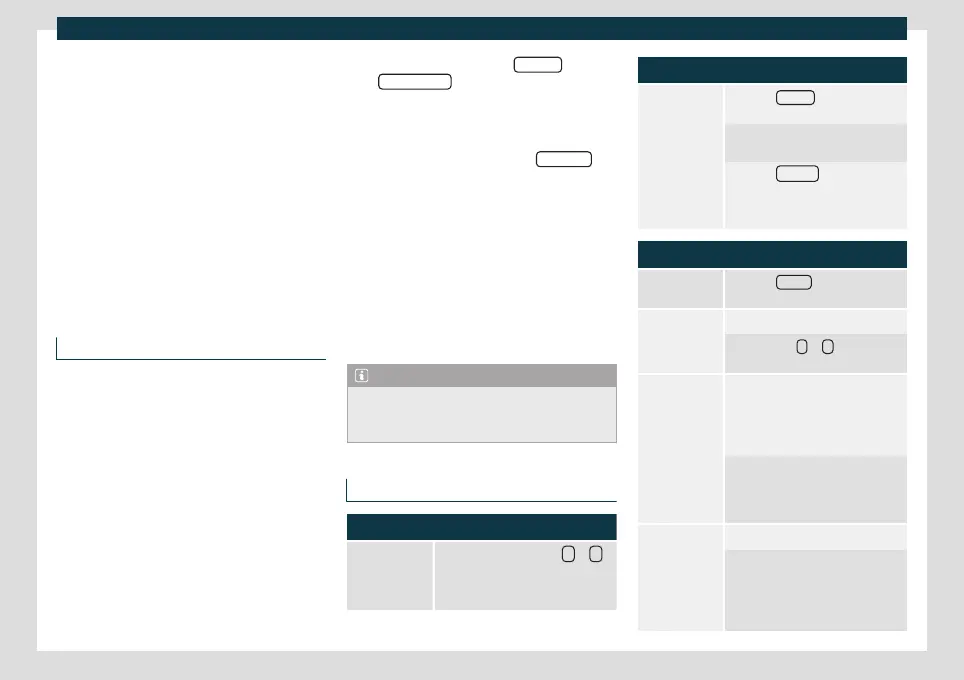
Press the function button
or
›››
Fig. 142.
This switches between stations
available for tuning
›››
page 176.
Selecting stations
Selecting sta-
tions from the
station list
Press the Stations
›››
Fig. 142 func-
tion button to open the station list.
Browse the list and tune to the sta-
tion you want by pressing it.
Press the BACK
›››
Fig. 143 func-
tion button to close the list. If it is
not used, the list will close automat-
ically after a while.
Manually tuning a station frequency
Display the fre-
quency band
Press the Manual
function button
›››
Fig. 142.
Changing the
frequency step
by step
Turn the adjustment knob.
OR: Press the +
or – keys on the
dial displayed on the screen.
Quickly track
the frequency
band
Press and hold one of the arrow
buttons on the left of the multifunc-
tion steering wheel. Releasing the
button switches to the next radio
station that can be tuned.
OR: Keep your finger on the scroll
button in the frequency band and
move your finger to move the but-
ton.
Hide the fre-
quency band
Briefly press the settings button.
Selecting a station using the memo-
ry button also ends the manual se-
lection of frequencies. If no opera-
tions are performed, the frequency
band is hidden after a while.
174



 To Next Page