29
3.1.7 Plan Setting
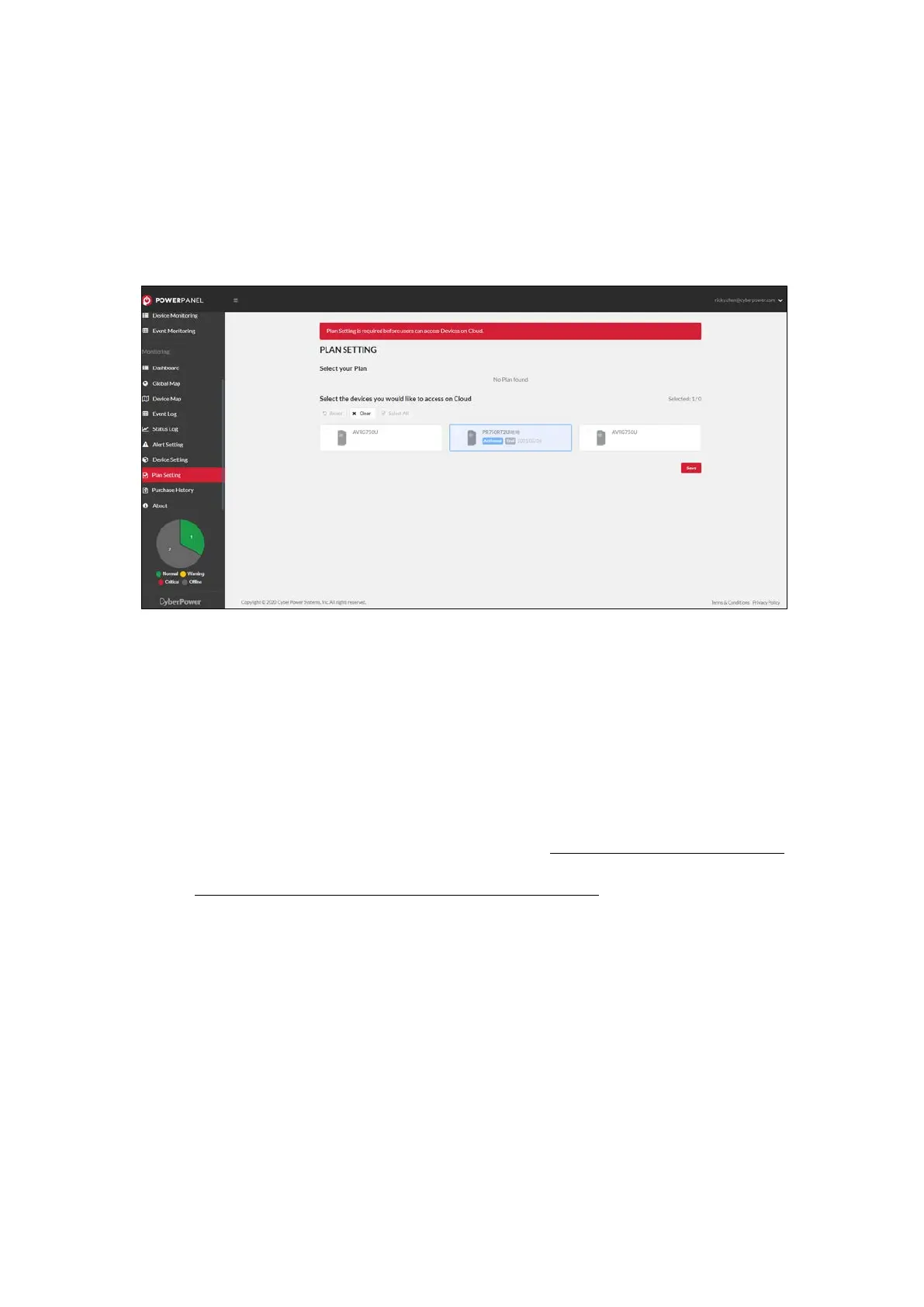
The Plan Setting page provides the Plan management function for
users to activate devices (Figure 3.15).
Figure 3.15 Plan Setting
The Plan Setting page displays the plan list. Users can choose plan if
there is more than one plan.
Select All means select devices by order;
Reset means return to default, which is selected by system; Clear
means deselect devices. Please note that only devices with square or
checked can be accessed on your cloud account; others will be locked.
If your device number is more than your node limit, you can upgrade
your plan through App. Importantly, Plan will be activated only after
users click
Save.











 To Next Page