DGS-3100 Series Gigabit Stackable Managed Switch User Manual
118
Defining Multi-Layer CoS Settings
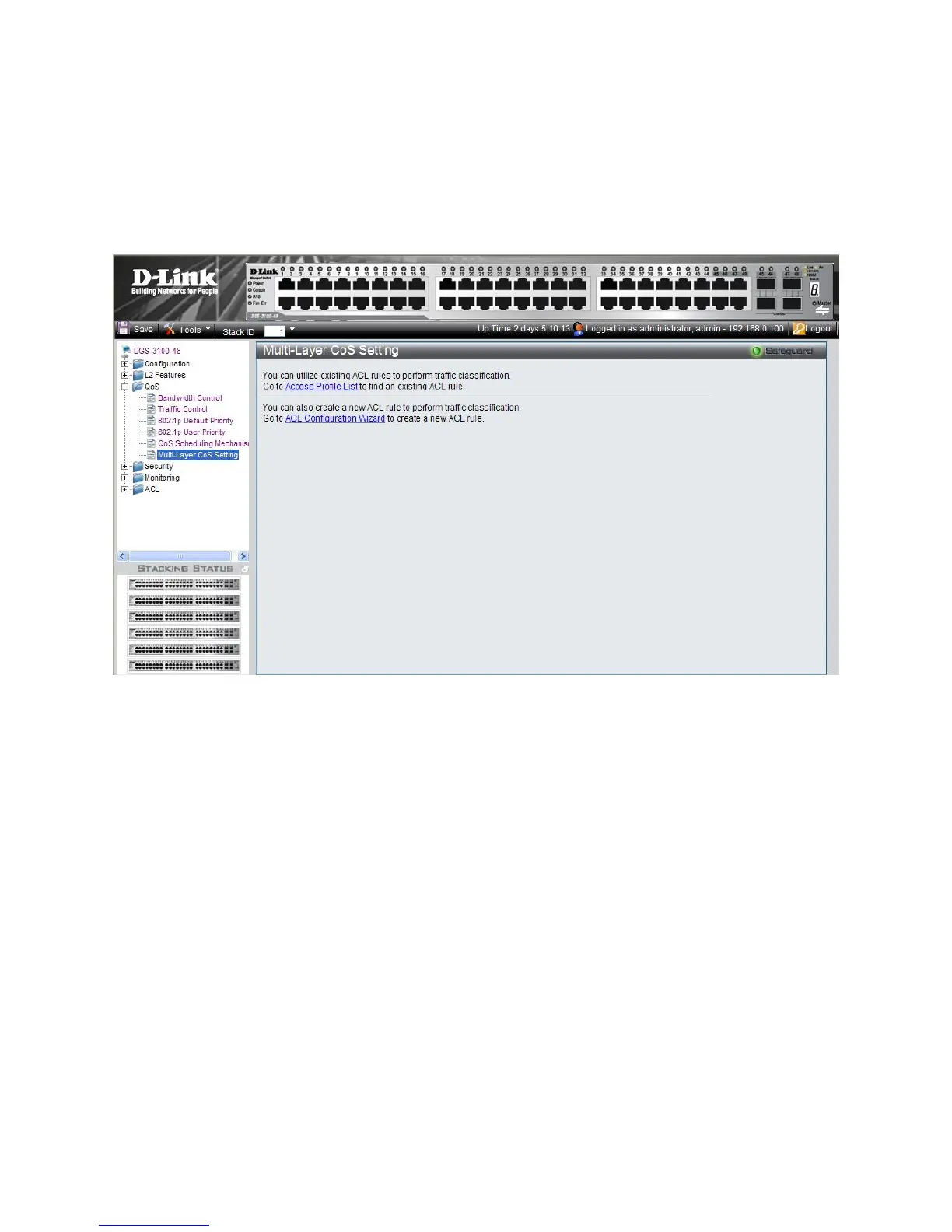
For network administrators wanting to configure Multi Layer CoS settings, implementation in the switch is done via the
Access Control List. Hence, the Multi-Layer CoS Setting Page has two hyperlinks; one to the Access Profile List, which
en
ables the utilization of existing ACL rules to perform traffic classification, and the other to the ACL Configuration
Wizard, which enables network administrators to create new ACL traffic classification rules. To define CoS/QoS settings:
1. Click QoS > Multi-Layer CoS Settings. The Multi-Layer CoS Setting Page opens:
Figure 4-7. Multi-Layer CoS Setting Page
The Multi-Layer CoS Setting Page contains the following links:
– Access Profile List
– AC
L Configuration Wizard
2. Click the desired link. The relevant page opens (see Defining Access Profile Lists).











 To Next Page