DGS-3100 Series Gigabit Stackable Managed Switch User Manual
147
Configuring Local Enable Password
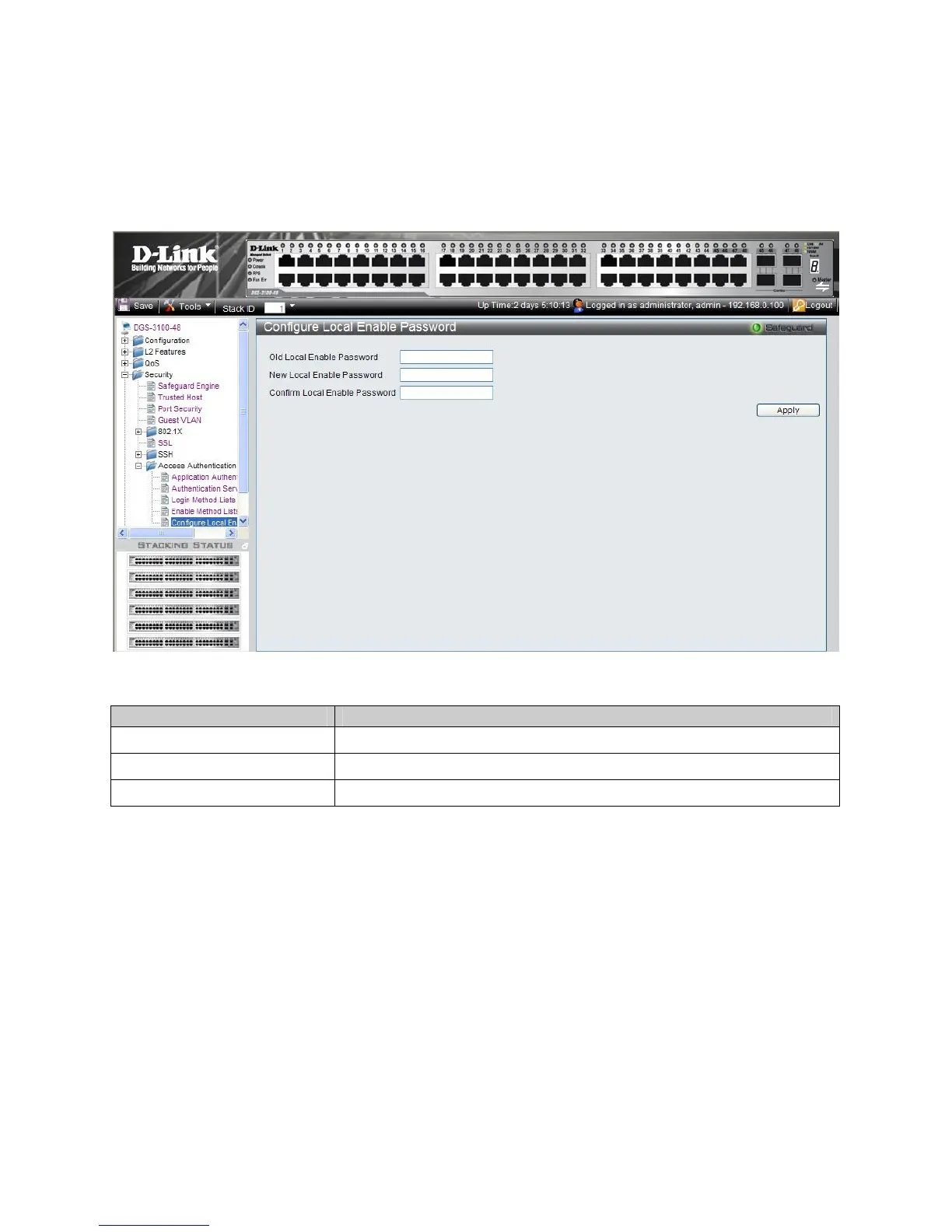
The Configure Local Enable Password Page allows network administrators to configure the local enabled password. To
define the network Local Enable password:
1. Click Security > Access Authentication Control > Configure Local Enable Password. The Configure Local
En
able Password Page opens:
Figure 5-15. Configure Local Enable Password Page
The Configure Local Enable Password Page contains the following fields:
Field Description
Old Local Enable Password
Provide the current network Enable password.
New Local Enable Password
Defines the new network Enable password. The field range is 1-15 characters.
Confirm Local Enable Password
Confirms the new network Enable password.
2. Enter the old local enable password In the Old Local Enable Password field.
3. Define the new local enable password in the New Local Enable Password field.
4. Re-enter the new password in the Confirm Local Enable Password field.
The new local enable password is configured, and the device is updated.











 To Next Page