DGS-3100 Series Gigabit Stackable Managed Switch User Manual
59
Telnet Setting
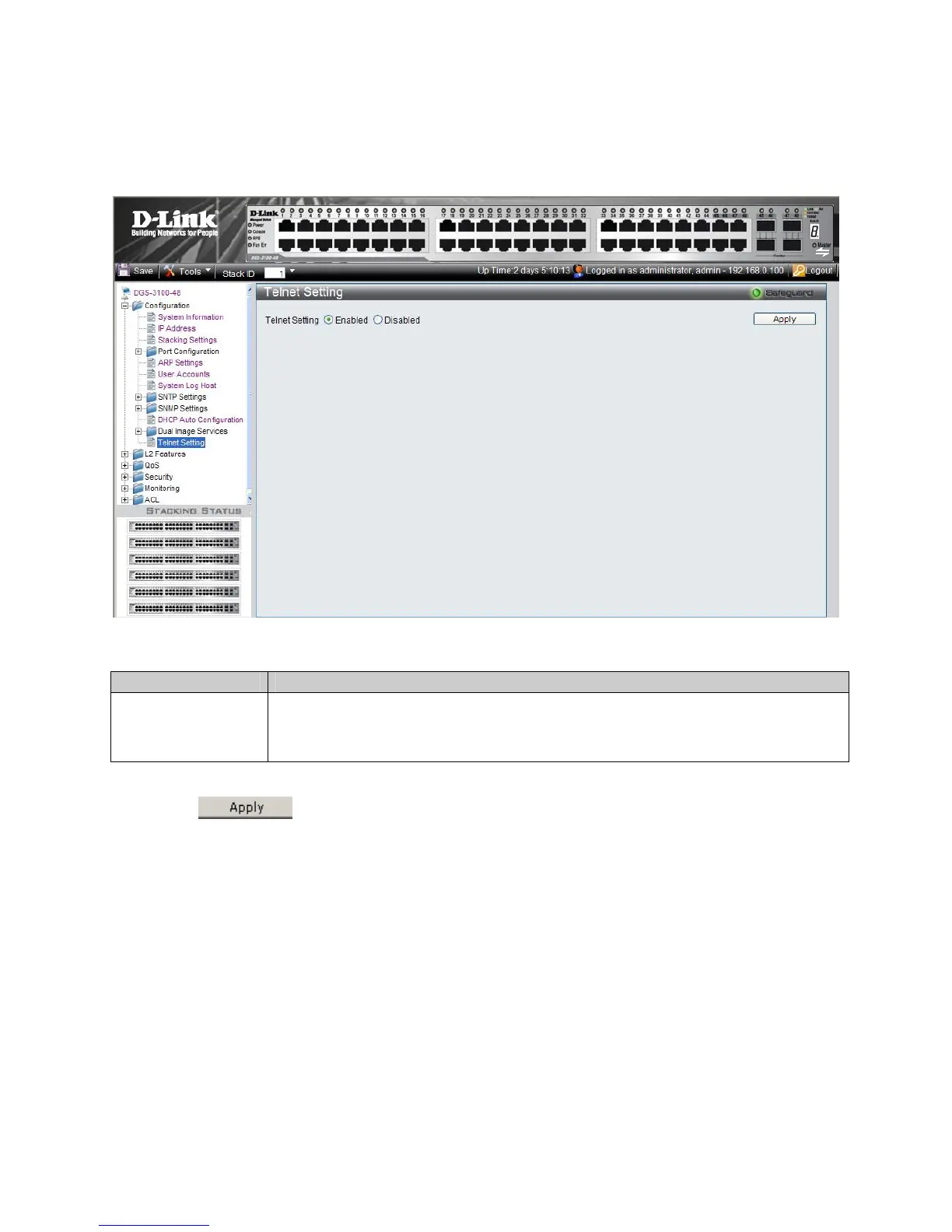
The Telnet Setting allows users to enable or disable Telnet on the device. To enable or disable Telnet:
1. Click Configuration > Telnet Setting. The Telnet Setting opens:
Figure 2-22 Telnet Setting Page
The Telnet Setting contains the following fields:
Field Description
Telnet Setting
Defines the Telnet status on the device. The possible values are:
Enabled – Enables Telnet.
Disabled – Disables Telnet.
2. Select the Telnet Setting.
3. Click
. The Telnet setting on the device is updated.











 To Next Page