DGS-3100 Series Gigabit Stackable Managed Switch User Manual
2. Select HTT
P or TFTP field.
9
ected server me fields. 3. Define the sel thod
. To
backup files, click
To
restore files, click
.
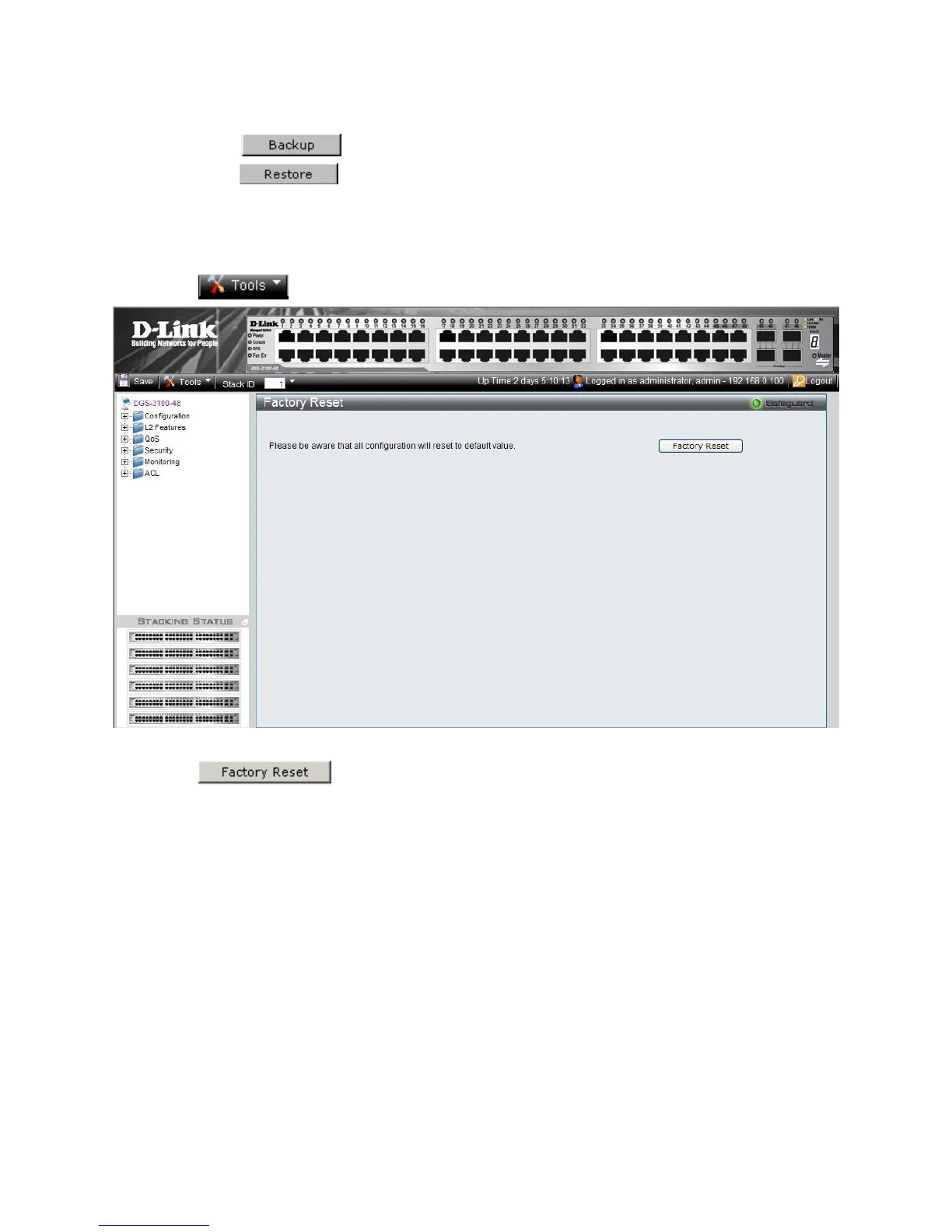
Resetting the Device
set Page ice to the factory default settings:
1. Click
The Factory Re restores the factory defaults. To restore the dev
> Reset. The Factory Reset Page opens:
Figure 1-4 Factory Reset Page
2. Click
. The factory default settings are restored once it completely reloaded, and the device
is updated.











 To Next Page