DGS-3100 Series Gigabit Stackable Managed Switch User Manual
Rebooting the System
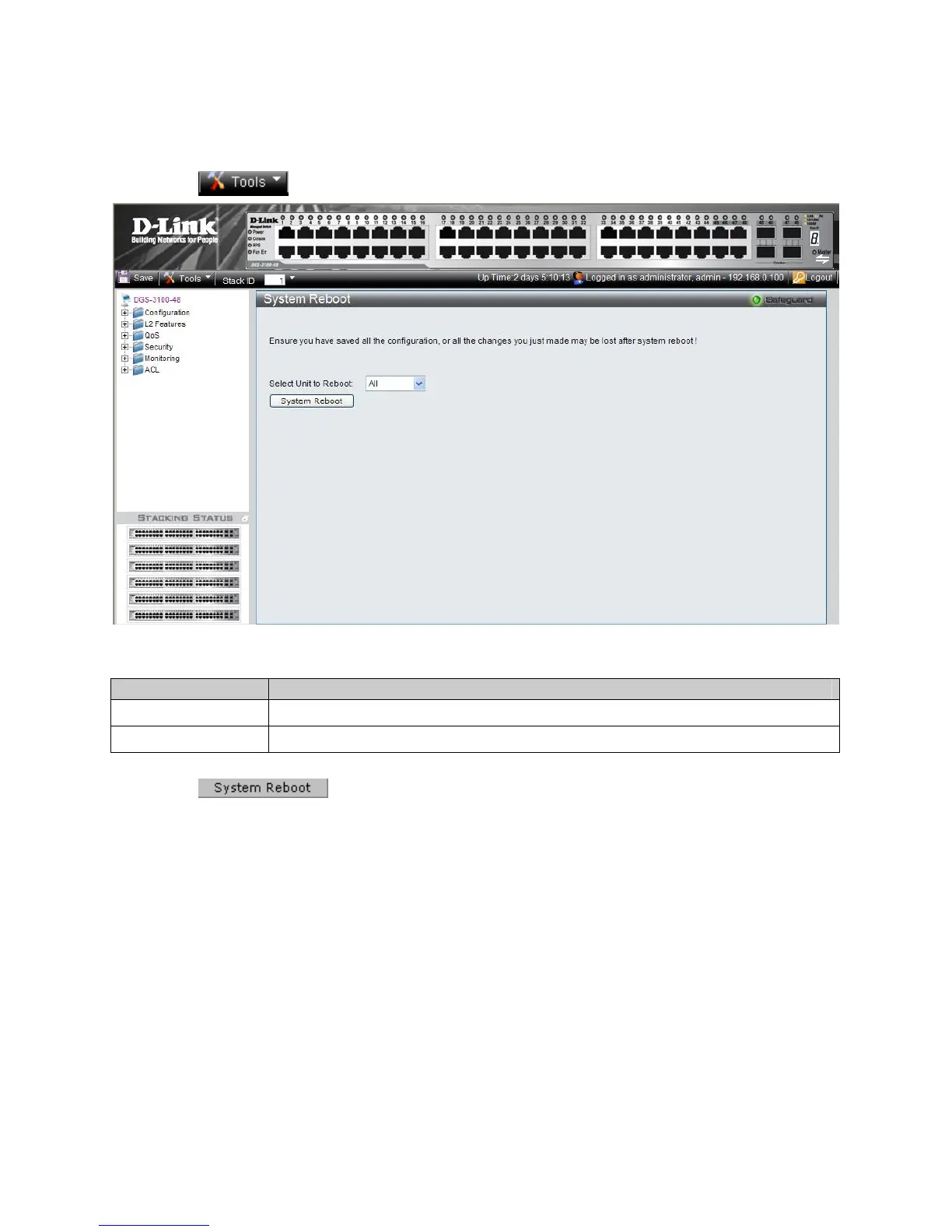
The System Reboot Page provides a method for selecting one, or all of the units to be rebooted. To reboot the system:
1. Click
> System Reboot. The System Reboot Page opens:
Figure 1-6 System Reboot Page
The System Reboot Page contains the Select Unit to Reboot field. The possible values are:
Value Description
All
Reboots all stacking members.
01 - 06
Reboots the specific stack member.
2. Define the Select Unit to Reboot field.
3. Click
. The selected unit(s) is/are rebooted.
12











 To Next Page