DGS-3100 Series Gigabit Stackable Managed Switch User Manual
52
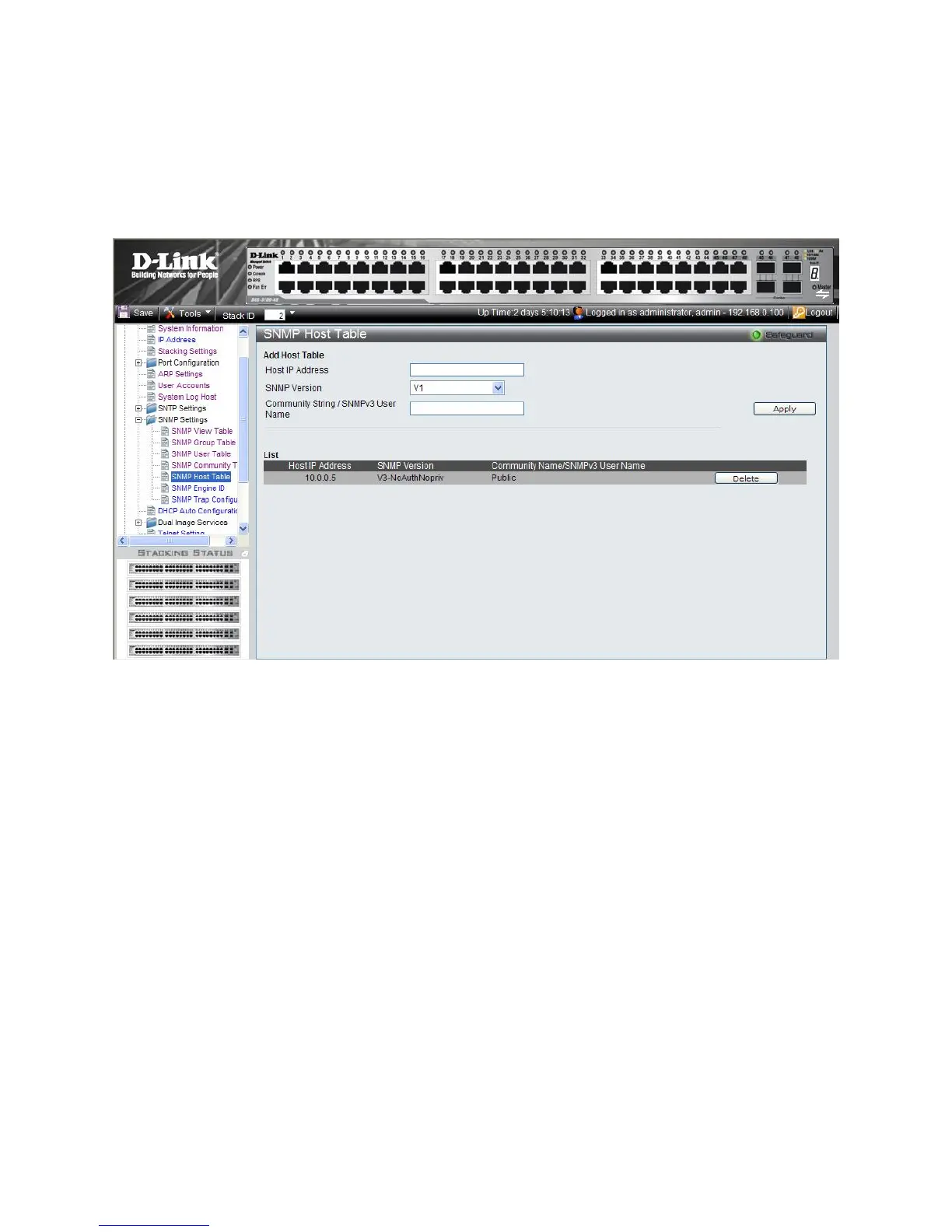
Defining SNMP Host Table
The SNMP Host Table Page contains information for defining filters that determine whether traps are sent to specific host,
as well as the trap type sent.
To define the SNMP Host Table Page:
1. Click Confi
guration > SNMP Settings > SNMP Host Table. The SNMP Host Table Page opens:
Figure 2-16 SNMP Host Table Page











 To Next Page