DGS-3100 Series Gigabit Stackable Managed Switch User Manual
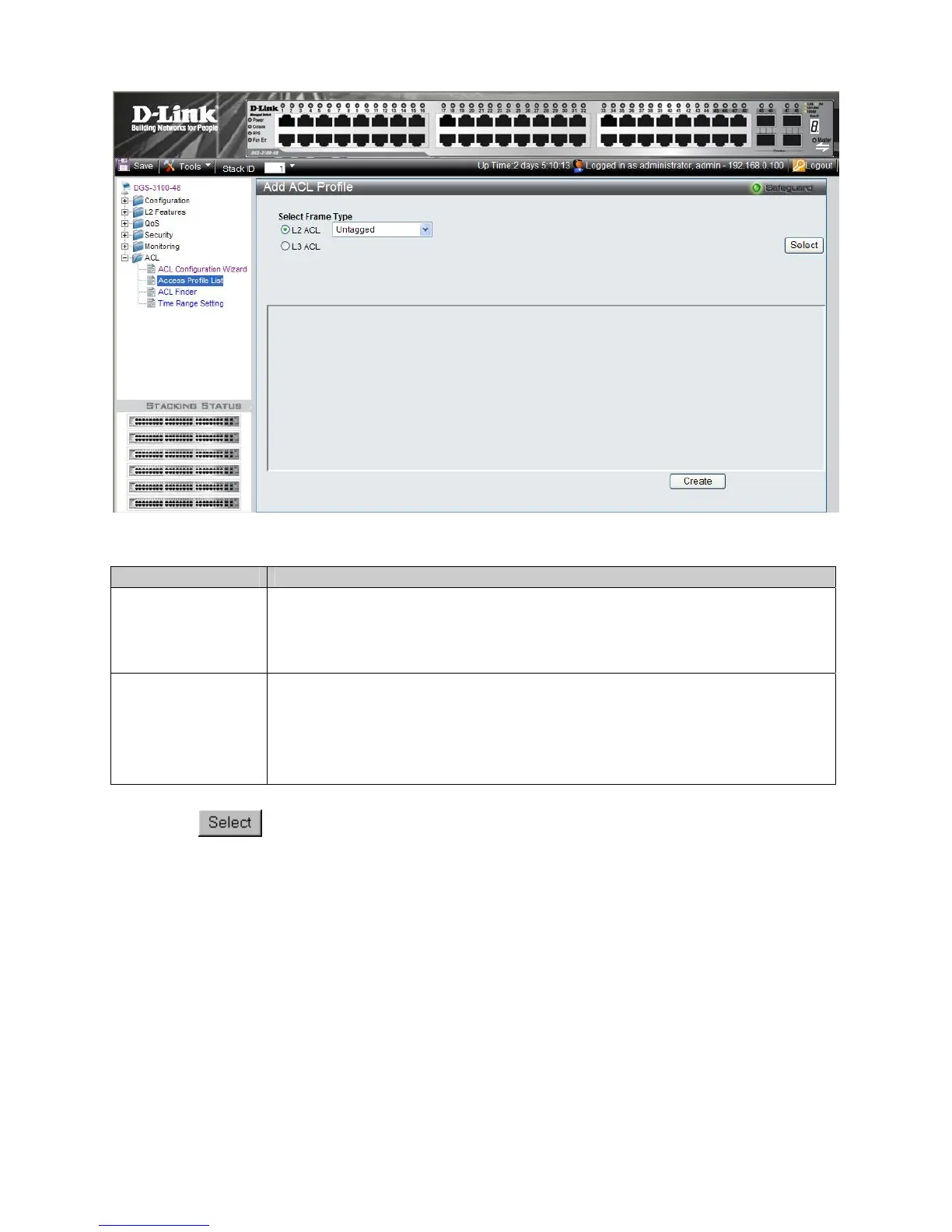
Figure 8-3 Add ACL Profile Page
The Add ACL Profile Page contains the following fields:
Field Description
L2 ACL
Defines the ACL profile Layer 2 protocols. The possible values are:
Tagged — Defines the profile Layer 2 to match 802.1Q fields in the Layer 2 header.
Untagged — Defines the profile Layer 2 to check the Layer 2 header without the 802.1Q
fields .
L3 ACL
Defines the ACL profile Layer 3 protocols. The possible fields are:
ICMP — Specifies ICMP as the Layer 4 protocol the the access profile checks.
IGMP — Specifies IGMP as the Layer 4 protocol the the access profile checks
TCP — Specifies TCP as the Layer 4 protocol the the access profile checks.
UDP — Specifies UDP as the Layer 4 protocol the the access profile checks.
3. Define the L2 ACL or L3 ACL fields.
4. Click
The Add ACL Profile Page updates accordingly, enabling selection of t
he packet field to create
filtering masks.
17
5











 To Next Page