12D-Link DAP-1665 User Manual
Section 2 - Installation
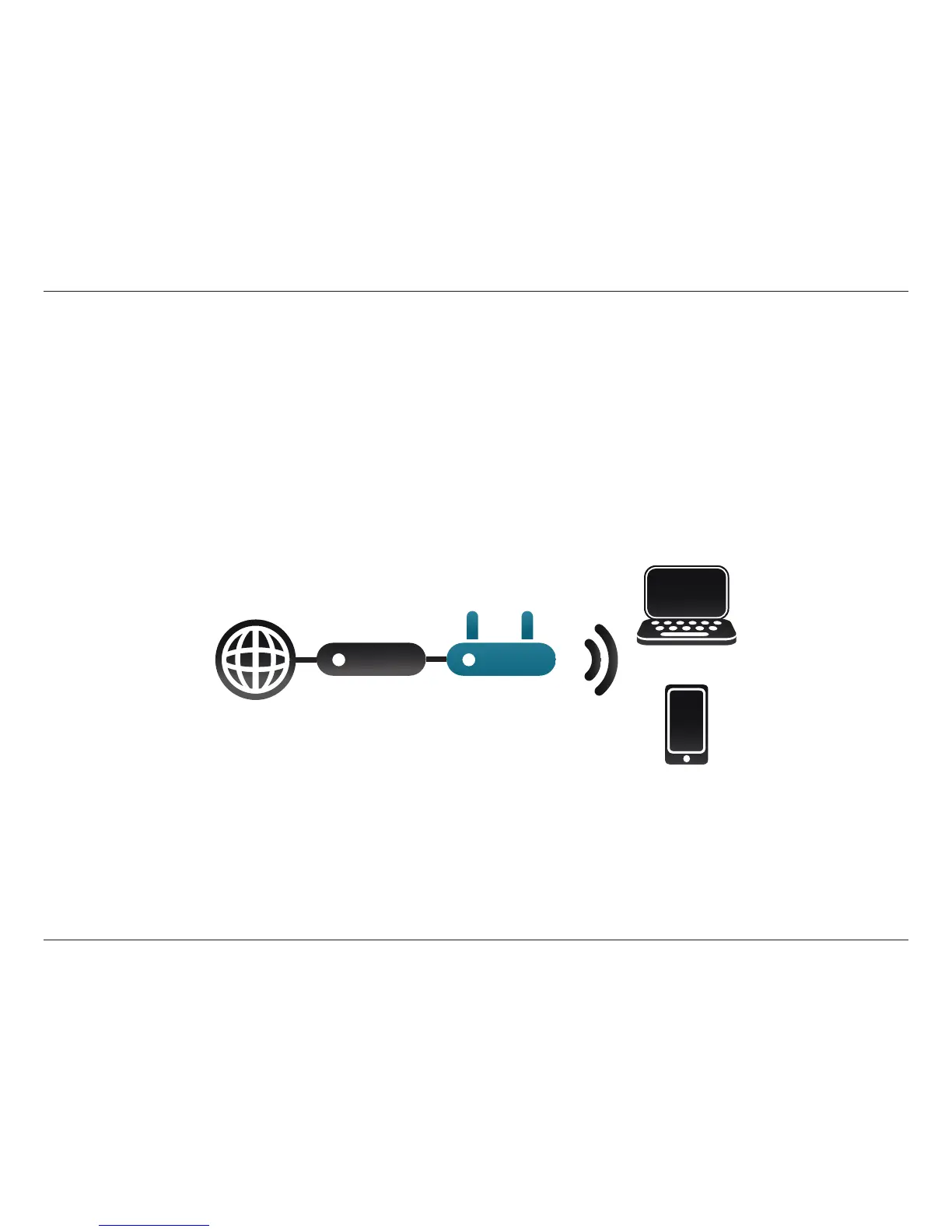
Access Point Mode
Use Access Point Mode (default mode) if you want to connect wireless clients (such as laptops, tablets and smartphones) to your
existing wired network. The DAP-1665 acts as a central connection point for any wireless client that has an 802.11ac or backward
compatible 802.11n, g, or a wireless network interface and is within range of the AP (access point). From your wireless device,
go to the Wireless Utility, and select the Wi-Fi Network Name (SSID) broadcast by the access point to wirelessly access the
network. If wireless security is enabled on the AP, you must enter a password in order to connect to the Wi-Fi Network.
AP Mode
Internet
DAP-1665
Router
Wireless Devices



 To Next Page