14D-Link DAP-1665 User Manual
Section 2 - Installation
Repeater Mode
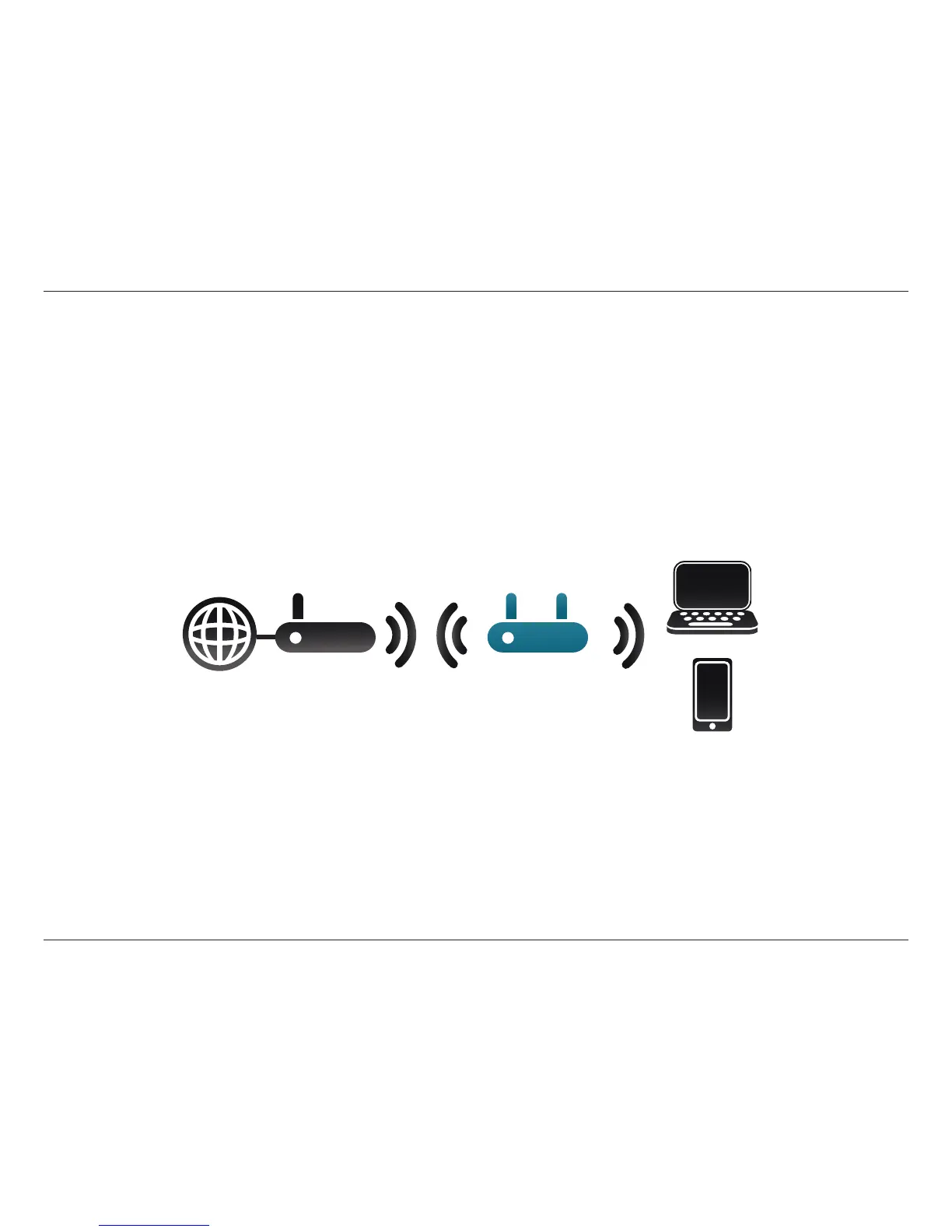
Use the Repeater Mode to extend the wireless signal of your wireless router, increasing the range of your existing wireless
network. The DAP-1665 will connect wirelessly to your wireless router or access point and will broadcast its signal to your
wireless clients. The extended wireless network can use the same Wi-Fi Network Name (SSID) and security settings as the
existing network, or you can choose to specify a new network name and security method.
Repeater Mode
Internet
DAP-1665
Wireless
Router
Wireless Devices
Note: For best performance, place your DAP-1665 in between your router and your dead zone, making sure it’s placed in a location where the
signal is still strong.



 To Next Page