64D-Link DAP-1665 User Manual
Section 3 - Conguration
Maintenance
The Maintenance section allows you to adjust the administrative settings of the router such as time and date, and administrator
password. You can update the device’s rmware, and add or remove language packs.
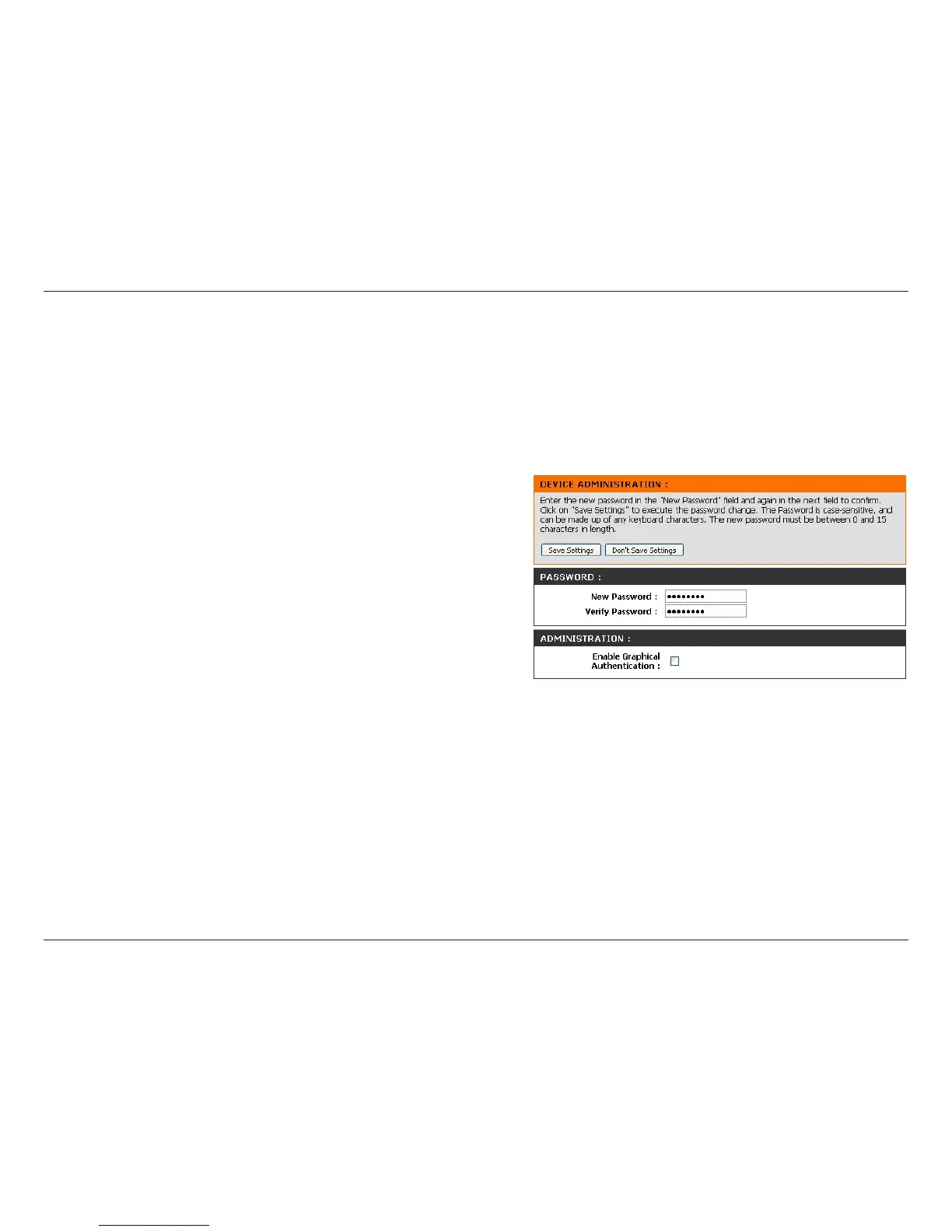
New Password:
Verify
Password:
Enable
Graphical
Authentication:
To change the password for the web-based configuration
utility’s Admin account, enter a new password in the field
provided.
Re-enter the new password in this eld.
Check the box to enable graphical authentication. Graphical
authentication uses a challenge-response test to prevent
unauthorized users from gaining access to the conguration
utility through automated means.
Click Save Settings at the top of the page to save the current
conguration.
Admin



 To Next Page