87D-Link DAP-1665 User Manual
Section 5 - Connecting to a Wireless Network
WPS/WCN 2.0
The router supports Wi-Fi protection, referred to as WCN 2.0 in Windows Vista. The following instructions for setting this up
depends on whether you are using Windows Vista to congure the router or third party software.
When you rst set up the router, Wi-Fi protection is disabled and uncongured. To enjoy the benets of Wi-Fi protection, the
router must be both enabled and congured. There are three basic methods to accomplish this: use Windows Vista’s built-in
support for WCN 2.0, use software provided by a third party, or manually congure.
If you are running Windows Vista, log into the router and click the Enable checkbox in the Basic > Wireless section. Use the
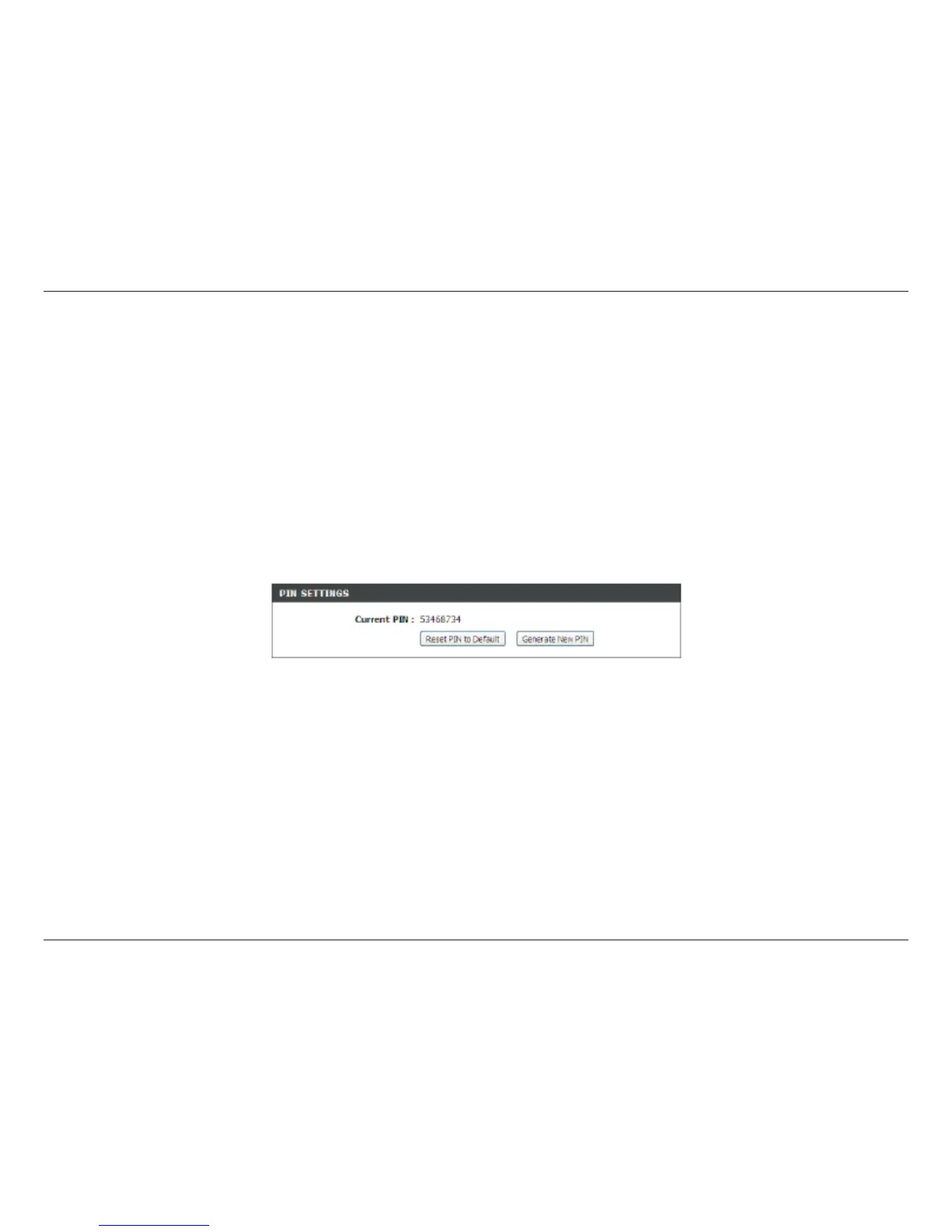
Current PIN that is displayed on the Advanced > Wi-Fi Protected Setup section or choose to click the Generate New PIN
button or Reset PIN to Default button.
If you are using third party software to set up Wi-Fi Protection, carefully follow the directions. When you are nished, proceed
to the next section to set up the newly-congured router.



 To Next Page