15D-Link DAP-1665 User Manual
Section 2 - Installation
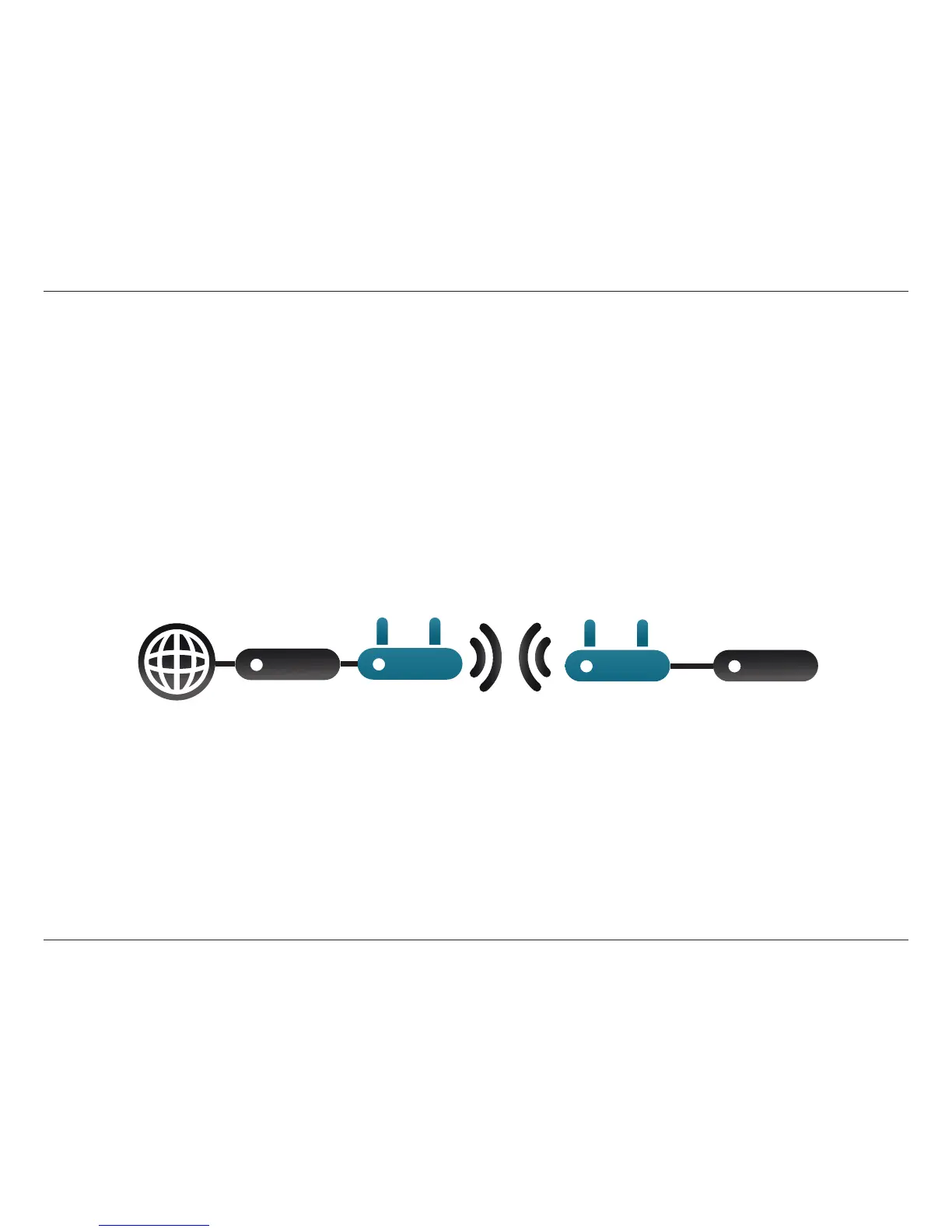
Bridge Mode
In Bridge Mode, the DAP-1665 creates a wireless link between two separate existing networks, enabling data to be shared
between the two networks without the need for a physical connection. The two networks must be within wireless range of
one another in order for bridge mode to be eective.
Note: Bridge mode is not specied in the Wi-Fi or IEEE standards. This mode will only work using two DAP-1665 units. Compatibility
with other APs (even other D-Link APs) is not guaranteed.
Bridge Mode
Internet
DAP-1665 DAP-1665
Router/
Switch
Router/
Switch



 To Next Page