128
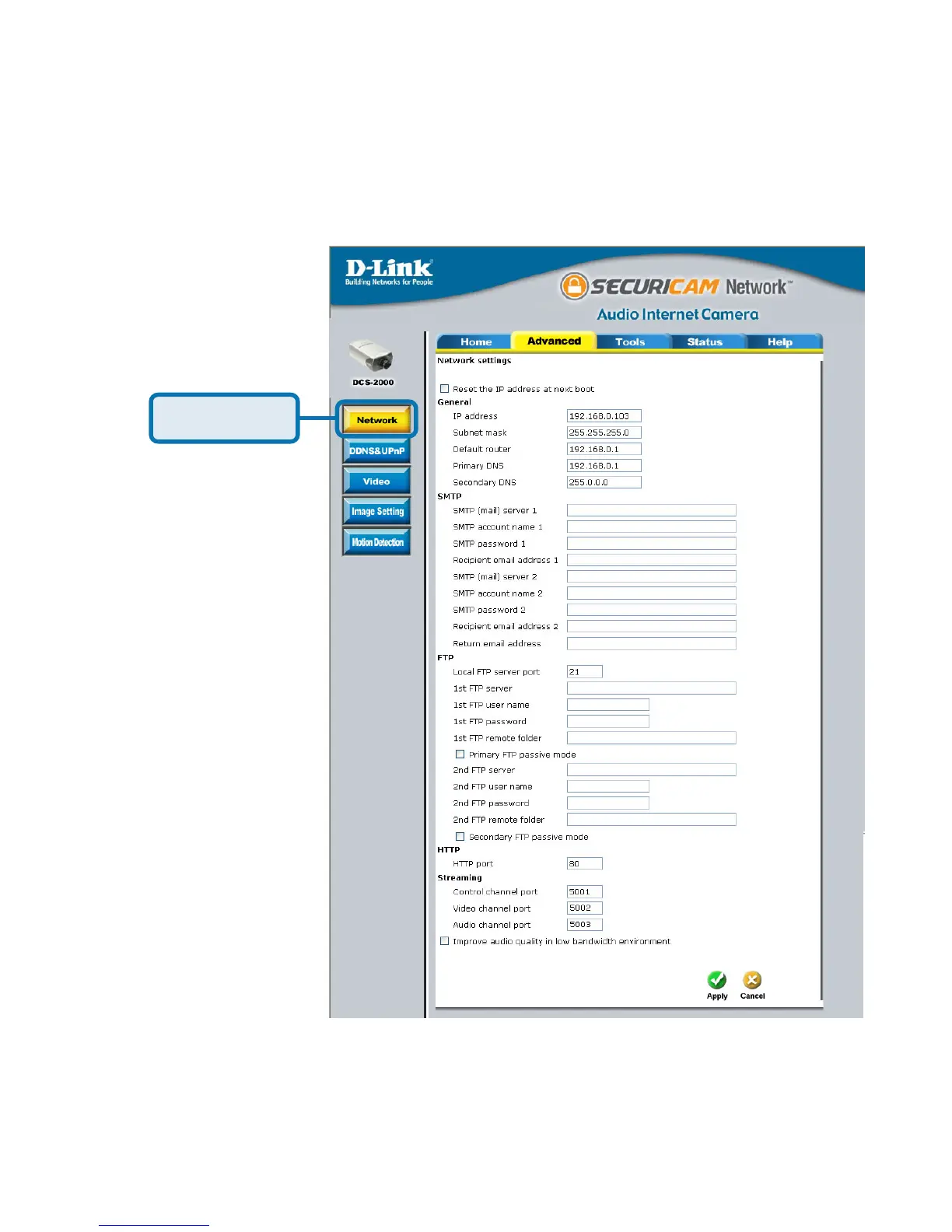
Click the Network button under the Advanced tab to set the SMTP or FTP
server settings for the DCS-2000.
In this window, enter the settings for the SMTP or FTP server to which recorded
snapshots will be sent. For detailed information about each setting, please refer
to Configuration > Advanced > Network (page 36) in the section titled “Using
the DCS-2000 With an Internet Browser.” Click the apply button when finished.
Configuring Your Camera for External Trigger Based Recording
(continued)
I/O Connector (continued)
Click Network















 To Next Page