47
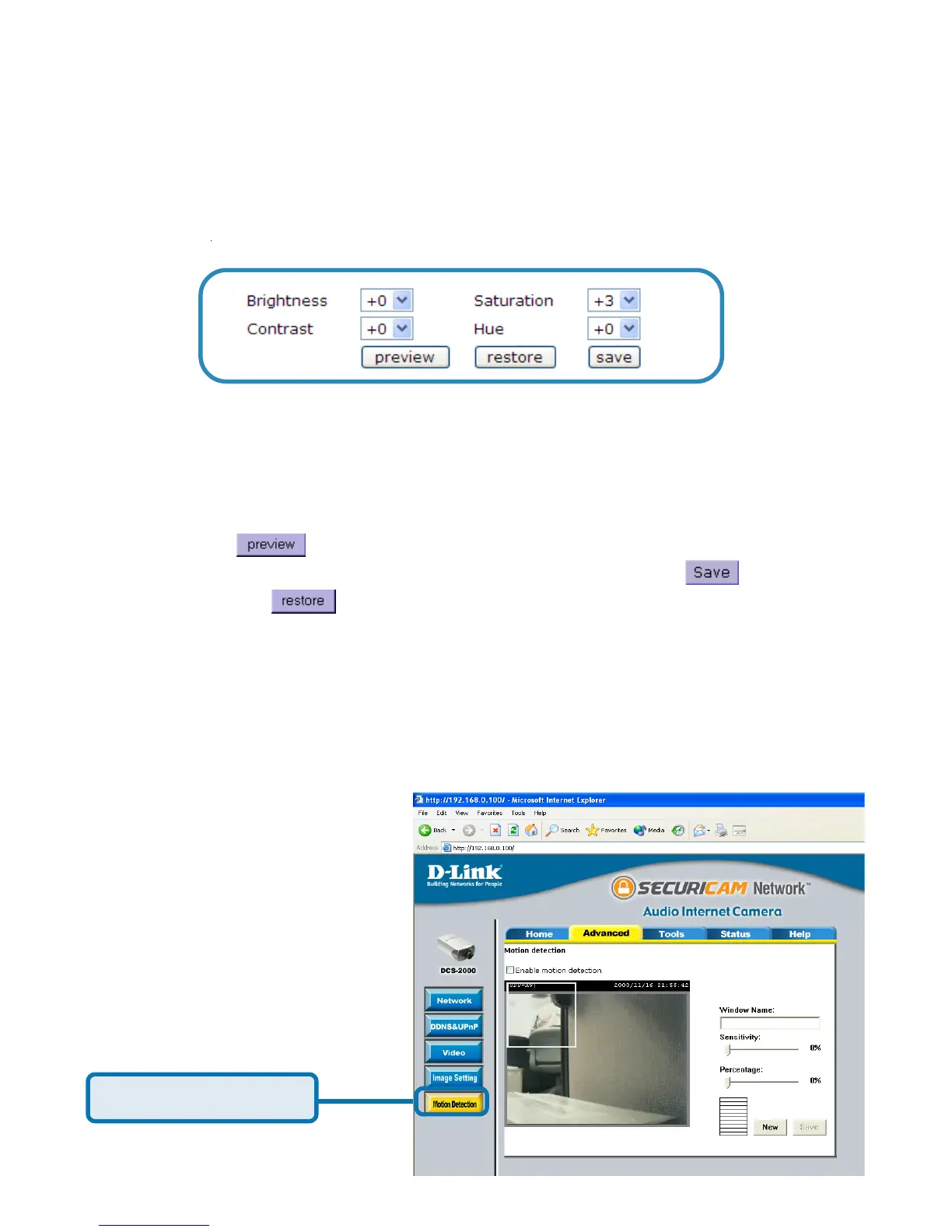
Click Motion Detection
Configuration > Advanced > Motion Detection
Click the Motion Detection button from the Configuration screen to access
settings that effect how the DCS-2000 Internet Camera can serve as a security
device by recording only when motion is detected.
Using the DCS-2000 with an Internet browser
(continued)
You may press to fine-tune the image and see what effect the setting will
have on the image. When the image is acceptable, press
to store the
image settings, or
to recall the original settings.
Configuration > Advanced > Image Setting (continued)
Click the image setting button from the configuration screen to access additional
settings that affect how the video image appears.
Image Brightness, Contrast, Saturation and Hue are all adjusted in the same
manner. For each video compensation you can set from among eleven levels
ranged from -5 to +5.
From this screen you can fine tune the video image.















 To Next Page