66
Using IP surveillance Software (continued)
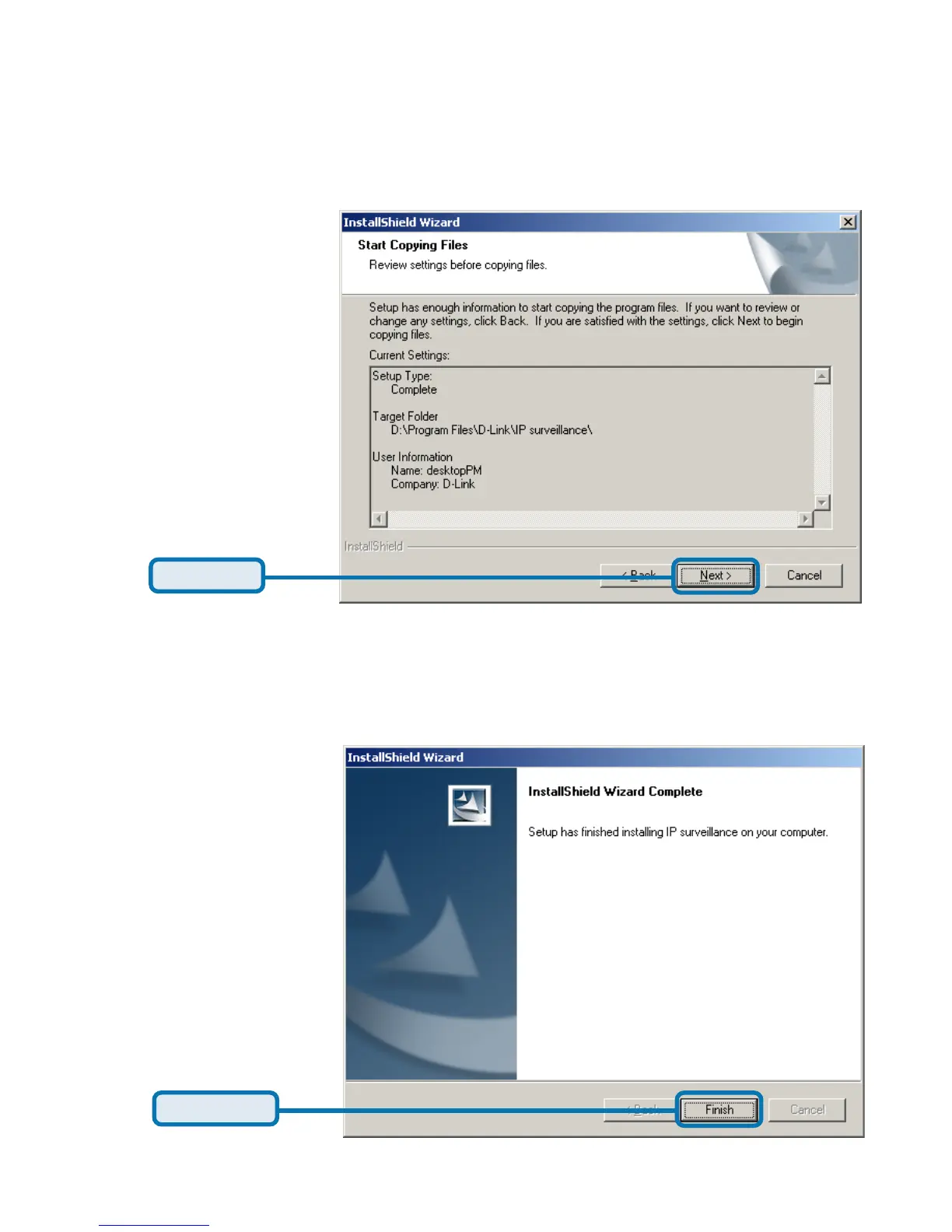
After checking all the setup information in the window shown below, click “Next”
to start the installation of the application software.
Click Next
Click Finish
Click “Finish”, in the window shown below, to finish installation. The program is
now installed on your computer.
Installing the IP surveillance software (continued)















 To Next Page