74
The Layout of the Configuration
Using IP surveillance Software (continued)
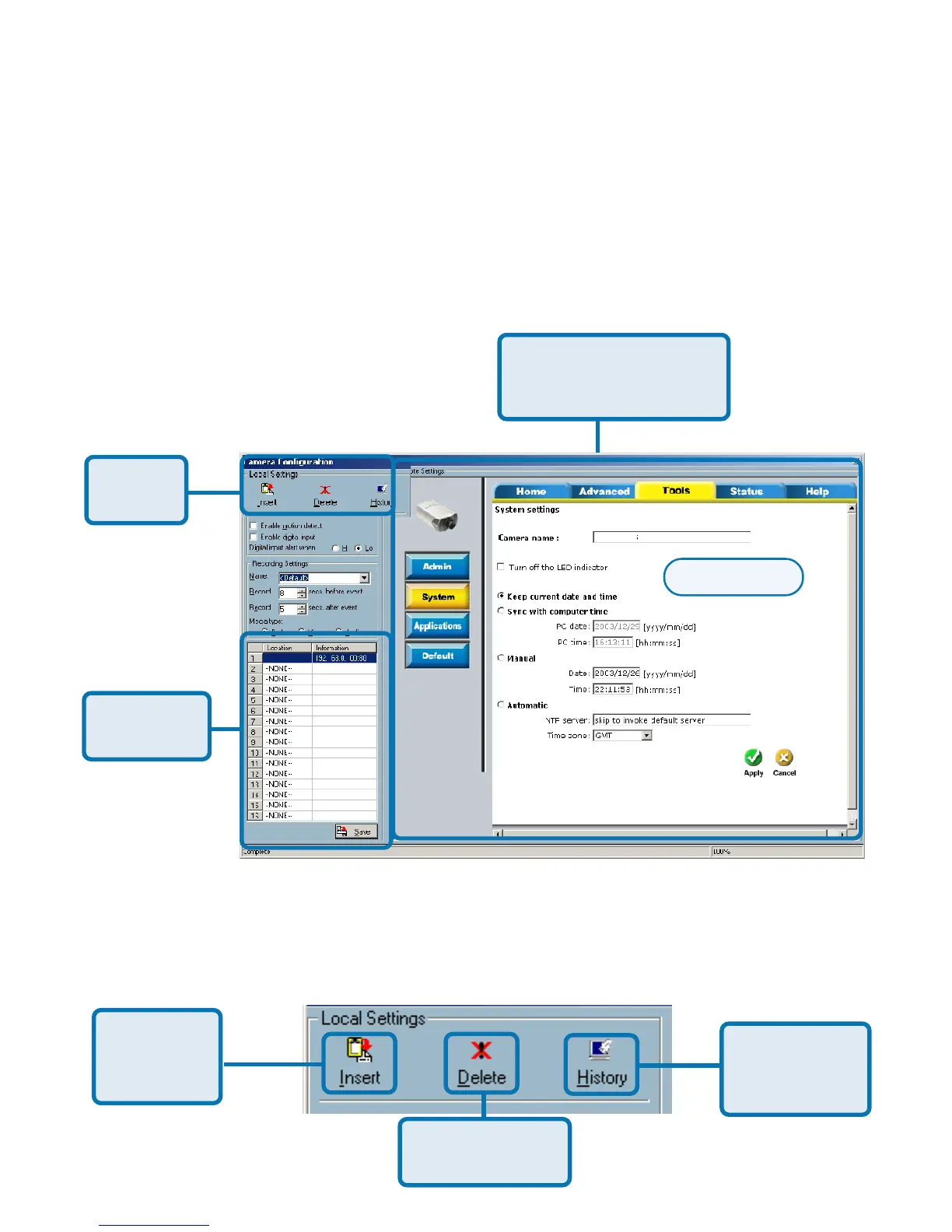
This section discusses the local settings for the connection and the functional
configuration of each camera. If you are interested in the remote settings for
each camera, you can refer to “Using the DCS-2000 with an Internet Browser,”
which starts on page 33.
Local
Settings
Camera
Selections
Remote Camera
Webpage Settings
The Layout of the Configuration
In the local settings, shown below, three main functionalities are provided:
Insert new
camera to
the list
Delete camera
from the list
History of all
cameras in
the list
Monitor Program (continued)
Setup Page
DCS-2000















 To Next Page