ENGLISH
56
13.2.1. User Menu
From the main menu, pressing the key (or using the selection menu and pressing or ), gives access to the USER MENU.
In the menu the key allows you to scroll through the various menu pages. The values shown are the following.
Status
Displays the pump status.
Rotation speed display
Motor rotation speed in rpm
.
Pressure display
Plant pressure measured in bar or psi depending on the measuring
system used
.
Flow display
Displays the instantaneous flow in [litres/min] or [gal/min]
depending on the set measuring system. If the recorded
measurement is below the sensitivity threshold of the flow sensor,
the measurement value flashes next to the VF identification. The
sensitivity threshold
is 2,0 l/min.
Absorbed power display
Power absorbed by the electropump
in kW.
the maximum allowed power is exceeded, the measurement
flashes next to the PO identification
.
Phase current display
Motor phase current in A.
allowed current is exceeded, the identification C1
blinks, indicating an imminent tripping of the overload protection
.
Dissipator temperature display
the dissipator temperature display.
: Pressure measured at intake
models with Kiwa function
Operating hours and number of starts
Indicates on three lines the hours that the device has been
powered up, the pump working hours and the number of starts of
the motor.
Power histogram
A histogram of the power delivered is displayed on 5 vertical bars.
The histogram indicates how long the pump has been on at a given
power level. On the horizontal axis are the bars at the various
power levels; on the vertical axis, the time for which the
pump has
been on at the specific power level (% of the time with respect to
the total)
.
Displays the system status when in the presence of a multi-
pump
installation. If communication is not present, an icon depicting
communication absent or interrupted is displayed. If there are
several devices connected to one another, an icon is shown for
e
ach of them. The icon has the symbol of a pump under which are
characters indicating the pump status. Depending on the operating
status it will display as in table below.
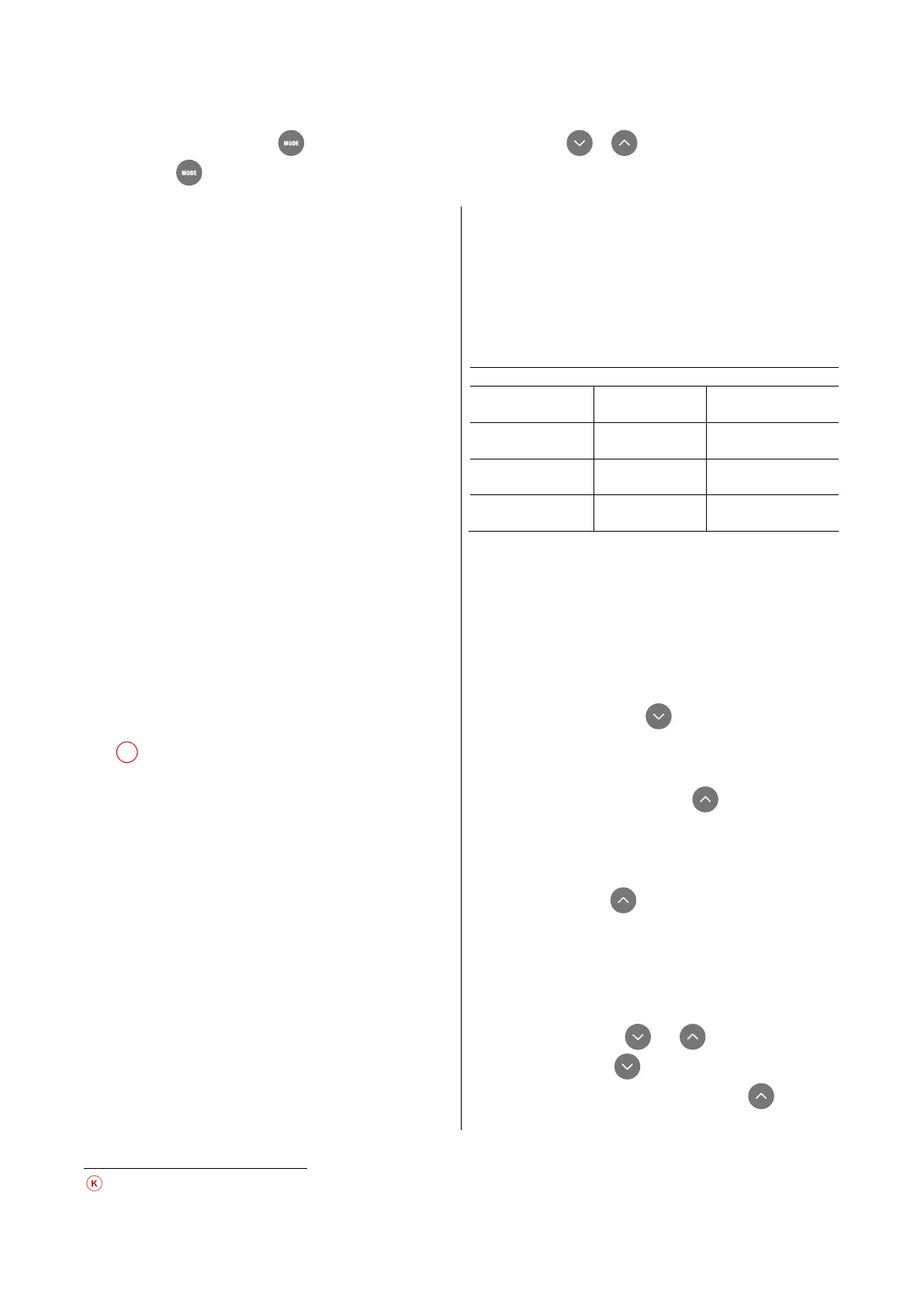
Status Icon
Status information
under the icon
Motor running
Motor stopped
SB
Device faulty
F
Table 10: View of the multi-pump system
If the device is configured as reserve the icon depicting the pump
is dark in colour, the display remains similar to Table 5
exception that, if the motor is stopped, it shows F instead of SB.
Output flow meter
The page shows two flow meters. The first shows the total output
flow delivered by the machine. The second shows a
partial count
and can be reset by the user. The partial count can be reset from
this page, by holding down the button for 2 sec.
NT: Display of network configuration
Information on network and serial connectors. The serial connector
can be displayed in full by pressing the key.
VE: Version display
Information on the hardware version, serial number and mac
address of the pump
. L’intero seriale può essere visualizzato
tenendo premuto il tasto per 4 sec.
FF: Fault & Warning display (Log)
Chronological display of the faults that have occurred during
system operation. Under the symbol FF appear two numbers x/y
indicating respectively the ault displayed and the total number of
faults present; to the right of these numbers is an indication of
type of fault displayed. The and
list of faults: pressing the
key goes back through the log and
stops at the oldest fault present, pressing the
key goes
forward in the log and stops at the most recent fault. The faults are
Parameters available in version KIWA



 To Next Page