ENGLISH
69
Outputs are enabled by default, see chapter Setup of the outputs OUT1, OUT2.
If no control box has been associated, the input, output and remote pressure sensor functions are neglected and have no effect whatever
their setting. The parameters related to the control unit (inputs, outputs and pressure sensor) can be set even if the connection is absent
or even not made. If the control unit is associated (it is part of the pump's wireless network), but due to problems it is absent or not
visible, when the parameters related to the functions are set to a value other than Disabled, they flash to indicate that they will not be
able to perform their function.
13.4.4. Pairing and dissociating the pump with the control unit
To make the association between the pump and the control unit, proceed in the same way as for the association of a pump: from the
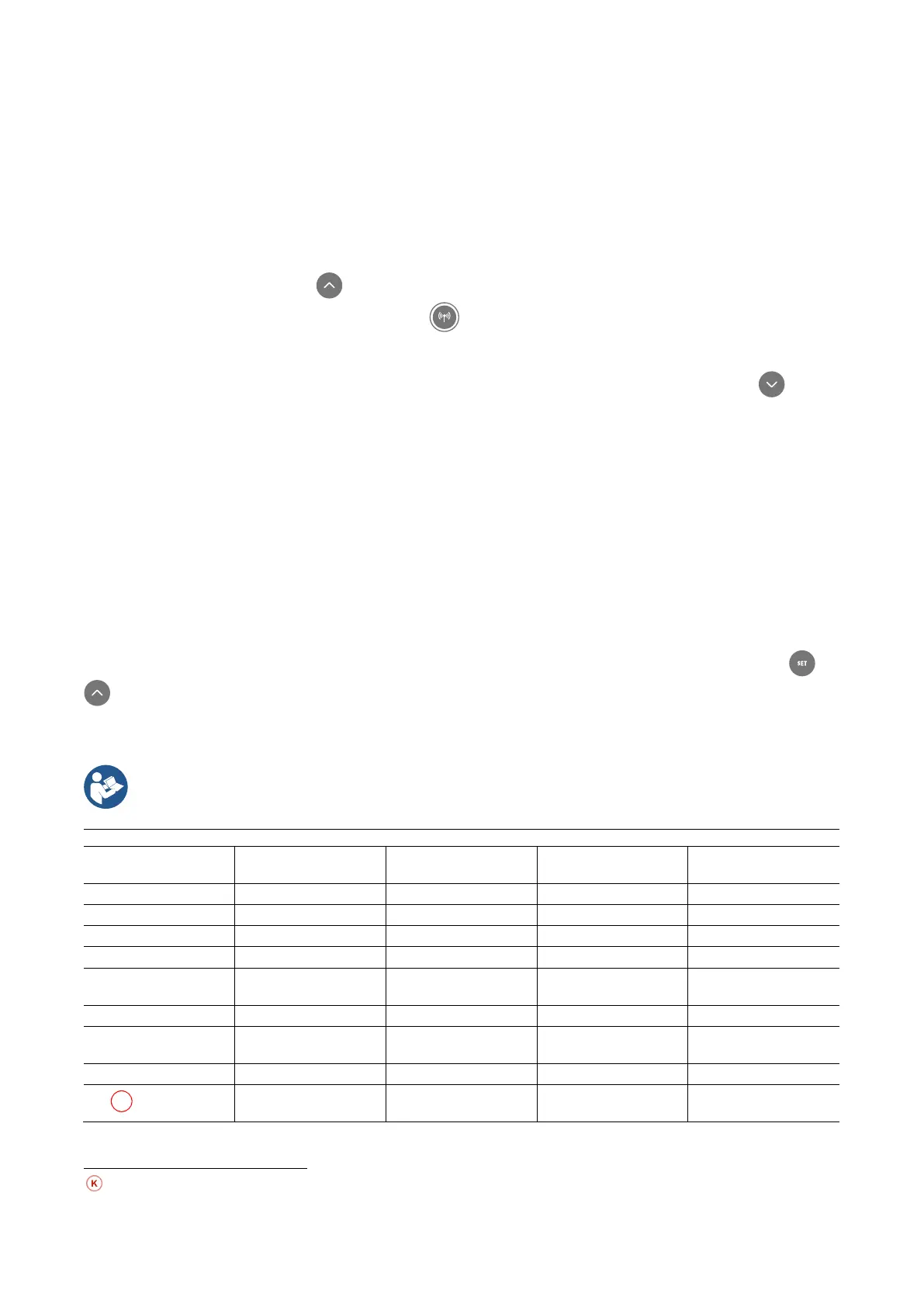
AS page of the installer menu, press the key for 5 seconds until the blue LED does not start flashing (whether the pump is alone
or in a group). Once this is done, on the control unit, Press the key for 5 seconds until you hear a beep and the blue communication
LED starts flashing. As soon as the connection has been established, the same LED remains lit steadily and the symbol of the control
unit appears on the AS page of the pump.
The dissociation of the control unit is similar to that of the pump: from the AS page of the installer menu, press the key for 5
seconds; this will delete all wireless connections that are present.
13.5. Reset and factory settings
13.5.1. General system reset
To reset the system, hold down the 4 keys simultaneously for 3 sec. This operation is the same as disconnecting the power, waiting for
it to close down completely and supplying power again. The reset does not delete the settings saved by the user.
13.5.2. Factory settings
The device leaves the factory with a series of preset parameters which may be changed according to the user’s requirements. Each
change of the settings is automatically saved in the memory and, if desired, it is always possible to restore the factory conditions (see
Restoring the factory settings par 13.5.3 Restoring the factory settings).
13.5.3. Restoring the factory settings
To restore the factory values, switch off the device, wait until the display has switched off completely, press and hold down the and
keys and turn on the power; release the two keys only when the letters “EE” appear. This restores the factory settings (a message
and a rereading on EEPROM of the factory settings permanently saved in the FLASH memory). Once all the parameters have been set,
the device returns to normal operation.
Once the factory values have been restored it will be necessary to reset all the parameters that characterise the system (gains,
setpoint pressure, etc.) as at the first installation
Identifying code Description
International factory
settings
Angloamerican
factory settings
Installation Memo
RI
Revs per minute in
manual mode
3200 rpm 3200 rpm
RP
Pressure decrease to
restart
0,3 0,3
EK
Low pressure function
on suction
2 (Manual reset) 2 (Manual reset)
Parameters available in version KIWA



 To Next Page