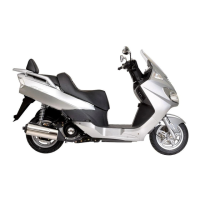
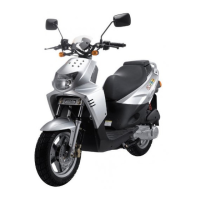
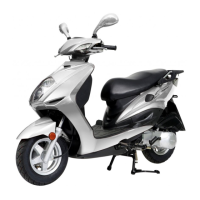
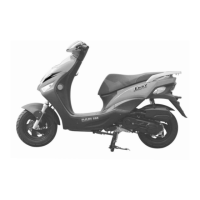
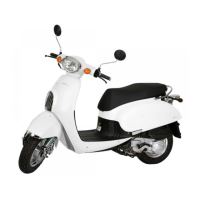
External Parts
4-4
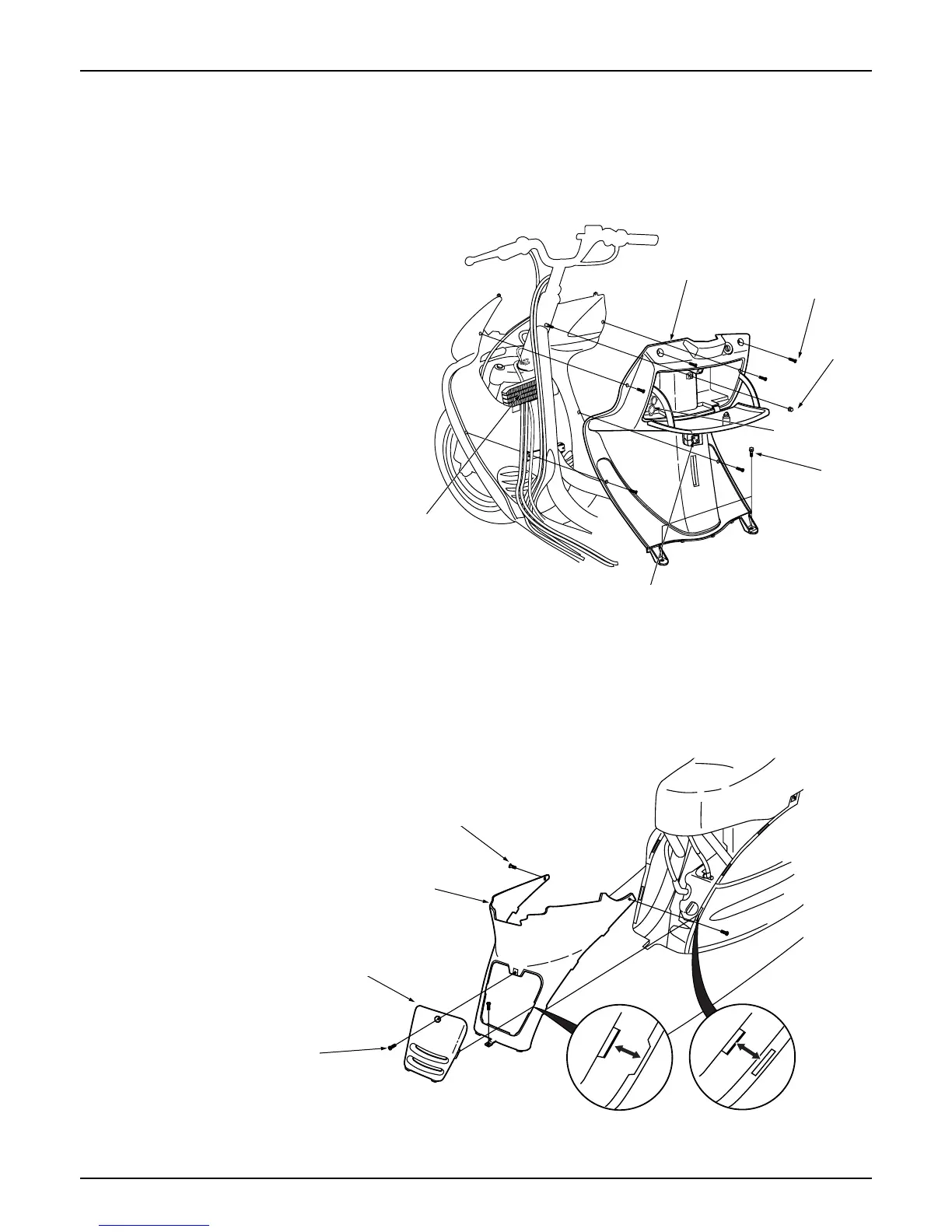
Inner Box
Loosen the 2 bolts installed on the bag holder.
Remove the bag holder.
Open the inner box lid.
Remove the 1 cap nut.
Remove the 2 flange bolt installed on the floor
panel.
Remove the 6 front side cover screws.
Remove turn the main key cover slightly to
unlock, and remove the main key cover.
Remove the charge socket from the inner box.
Remove the inner box.
Install in the reverse order of removal.
Center Cover
Loosen the 4 setting screws assembled to the
body cover.
Remove each of the setting screws assembled to
the floor panel.
Band inwards, and remove the center cover.
Install in the reverse order of removal.
Screw
Front inner box
Nut
Bolt
Charge socket
Bag holder
Radiator
Screw
Center cover
Screw
Flug maintenance cover


 To Next Page