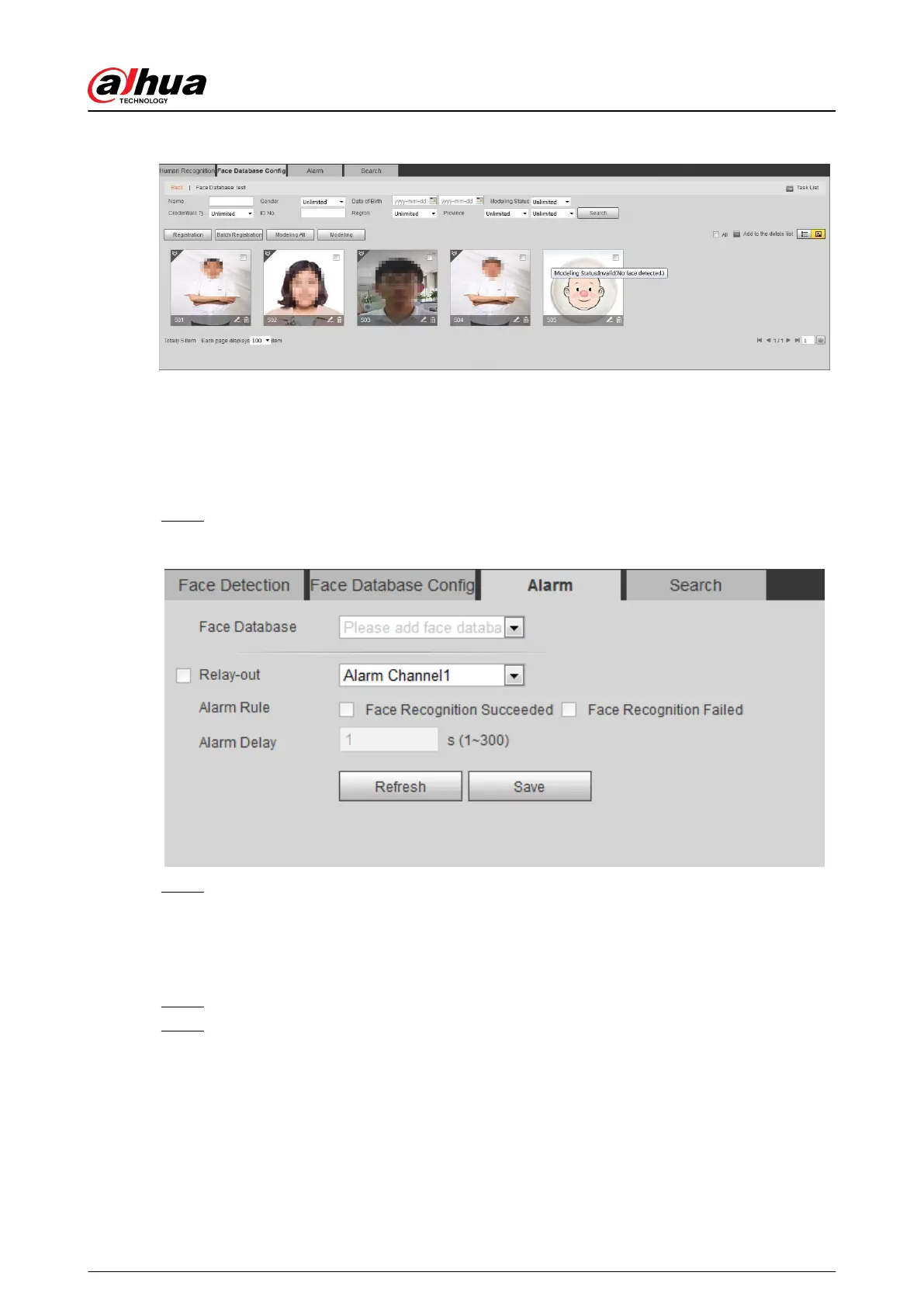
Figure 5-56 Modeling status (thumbnail)
5.10.3 Setting Face Recognition Alarm Linkage
When face recognition succeeded or failed, the device links alarm out.
Procedure
Step 1 Select Setting > Event > Face Recognition > Alarm.
Figure 5-57 Alarm (face recognition)
Step 2 Select a face database and an alarm rule.
●
Face recognition succeeded: When the detected face matches that in the face
database, the device links alarm out.
●
Face recognition failed: When the detected face fails to match that in the face
database, the device links alarm out.
Step 3 Set alarm linkage actions. For details, see "5.1.1 Alarm Linkage".
Step 4 Click Save.
5.10.4 Viewing Face Recognition Result
View face recognition result on the Live page or by the search function.
Operation Manual
183


 To Next Page
 Loading...