Select Non-motor Vehicle or People, and set non-motor vehicle and people overlay.
Step 3 Set overlay information and box position, such as plate No., time, car color, car type, and
car logo.
Step 4 Click Save.
5.17.3 Viewing Video Metadata Report
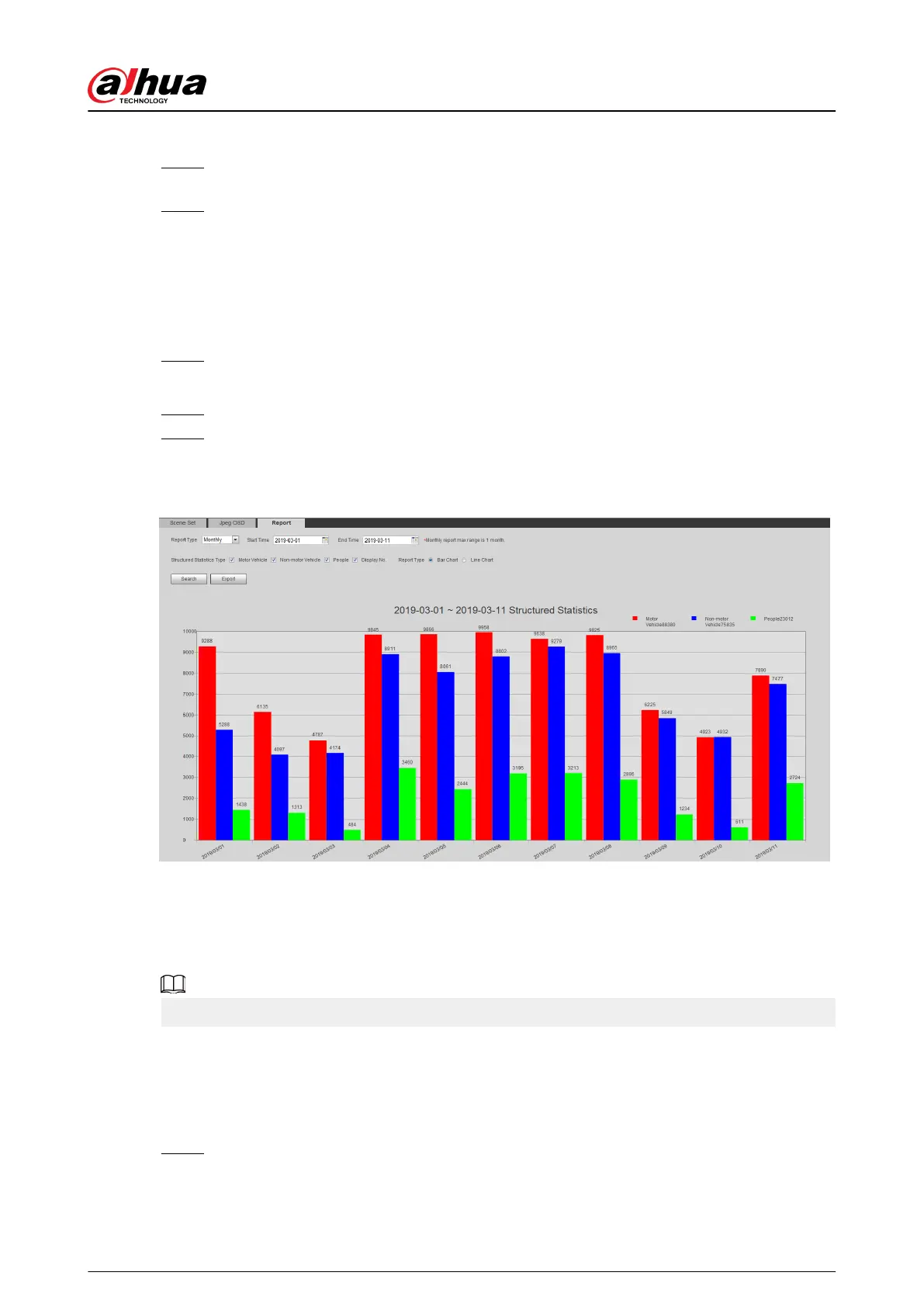
Generate data of video metadata recognition in report form.
Procedure
Step 1 Select Setting > Event > Video Metadata > Report.
The Report page is displayed.
Step 2 Select the report type, start time, end time, and other parameters.
Step 3 Click Search to complete the report.
The statistical results are displayed. Click Export to export the statistical report.
Figure 5-91 Video metadata report
5.18 Setting Relay-in
When an alarm is triggered at the alarm-in port, the system performs alarm linkage.
Functions might vary with dierent models.
5.18.1 Relay-in (1)
Procedure
Step 1 Select Setting > Event > Alarm.
Operation Manual
218


 To Next Page
 Loading...