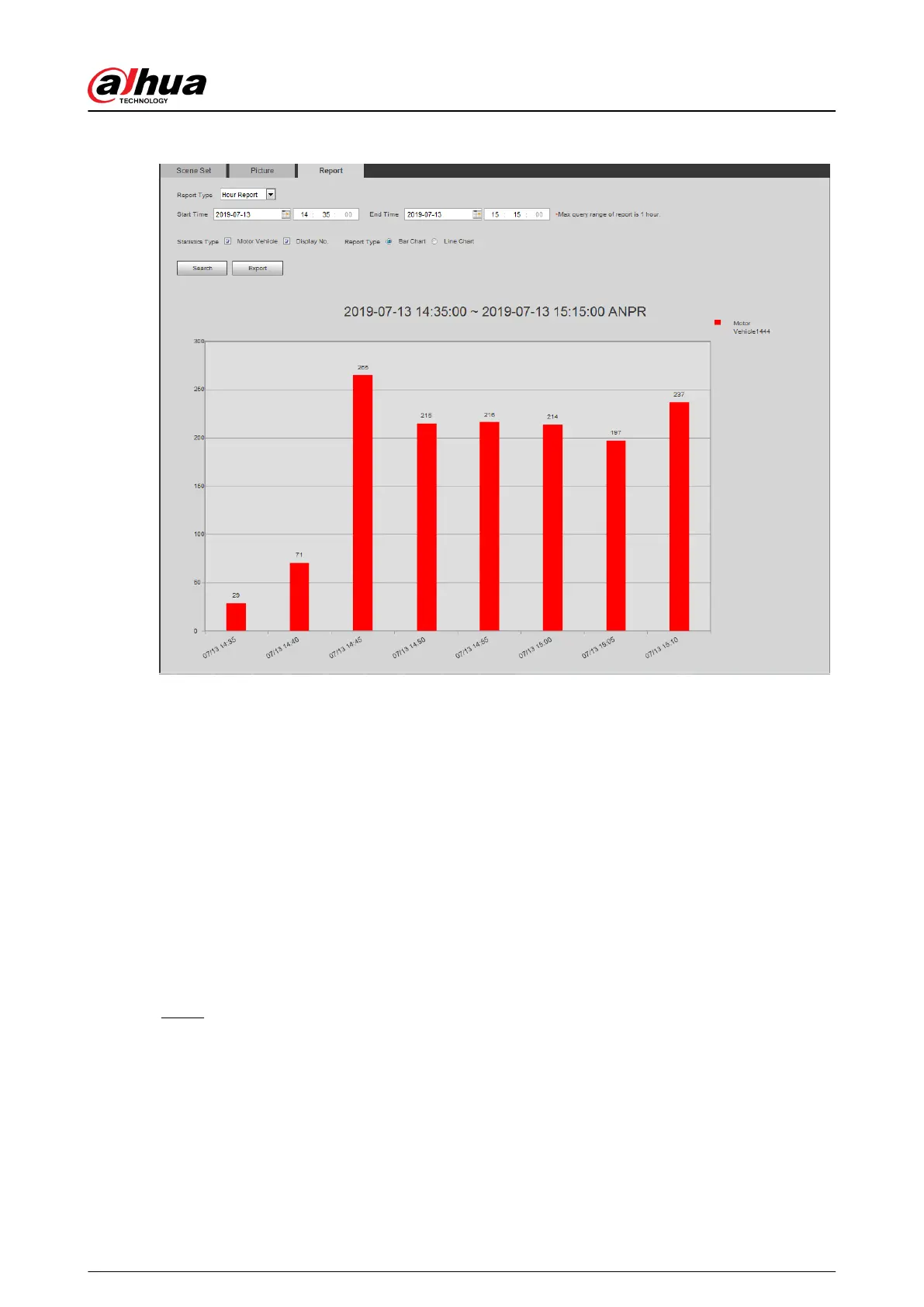
Figure 5-87 Statistical results
5.17 Setting Video Metadata
Classify people, non-motor vehicles and motor vehicles in the captured video, and display the
relevant attributes on the live page.
5.17.1 Scene Conguration
Set the detection scenes and rules, including rules for people, non-motor vehicles and motor
vehicles. This section takes setting of the People Detection rules as an example.
Prerequisites
Select Setting > Event > Smart Plan, and then enable Video Metadata.
Procedure
Step 1 Select Setting > Event > Video Metadata > Scene Set.
Operation Manual
214


 To Next Page
 Loading...