Dakewe (Shenzhen) Medical Equipment Co., Ltd
6.1.3 User Management
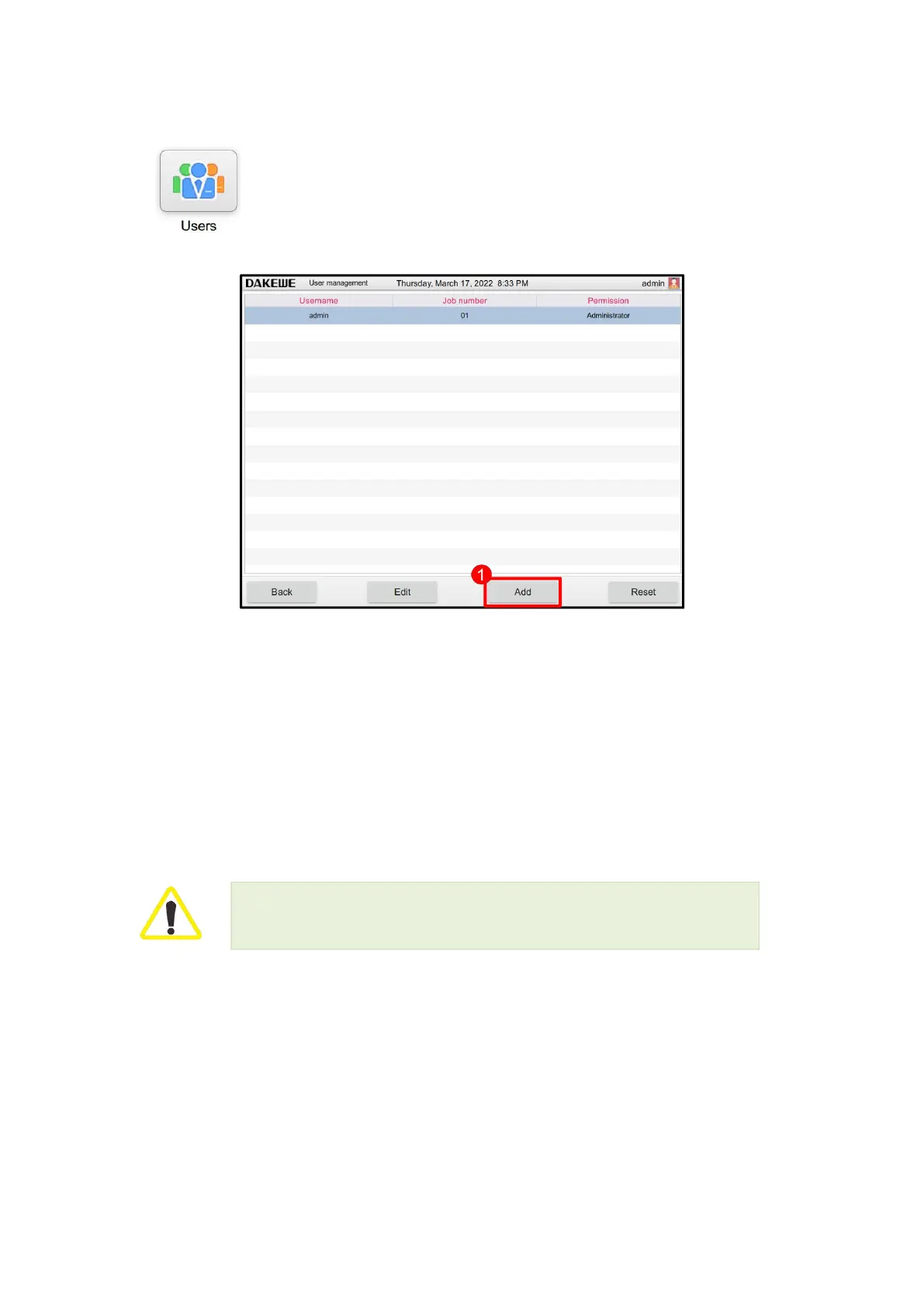
Click the “User Management” button in the device management interface to
enter the user management interface (Figure 42). You can add / delete users or
modify the password in this interface.
6.1.3.1 User permission
Common user: General functions of the processor, such as running programs, viewing results,
setting the reagent status to empty or full, etc., are available to common users. The functions that
are unavailable to the common users will not be displayed in the function menu.
Administrator: Administrators can perform all common user functions. In addition, they can create
and modify programs, perform initial setting functions and shutdown.
Users with administrator authority can add/edit/delete users, and users with operator
authority can only edit this account and reset the password.



 To Next Page