EASYSENSE Q3+ and Q5+ DO185 (2)
Easy Log
In Easy Log it is not necessary to set the duration of the recording – EASYSENSE Q will
capture data until stopped (up to a maximum of 41 days). The data set will then be stored
in EASYSENSE Q’s memory
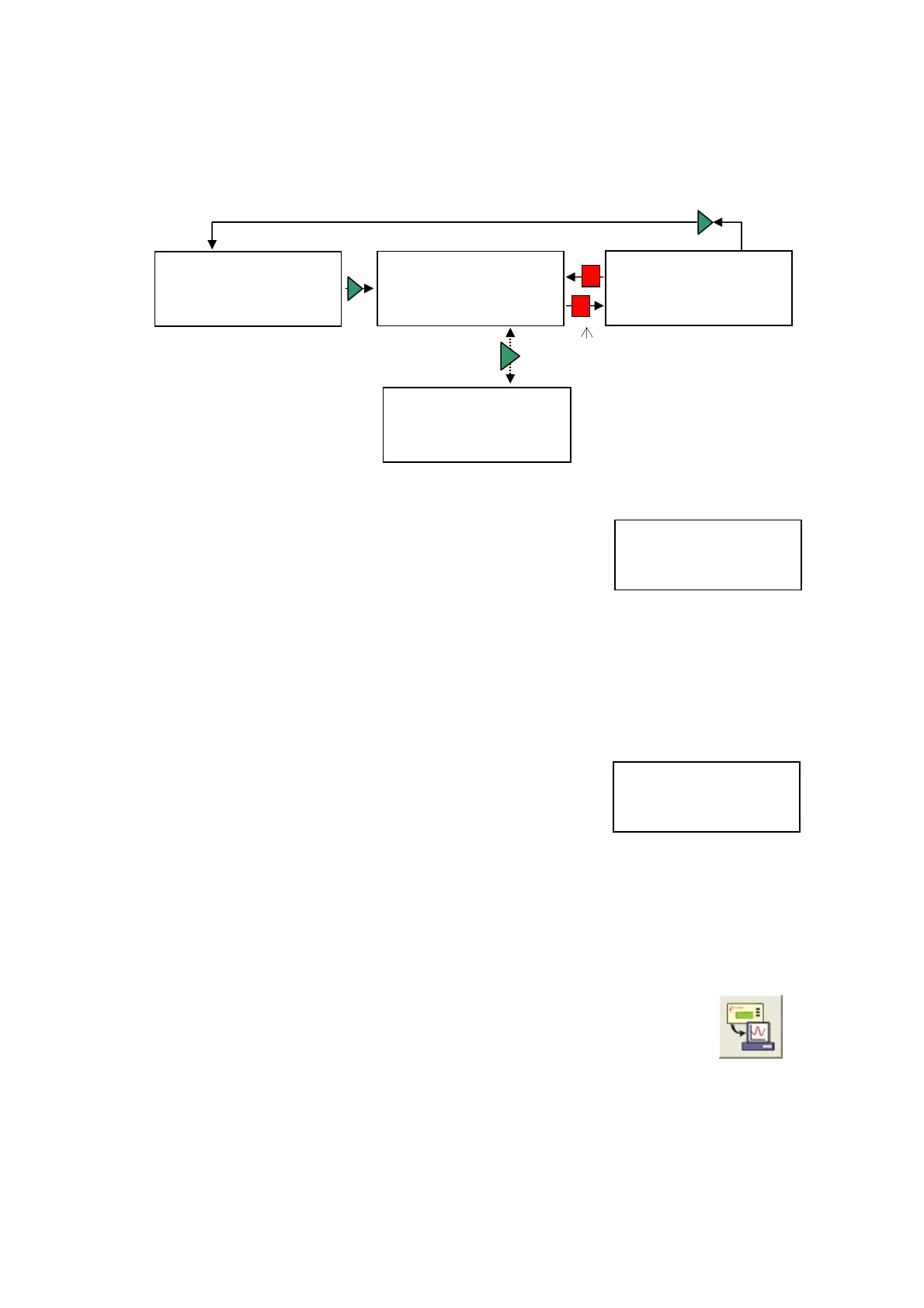
Stop recording?
Snapshot
Press ► for yes
► Easy Log
Press ■ for no
Samples taken 672
Timing
Switch off
Press red to sto
recordin
Elapsed 00/00:05:10
Interval 500 ms
15-02-08 16:32:45
• Connect any plug-in sensors if required. If the display is turned off, press any button
to wake up EASYSENSE Q.
• Use the blue buttons (▲▼) to scroll the menu until the
pointer is pointing at Easy Log.
1) 26.0
C
3) 63.6 dBA
4) 243 lx
Press green to view the samples taken, etc.
Press green again to return to the normal
screen.
Snapshot
► Easy Log
Timing
Switch off
• Press the green button ►to automatically begin recording from all built-in and
plugged-in sensors.
Use the blue buttons (▲▼) to scroll and view the values from the sensors on the
LCD display whilst still logging. The bottom line of the LCD display is a visual
indicator of the logging as it takes place.
Samples taken 672
Elapsed 00/00:05:10
Interval 500 ms
15-02-08 16:32:45
Press the green ►button to see a logging summary i.e.
samples taken, elapsed time, current logging interval
and the time started. Press the green ►button again to
return to the normal screen.
• When the investigation is complete press the red button . EASYSENSE Q will
continue to log data until you press the green
►button to confirm your choice and
return to the main menu.
Note: If the Stop button was not pressed intentionally, press the red button to continue logging.
• The data recorded will be stored as a data set, which can be downloaded
to the computer for display and analysis using Retrieve remote from
the Home page in the EASYSENSE software.
EASYSENSE Q records data at a rate of 40 samples per second until it has captured 1000
samples. At this point the sample rate halves (i.e. 20 samples per second) and alternate
samples are discarded (leaving 500 samples). It will continue at this speed until it has
captured another 500 samples (1000 total) then the sample rate halves (i.e. 10 samples per
© Data Harvest Group Ltd.
12


 To Next Page