EASYSENSE Q3+ and Q5+ DO185 (2)
Menu options
Note: Some of the following examples show the effect seen on the LCD display when there is no sensor
plugged into Input 1 or 2 (so number 1 or 2 will be omitted from the list).
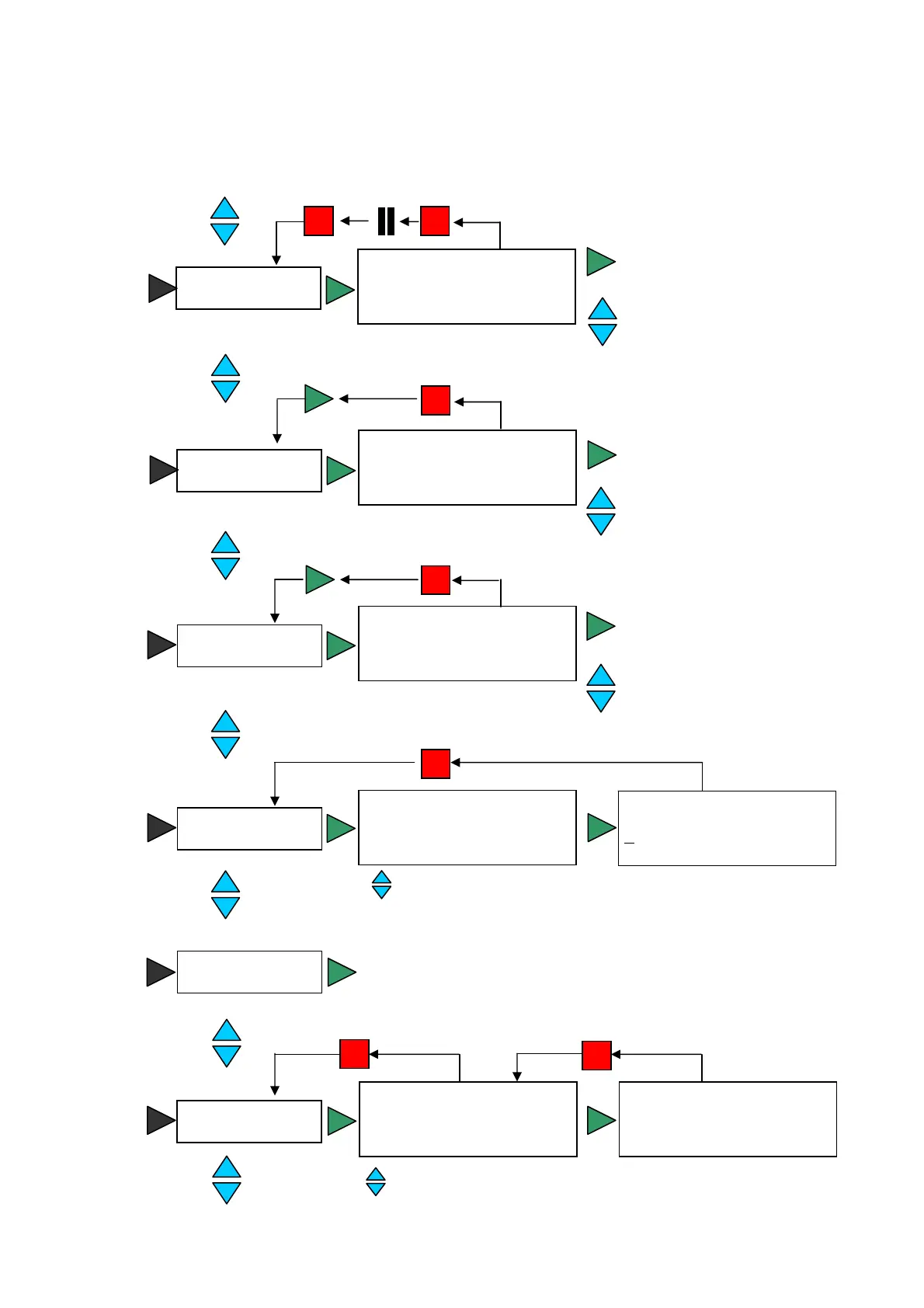
Use the blue buttons to
scroll through the sensors
Press the green button
to change the sensor
range
Meter
► 3) 50.9 dBA
4) 150 lx
5) 28.5 ˚C
6) 103.5 kPa
Switch off
Scroll to select a mode
Timing
Stopwatch A to A
► Time at A
Time from A to B
Time at A
= 0.31350 s #3
t=0.2944504 s n=3
Scroll to select a mode
System
Bluetooth
► Sensor ON/OFF
Battery life
►
Sound On
Light On
Temperature On
Pressure On
Snapshot
Press the green button to
take a sample
Samples taken: 0
4) 150 lx
5) 28.5 ˚C
6) 103.5 kPa
Use the blue buttons to
scroll through the sensors
Easy Log
4) 150 lx
5) 28.5 ˚C
6) 103.5 kPa
Use the blue buttons to
scroll through the sensors
Press the green button for the
logging summary and then
again to return to the EasyLog
screen
Press the green button to switch off, press
any button to switch back on
© Data Harvest Group Ltd.
9


 To Next Page