EASYSENSE Q3+ and Q5+ DO185 (2)
Timing
Timing is used to allow students to study Time, Velocity, Acceleration,
Momentum and Kinetic Energy relationships using switch-type (digital)
sensors such as Light gates connected to inputs 1:A or 1:A & 2:B.
A wizard will open with the recording options available (these will depend on the user
level selected). When the selection has been made, click on Finish.
Click on the Start/Stop icon and a reading will be displayed when a change is
detected in signal from the digital sensors. Click on the Start/Stop icon to stop data
being recorded.
Open File
Used to load a previously saved .SSL or .sid file. Locate the correct file and
click on Open.
Open Worksheet
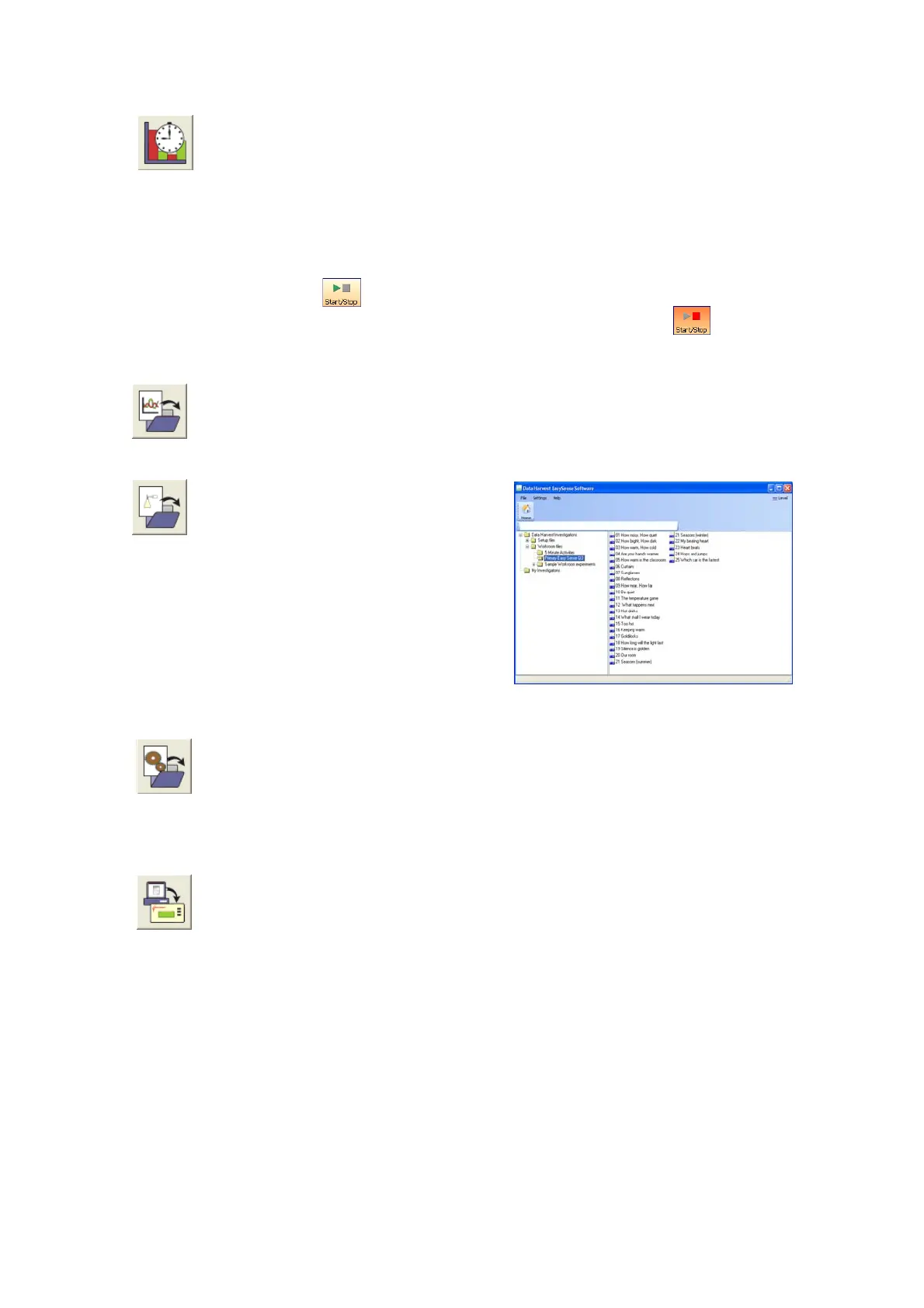
To select and open a worksheet and
it’s accompanying experimental set
up file.
Some pre-prepared Primary
Worksheets for EASYSENSE Q3+
are included with the EASYSENSE
program (Data Harvest Investigations
►Workroom files ► Primary Easy Sense
Q3).
Open Setup (Level 2 and 3 only)
To select and open an experimental set up file. This will pre-set the software
for a specific operation.
Note: Open Setup is not available when the User Level is set to Level 1.
Setup Remote (Level 2 and 3 only)
Used to program EASYSENSE Q to capture data while disconnected from
the computer (remote). The collect data is stored in Q’s memory to be
retrieved by the computer at a later stage.
• Deselect the tick next to any sensors from which readings are not required, Next.
• Select the total recording time and the interval between samples being taken, Next.
• Select the condition required for the recording to start.
I.e.
When Enter pressed - the recording will start as soon as you press the green ►
button on EASYSENSE Q.
Trigger on Level – the recording will start when the sensor selected is above,
below, rises above or falls below a set level e.g. when the value from a
Temperature sensor rises above 15°C.
© Data Harvest Group Ltd.
23


 To Next Page