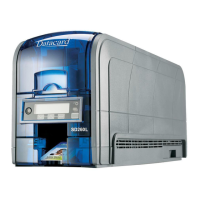
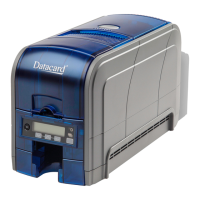
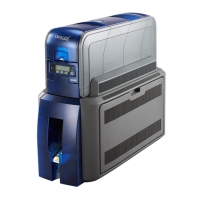
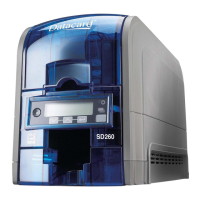
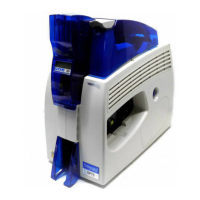
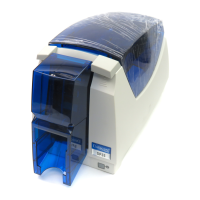
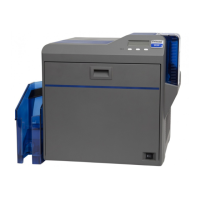
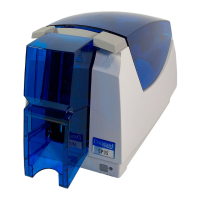
SD Series Installation and Administrator’s Guide 1
Chapter 1: Installation
Thischapterdescribessystemrequirementsandprovidessetup
instructionsfortheDatacard®SD™SeriesCardPrinters.
Yourinstallationmayhaveadditionalrequirementsforacardproduction
environment.Consultyoursystemadministratortodeterminetheoptimum
locationforcardproduction.
PC Requirements
UseaPCthatmeetsorexceedsthefollowing:
• A32‐or64‐bitprocessor,runningat2GHzorfaster
• 2GBormorememory(RAM)andatleast1GBfreespaceontheharddrive
• Oneofthefollowingsupportedoperatingsystems:
• Windows8.1
• Windows8,32‐or64‐bit
• Windows7,32‐or64‐bit
• WindowsXP,32‐bit,ServicePack3
• WindowsServer2012,R2
• WindowsServer2012
• WindowsServer2008,64‐bit
• WindowsServer2003,32‐bit
• USB2.0portorEthernetnetworkconnection
• IDsoftwareorothercardproductionsoftwaretocaptureandorganizethe
datatoprintoneachcard
ForCardPrinterDriverinstallationtroubleshootingandcardproduction
troubleshootinginformation,refertoyourprinter’sDriverGuideandUser’sGuide.




 To Next Page