System Installation and Configuration
96-30051-001 Rev. D3 DDN SFA12K (SFA OS 2.3.1) Hardware Installation & Configuration Guide | 12
5.1 Blank Module Requirements
The SS7000 and SS8460 enclosures require blank modules to complete any partially
populated rows.
For example on the SS8460, if two rows are full, the third has six disk modules, and the other
rows are empty, then:
• The partially populated row #3 must have six blank modules
• The completely empty rows #4, #5, and #6 do not need any blank modules
Retain any unused blank modules for future use.
5.2 Racked Systems
If your system is already installed in the racks, there are four shipping screws installed on the
front panel of each disk enclosure to secure them for transit. These screws must be removed
or loosened before the enclosure can be pulled out for disk module installation.
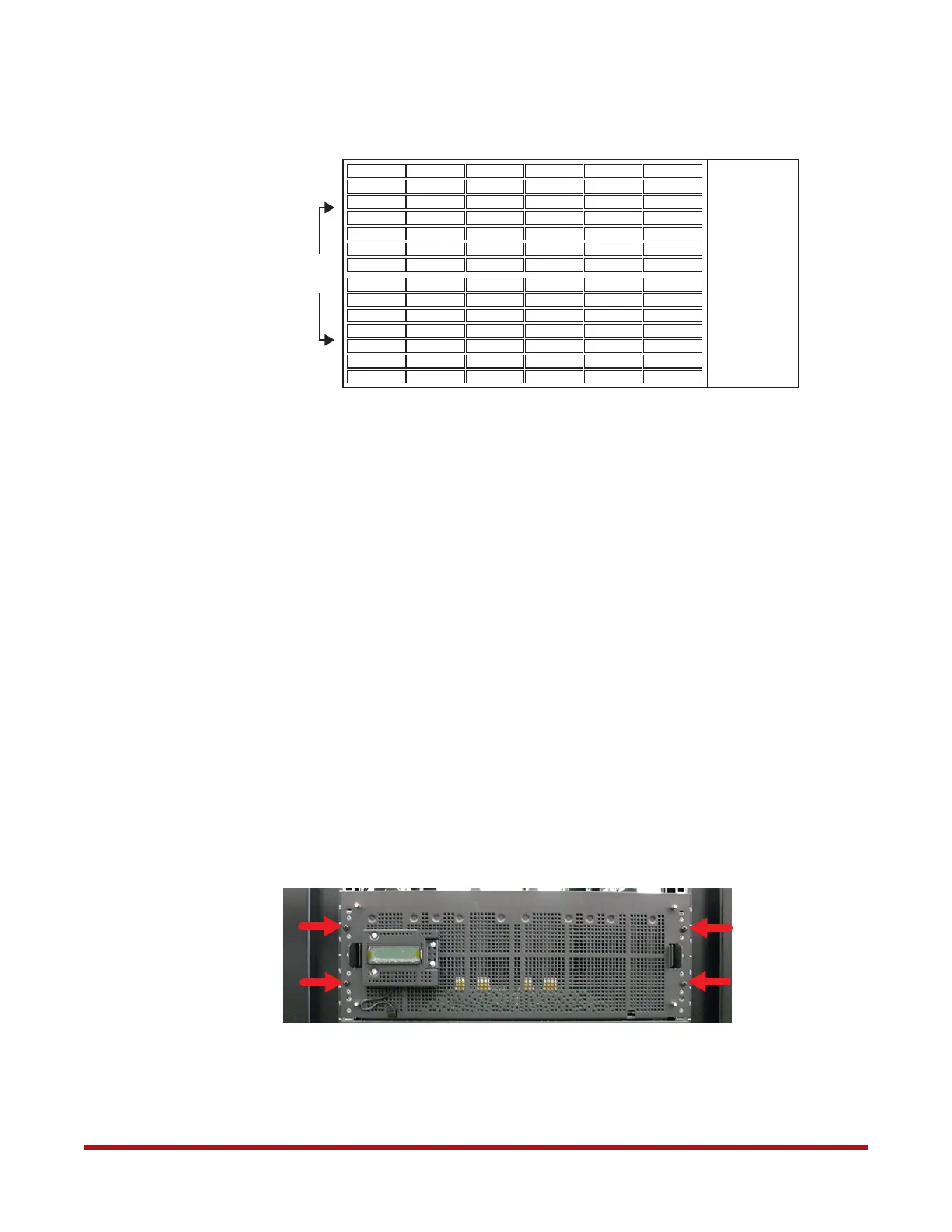
For SS8460 enclosures, remove the four shipping screws as shown in Figure 3.
For SS7000 enclosures, loosen the four shipping screws as shown in Figure 4.
Figure 2. SS8460 Disk Module Layout
1 15 29 43 57
2 16 30 44 58
3 17 31 45 59
4 18 32 46 60
5 19 33 47 61
6 20 34 48 62
71
72
73
74
75
76
7 21 35 49 63
8 22 36 50 64
9 23 37 51 65
10 24 38 52 66
11 25 39 53 67
12 26 40 54 68
77
78
79
80
81
82
13 27 41 55 69 83
14 28 42 56 70 84
Front
of
Chassis
Figure 3. Shipping Screws on SS8460 Front Panel



 To Next Page