System Installation and Configuration
96-30051-001 Rev. D3 DDN SFA12K (SFA OS 2.3.1) Hardware Installation & Configuration Guide | 14
6. Couplet ICL/BBU/ATS Cabling
Using the figures referenced in Table 1:
1. Connect the InfiniBand cables to the ICL ports on the two controllers as shown.
2. Connect the two power cables between the controller’s power supplies and its BBU
and ATS as shown.
3. Connect the USB cable between the controller and its BBU as shown.
4. For each ATS, connect the power cable to its BBU as shown.
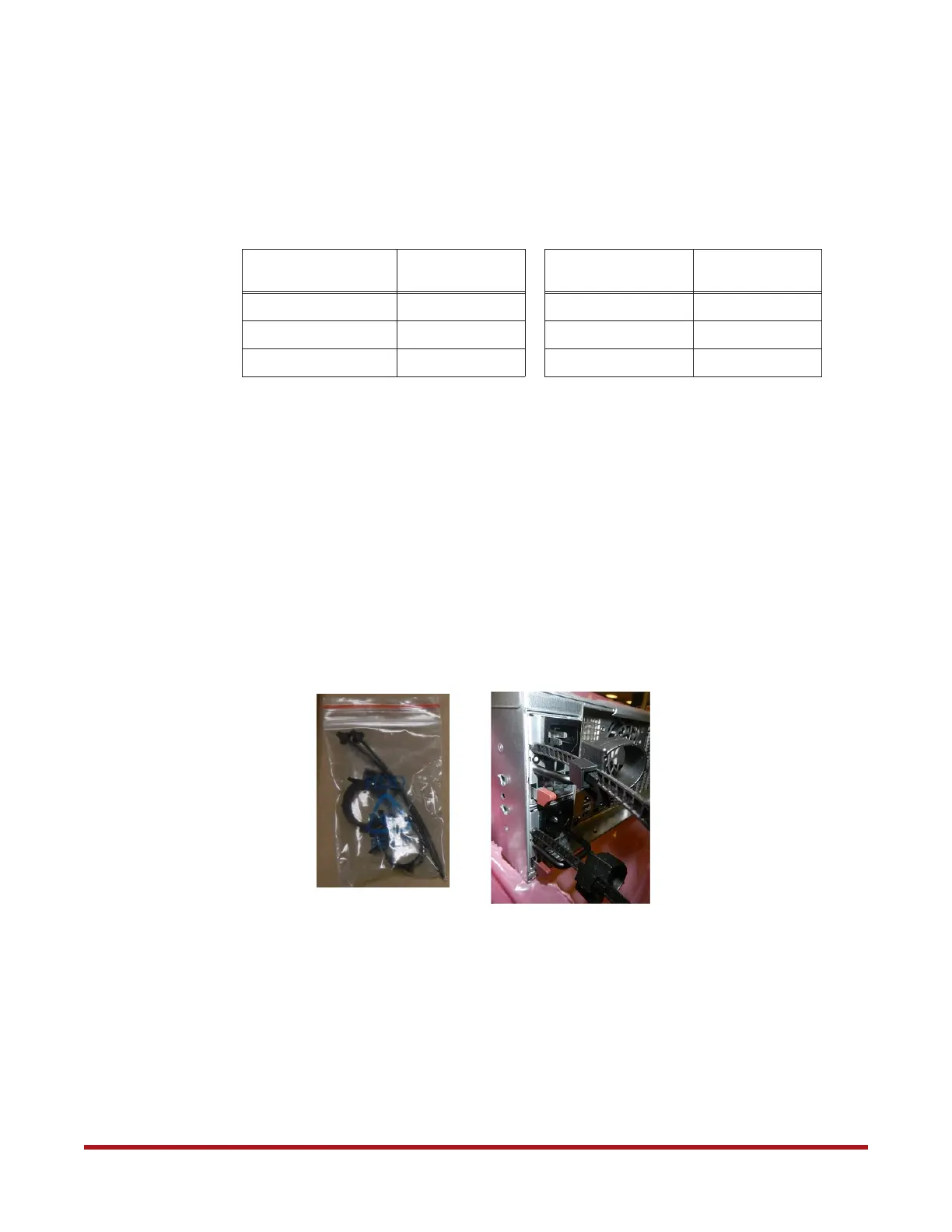
5. Attach a power cord retainer (included in the accessory kit) to each of the power
supply on the controllers as shown in Figure 5. Secure the power cord with the retainer.
Table 1. Controller Cabling Figures
Configuration with
BBU Model 5P1500GR
Reference
Configuration with
BBU Model 1550
Reference
SFA12K-20
Figure 6
SFA12K-20
Figure 7
SFA12KXi/12KX/12K-40
Figure 8
SFA12KXi/12KX/12K-40
Figure 9
SFA12KXE/12K-20E
Figure 10
SFA12KXE/12K-20E
Figure 11
Figure 5. Attach Power Cord Retainer on Controller Power Supply



 To Next Page