Passport 2®/Passport 2 LT™ Service Manual 0070-10-0441 6 - 15
Calibration Procedure Diagnostics
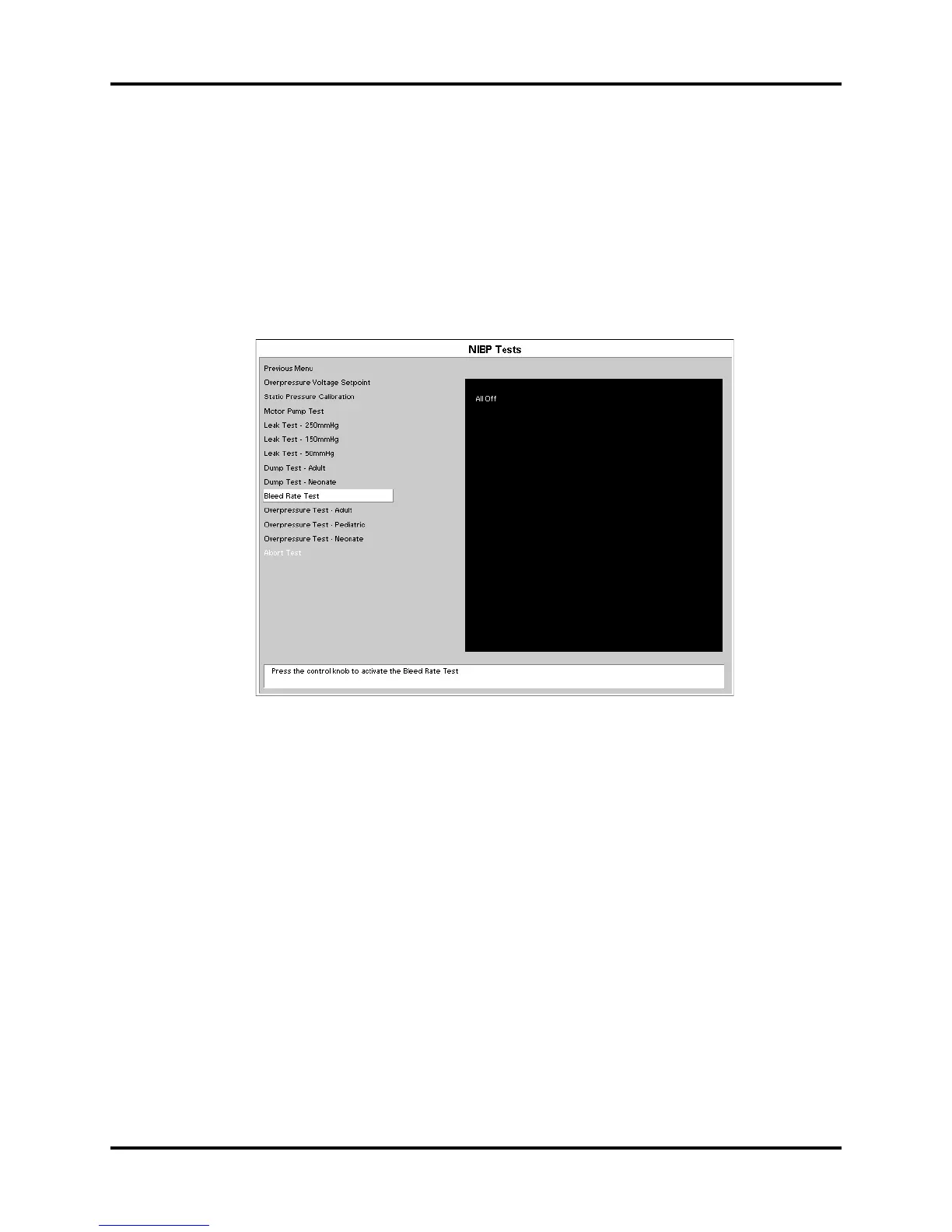
6.4.7.6 Bleed Rate Test
The purpose of this test is to verify the valves that control the bleed rate is functioning
properly.
1. Connect the dummy cuff / test chamber to the side panel fitting.
2. Rotate the control knob to highlight the bleed rate. Once the bleed rate test is
highlighted press the control knob to activate the test.
3. The chamber will inflate to 220mmHg of pressure. The bleed rate valve will open and
deflate the pressure for 10 seconds. On screen the result of the test will be viewed.
FIGURE 6-17
Specification: Bleed Rate = 6.0mmHg / sec ± 20% - 500cc test chamber
Specification: Bleed Rate = 6.0mmHg / sec ± 20% - 700cc test chamber


 To Next Page