However, keep in mind that whichever color controls the trackballs are assigned to, the topmost
soft controls on the Trackball palette can be switched to work with other palettes, such as the
Motion, Curves, or Qualifier palettes, for example. This means you can adjust the controls of a
second palette while simultaneously making color and contrast adjustments with the trackballs
and ring controls. This is exceptionally useful when making two kinds of adjustments that
interact with one another.
Summarizing the Top Fixed Keys
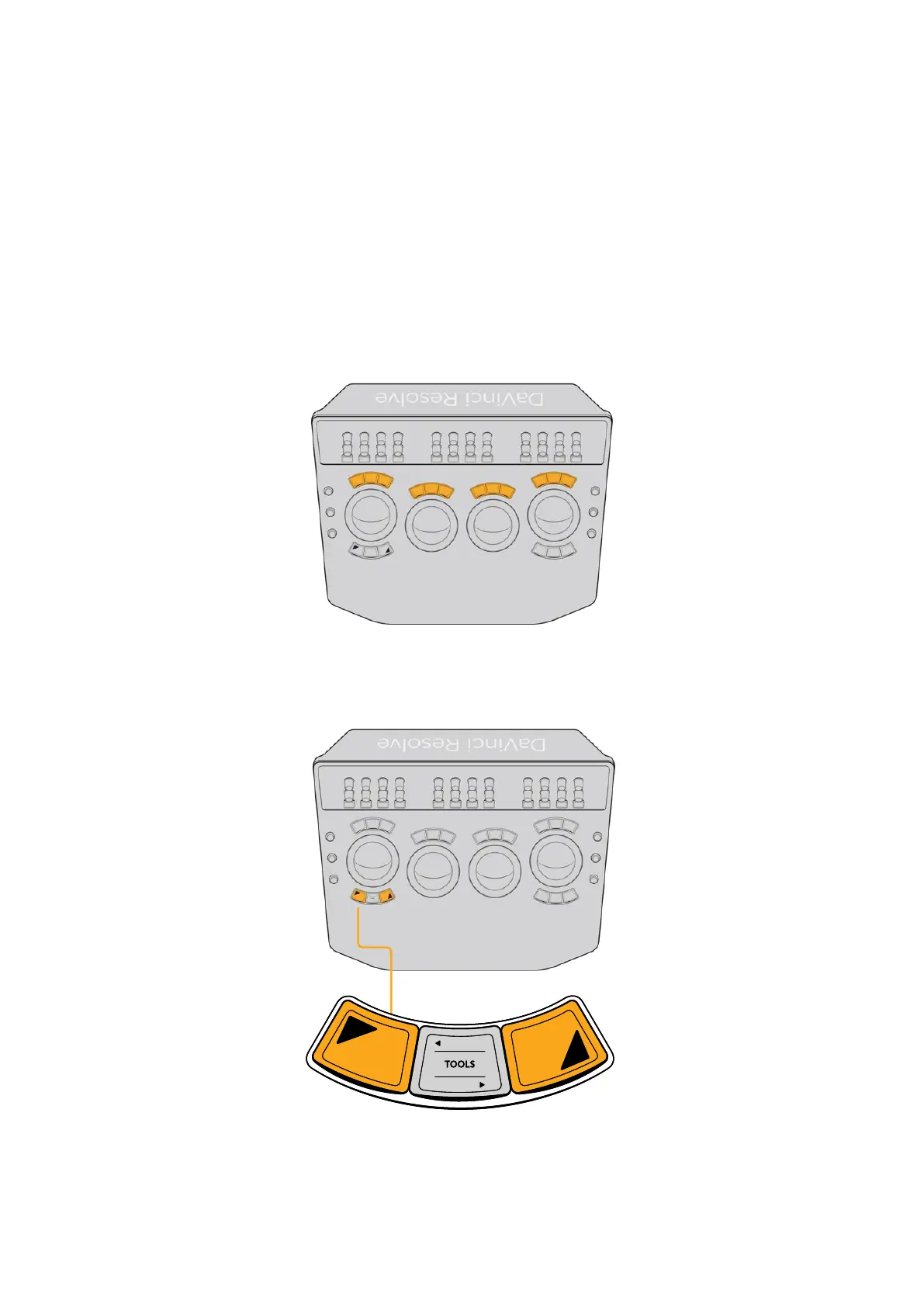
Each of the four trackball/ring controls has three fixed keys above it. Individually, these keys
provide separate Y and RGB reset controls for each trackball/ring pair. However, the first nine
of these keys also collectively serve as a fast and convenient way of navigating the principal
panels of grading functionality in the Color page.
Top fixed keys
Additionally, the left‑most trackball has a pair of shift keys underneath it for choosing which
button function to trigger, giving you fast access.
Shift keys under the left‑most trackball
let you access secondary functions.
11The Trackball Panel



 To Next Page