Soft Menus, Including Soft Keys
and Soft Rotary Controls
Each of the three panels have soft controls. These controls appear on top of an LCD display
that provides a top‑most two‑line title/description of each soft menu’s main function, along
with two lines of text above each soft rotary control or soft key that describes that control’s
specific function.
The soft controls on the center Trackball panel typically update to show context‑specific
controls for whichever mode and palette is currently selected. The buttons and rotary controls
are designed to offer simultaneous control over multiple related functions in each palette.
They also provide a logical way to navigate among multiple sets of controls in palettes that
have many modes or in modes that have more controls than can be represented on the Center
panel’s 24 rotary and 12 key controls.
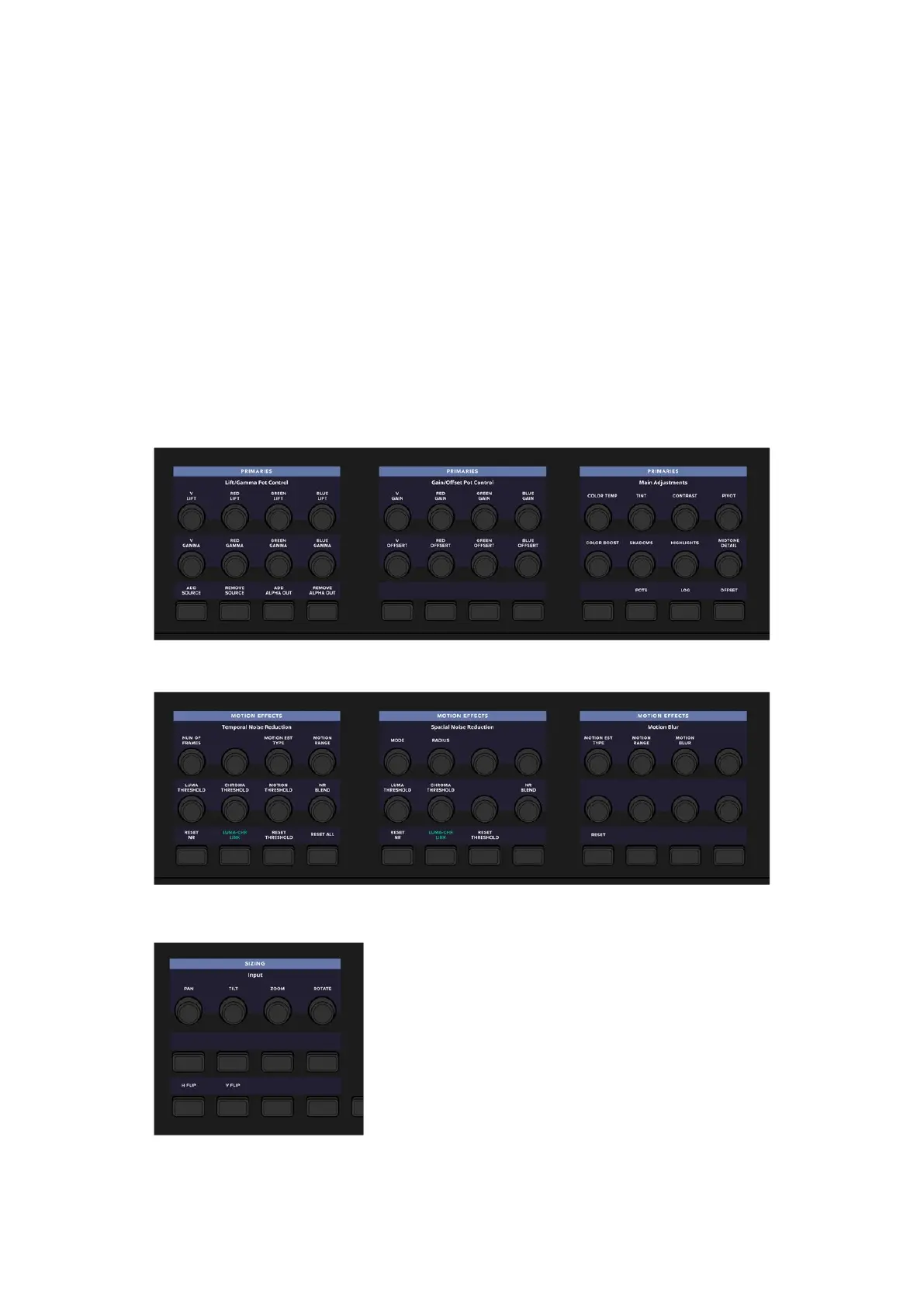
The Trackball panel’s soft menu controls corresponding to the Primaries palette
The soft menu controls corresponding to the Motion Effects palette; note how all
the controls update to be contextual to the palette that’s currently in use
The unlabeled “More” key found to the bottom
left of each of the side panel soft menu
controls lets you choose an alternate or second
set of controls for that panel’s current menu.
8Soft Menus, Including Soft Keys and Soft Rotary Controls



 To Next Page