The T-Bar Control
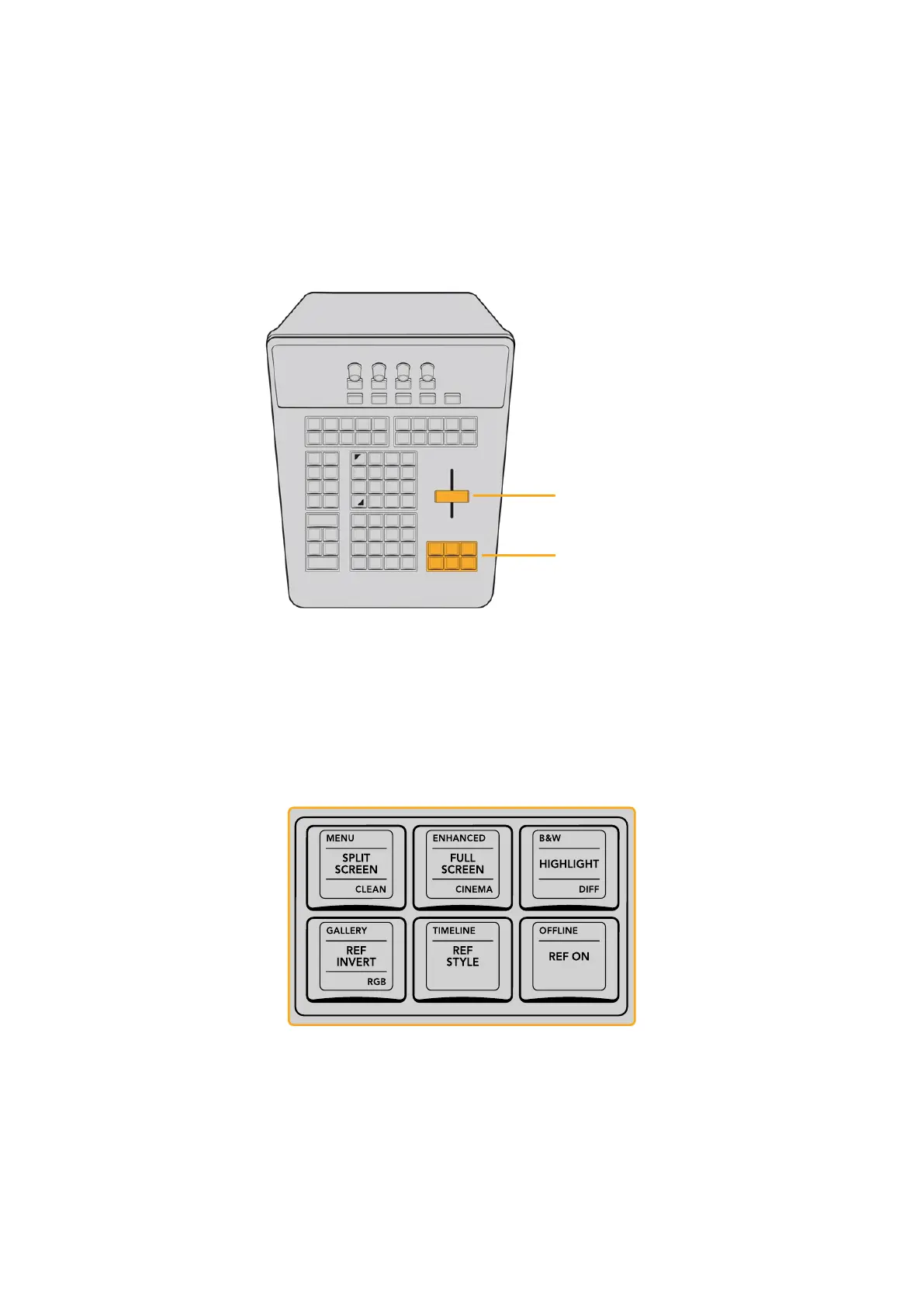
The T‑bar control is a vertical lever that you can push and pull up and down. Functioning as a
fader, it’s mainly used to control the mix or wipe of a reference image against the current clip
being evaluated.
Which reference is being compared, and the method of comparison, is controlled by the Viewer
and Reference Group of fixed keys immediately below it.
The T‑Bar Control
The Viewer and
Reference keys
The T‑bar control is a vertical lever that controls Reference Wipes or
Split Screen comparisons. The Viewer and Reference keys let you choose
how to set up comparison wipes and split‑screen effects to help you grade.
Viewer and Reference Group
This area below the T‑bar includes six keys that let you choose among different reference
modes for the Viewer, different Viewer modes, and the Highlight mode. When an appropriate
mode is active, the fader bar controls the mix or wipe position for that mode.
The Viewer and Reference Keys
33The T-bar Panel



 To Next Page