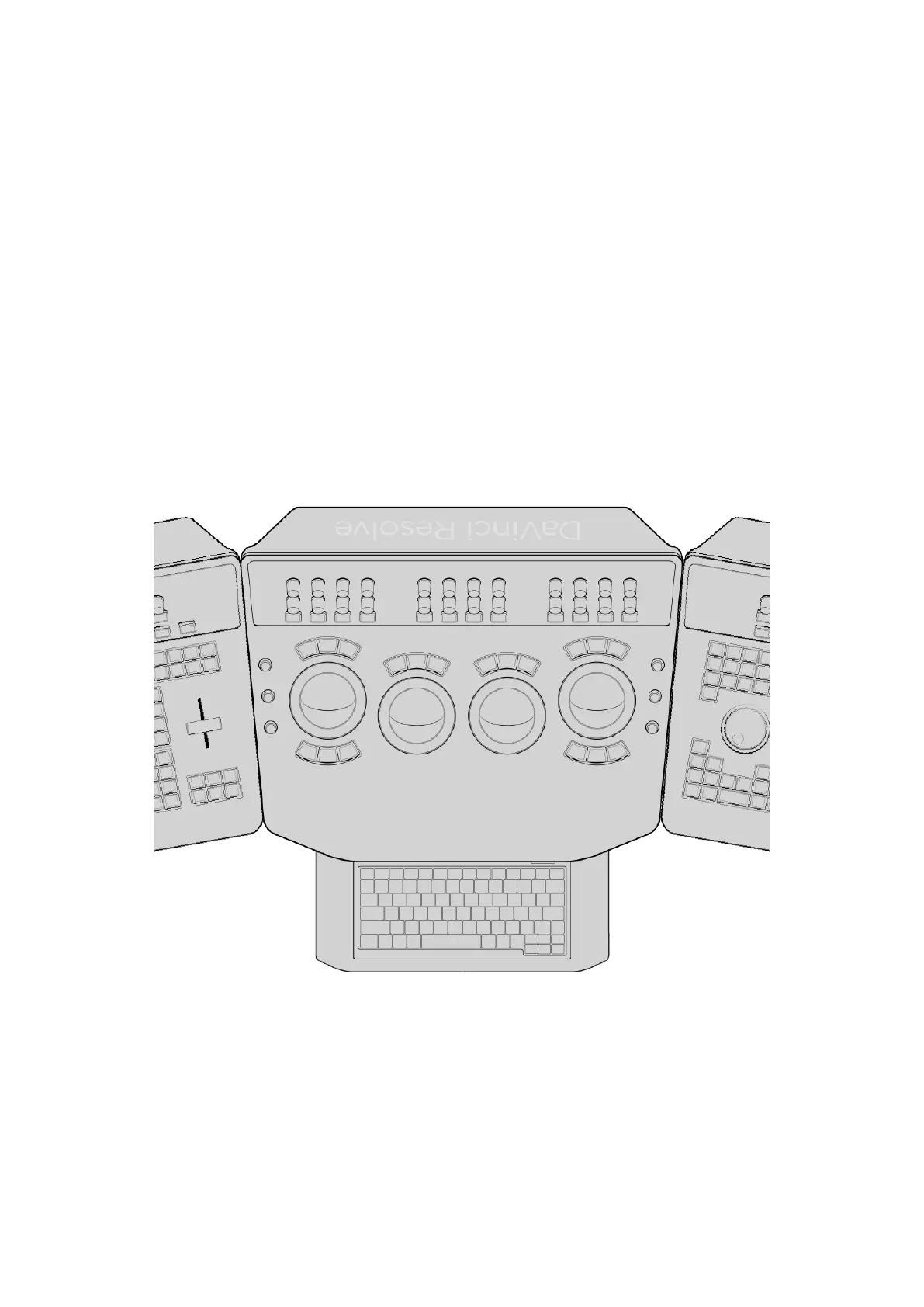
On the left side
From top to bottom, the rotaries control Y‑only luminance Gain, Gamma, and Lift settings of the
Color Wheels and Color Bars modes of the Primaries palette that control lift, gamma, and gain.
If you have any other palettes or modes open, using these three knobs will continue to affect
the Lift, Gamma, and Gain controls of the currently selected node.
On the right side
From top to bottom, the rotaries control Saturation, Hue, and Luminance mix. If you have any
other palettes or modes open, using these two knobs will continue to affect the Saturation
and Luminance Mix controls of the Color Wheels and Color Bars modes of the Primaries
palette. The Hue knob will affect the hue of either the Primaries Palette mode or HDR palette,
whichever was selected last.
Keyboard
The Center panel also offers a slide‑out keyboard for naming files, stills, and nodes, triggering
keyboard shortcuts, and writing novels about the innocence of newly hired colorists lost in the
maelstrom of the film, television, and streaming industries.
Slide‑out keyboard
17The Trackball Panel



 To Next Page