The Search Dial Panel
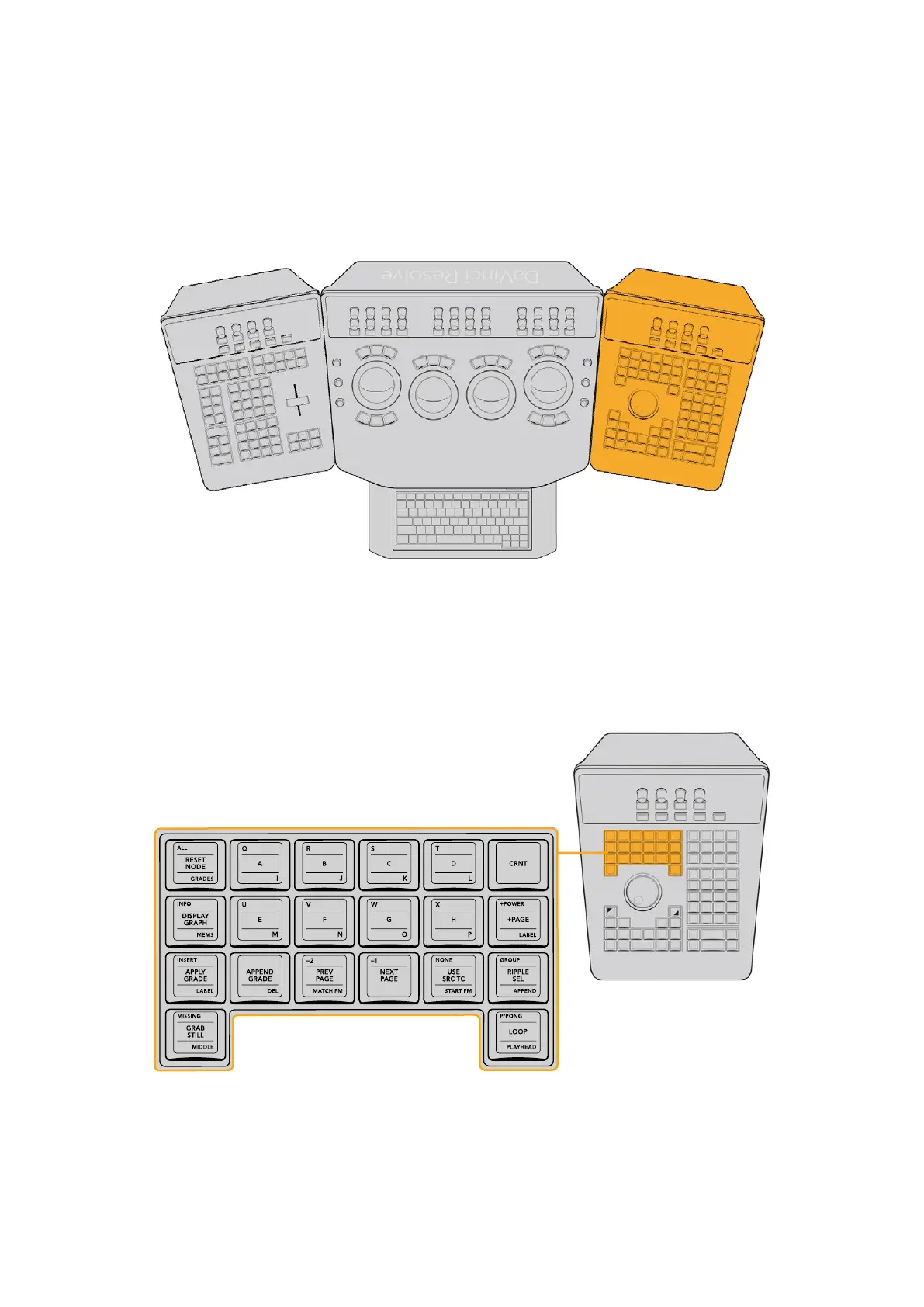
The Search Dial panel, typically located on the right for a right‑handed colorist, has an LCD
display with four variable controls and nine soft keys. The lower section of the panel houses the
Jog/Shuttle knob and six groups of hard keys. Each group and their keys are described below.
Serch Dial Panel
Memories Group
The first group of keys is the Memories group. These include the grade reset controls, buttons
for storing and recalling memories (by letter), and controls for grabbing and browsing stills,
applying grades, and controlling looping for playback.
The Memories keys let you save and recall memories for quick grade
propagation, grade reset buttons, and other grade management functions.
35The Search Dial Panel



 To Next Page