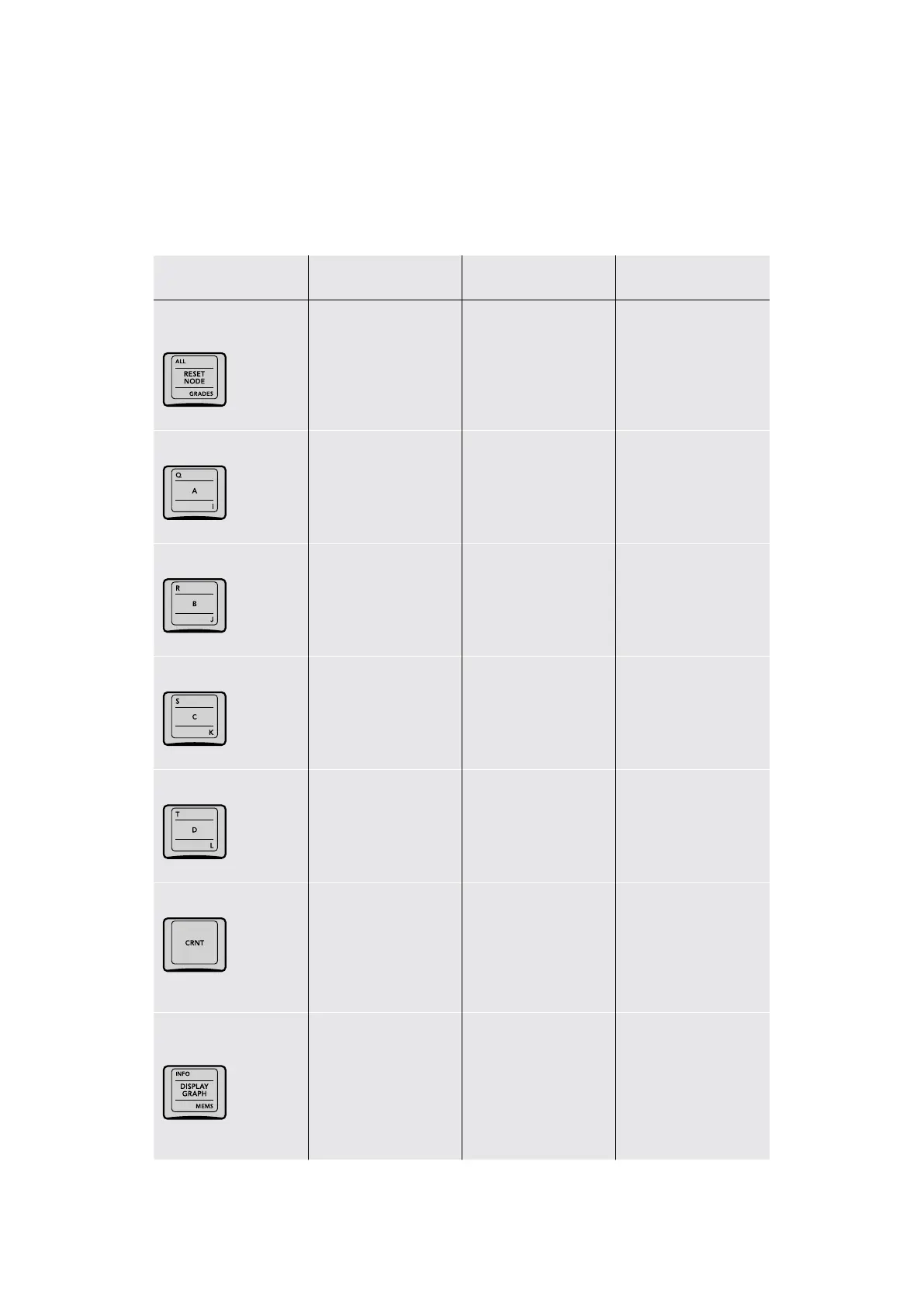
The letter keys in this group are called “memories” or MEMs, which save stills and grades
that you can quickly apply to another clip to overwrite its previous grade. There are 26
MEMs, labeled with letters from A to Z. To apply a MEM to another clip, simply press the letter
corresponding to the MEM with the grade you want to apply. To save a grade to a MEM, press
CRNT and then the letter of the MEM you want to save to. More information appears in the table
of key functionality below.
Key Shift Up Primary Function Shift Down
ALL/RESET NODE/
GRADES
(ALL) Reset All Grades
and Nodes; resets
the entire grade of
the current clip back
to the default of one
unadjusted node
(RESET NODE) Reset
Selected Node Grade;
resets all adjustments
that have been made
to the currently
selected node
(GRADES) Reset Grades
and Keep Nodes; resets
each node of the current
clip’s grade but keeps
the node structure intact
Q/A/I
(Q) Loads or saves
memory Q
(A) Loads or saves
memory A
(I) Loads or saves
memory I
R/B/J
(R) Loads or saves
memory R
(B) Loads or saves
memory B
(J) Loads or saves
memory J
S/C/K
(S) Loads or saves
memory S
(C) Loads or saves
memory C
(K) Loads or saves
memory K
T/D/L
(T) Loads or saves
memory T
(D) Loads or saves
memory D
(L) Loads or saves
memory L
CRNT
– (CRNT) Press CRNT
and then any letter key
to save the image and
grade at the current
frame to that memory
for recall
–
INFO/DISPLAY GRAPH/
MEMS
(INFO) Toggles the
Still Properties window
open and closed; the
Still Properties window
shows information about
the currently selected
still in the Gallery
(DISPLAY GRAPH)
Displays the node graph
of the selected still in
the Gallery (only while
the Gallery is open)
or hides a displayed
node graph
(MEMS) Toggles
open and closed
the memories section of
the Gallery
36The Search Dial Panel



 To Next Page