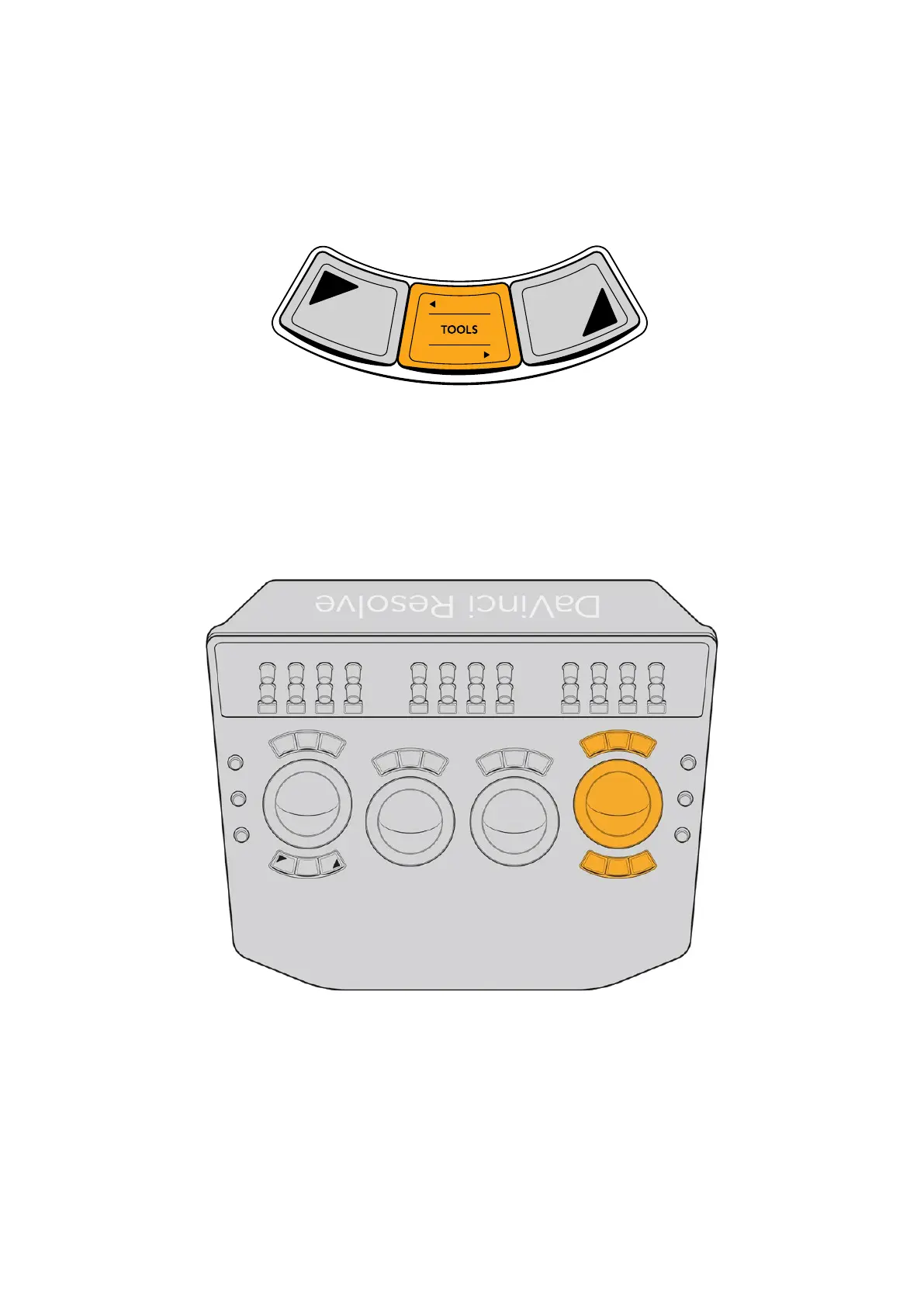
The Tools Button
A TOOLS button at the bottom center of the left‑most trackball provides fast access to a soft
menu that provides addition options using the soft controls. This is a future‑proofing feature and
exposes no additional functionality at the time of this writing.
The TOOLS button under the left‑most trackball
The Fourth Trackball
Depending on which palette you’re using in the Color page, the rightmost (fourth) trackball can
be used for color adjustment in conjunction with the first three when acting as an Offset control
in the Color Wheels and Log Wheel mode of the Primaries palette, or it can be toggled between
Global controls or being the fourth Zone color control in the HDR palette.
The fourth trackball gives access to additional functionality
via the fixed keys above and below it.
However, the fourth trackball can also be set to perform many other functions using the three
keys above and three keys below it. By choosing the appropriate palette and mode, it can be
used as an eyedropper when sampling colors for qualification, it can be used to create, select,
and adjust the control points of adjustment curves, or it can be used to adjust the position and
rotation of Power Windows. All of these functions are described in the following table.
14The Trackball Panel



 To Next Page