Key Shift Up Primary Function Shift Down
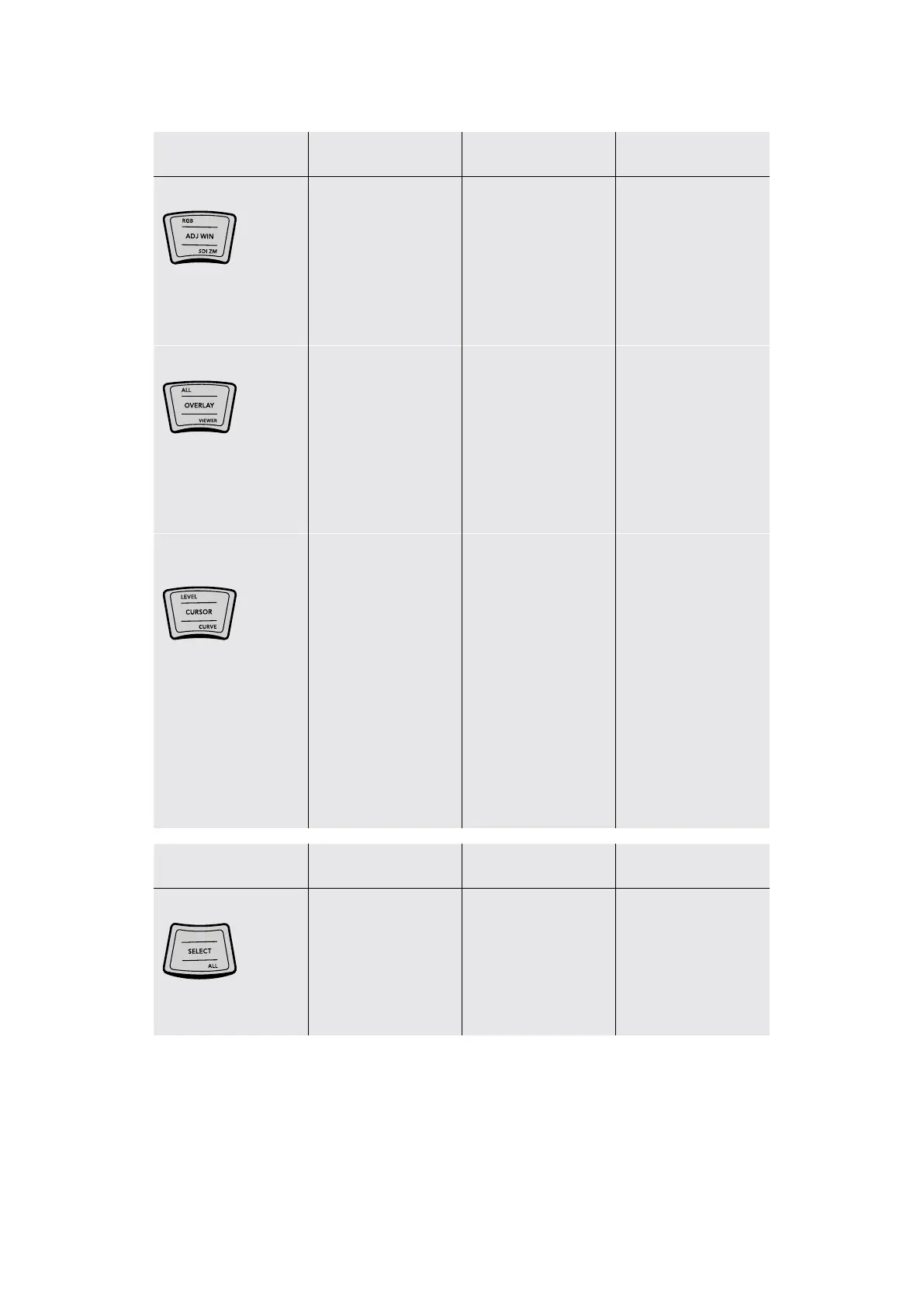
RGB/ADJ WIN/SDI ZM
(RGB) Resets red,
green, and blue channel
adjustments, only
leaving master level
adjustments alone
(ADJ WIN) Lets the
trackball adjust the
position of the selected
window, while the
ring adjusts window
angle. This key remains
illuminated as long as
this mode is enabled
(SDI ZM) Toggles
“Gang viewer zoom
with video output”
on and off, letting the
SDI output mirror pan
and zoom being done
in the Viewer
ALL/OVERLAY/VIEWER
(ALL) Resets all
YRGB adjustments
(OVERLAY) Toggles
onscreen control
overlays, such as
window outlines on
and off for the Viewer
and for video output.
This key remains
illuminated as long as
this mode is enabled
(VIEWER) Sets onscreen
control overlays, such as
window outlines to be
GUI only, so they only
appear in the Viewer
and not on video output
LEVEL/CURSOR/
CURVE
(LEVEL) Resets master
level adjustments,
leaving the differential
between red,
green, and blue
channels unchanged
(CURSOR) Toggles the
eyedropper on and off
for supporting palettes.
In the Qualifier palette,
the cursor lets you
sample the image to
create a key by pressing
the SELECT button. In
the Curves palette, you
can sample the image
to add a control point
to the currently visible
curve. This key remains
illuminated as long as
this mode is enabled.
(CURVE) Opens the
Custom Curve and
selects a control point
to be freely adjusted
(up, down, left and right)
using the fourth trackball
as you would the pointer
in the GUI. Turning the
ring to the left selects
the next control point to
the left, turning it to the
right selects the next
control point to the right.
Key Shift Up Primary Function Shift Down
SELECT/ALL
– (SELECT) Used in
conjunction with the
CURSOR mode of
the fourth trackball
to sample a value for
keying or for adding a
control point to a curve
(ALL) Selects all clips in
the Thumbnail Timeline
15The Trackball Panel



 To Next Page