Key Shift Up Primary Function Shift Down
GLOBAL OFFSET
– (GLOBAL OFFSET) In the
Primaries palette, this
sets the fourth trackball
to adjust Offset color
balance and Master
levels. In the HDR
palette, this sets the
fourth trackball to adjust
the Globals controls.
This key remains
illuminated as long as
this mode is enabled.
–
AFTER/ENABLE/
BYPASS
(AFTER) Disables/
re‑enables all nodes
after the currently
selected node
(ENABLE) Toggles the
currently selected node
(or nodes) off and on
(BYPASS) Toggles
Bypass Grade on and off
Hard-Coded Rotary Knobs
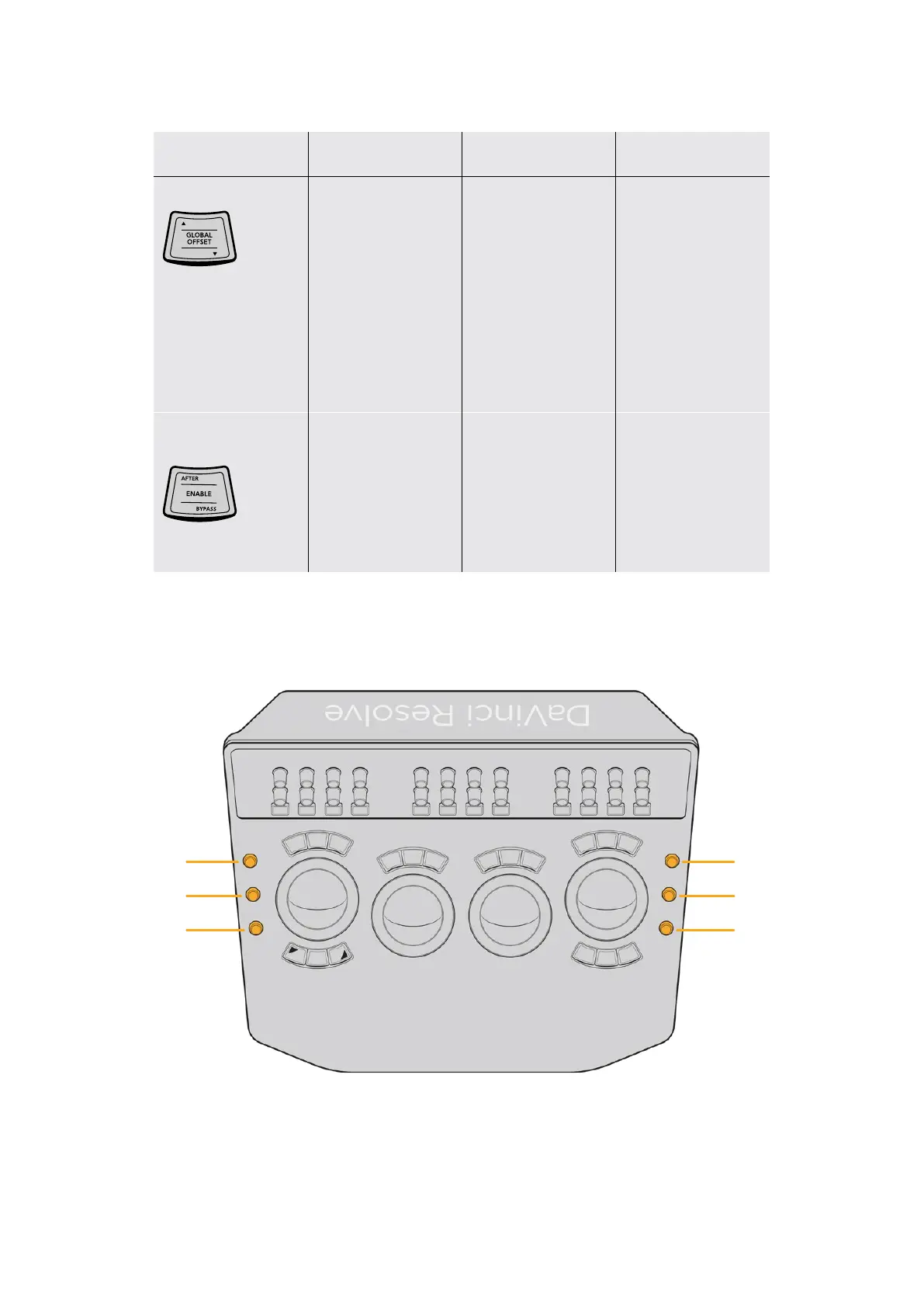
There are an additional six rotary knob controls to either side of the trackballs, arranged
three to the left and three to the right.
SaturationGain
HueGamma
LuminanceLift
Two sets of three rotary controls to the left and
right of the trackballs provide additional functionality.
16The Trackball Panel



 To Next Page