Search Dial panel
Shown at the right, the bottom portion of this smaller panel also has a greater concentration of
fixed keys, a Jog/Shuttle control with fixed Timeline Transport buttons underneath, and a fixed
button numeric keypad that can be used for node and shot navigation, timecode entry, and
which can also be used for whole, half, and quarter Printer Points adjustments when the P/Lite
mode is activated. The top angled portion has a smaller set of soft keys and rotary knobs.
On all three panels, the fixed keys and specialized mechanical/optical controls are located on
the bottom flat area. The operator‑facing top area has all of the dynamically assigned soft keys
and rotarycontrols, located atop an LCD panel which provides dynamic labeling and visual
references for each soft control, all angled to be visible to the operator without parallax errors.
These soft control displays also provide real‑time feedback where you can see the relative
settings of each variable control knob at a glance
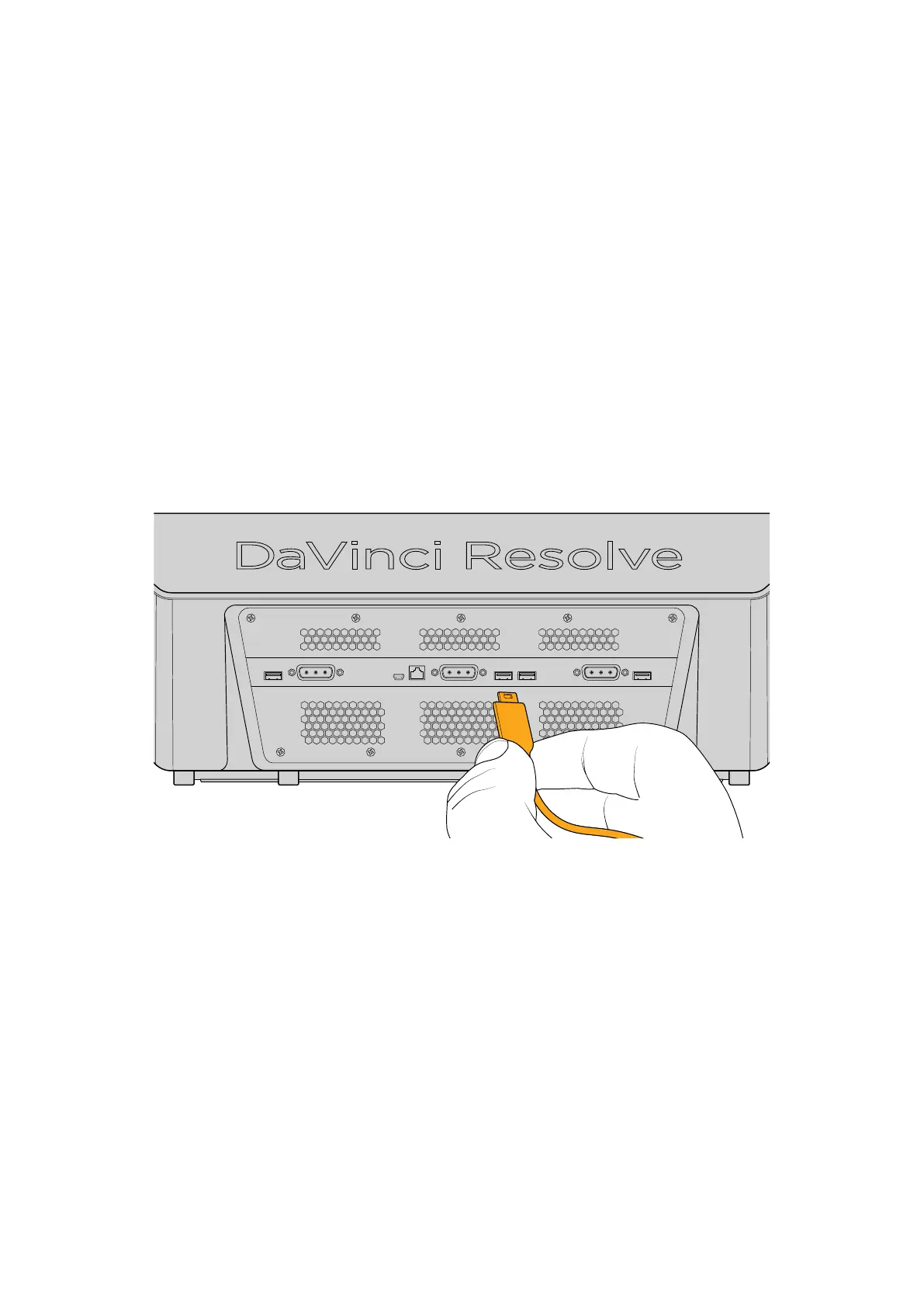
Connecting the Davinci Resolve Advanced Panel
The smaller two panels connect to the Center panel via an integrated USB hub, and the Center
panel connects to your workstation via USB 2.
Using Fixed Keys and
Shift Up/Shift Down Functions
As the name implies, fixed keys offer unchanging functionality for frequently used functions.
They’rearranged in clusters of like‑minded functionality in an effort to make it easy to access
a variety of related controls in one place that’s easier to remember. For example, all the
keyframing controls are clustered together at the bottom‑right of the Search Dial panel, next to
the fixed transport controls, which are clustered together at the bottom‑left of the Search Dial
panel (under the Jog/Shuttle wheel).
However, just because they’re fixed doesn’t mean they’re limited. Many, if not most, of the fixed
keys offer one or two alternate functions, appearing above and below the primary function.
5Using Fixed Keys and Shift Up/Shift Down Functions



 To Next Page