Key Shift Up Primary Function Shift Down
GRADE/PASTE/
APPEND
(GRADE) Pastes the
entire copied grade to
overwrite the previous
grade; if you copied a
group grade, the Pre‑
Clip, Clip, and Post‑Clip
grades are all pasted.
(PASTE) Pastes
whichever node was
the current node
when the grade was
copied to overwrite the
current node’s settings;
the current node is
outlined orange.
(APPEND) Appends
every node of the entire
copied grade after the
last node of the current
grade; if you copied a
group grade, the Pre‑
Clip, Clip, and Post‑Clip
grades are all appended
as a flattened collection
of nodes.
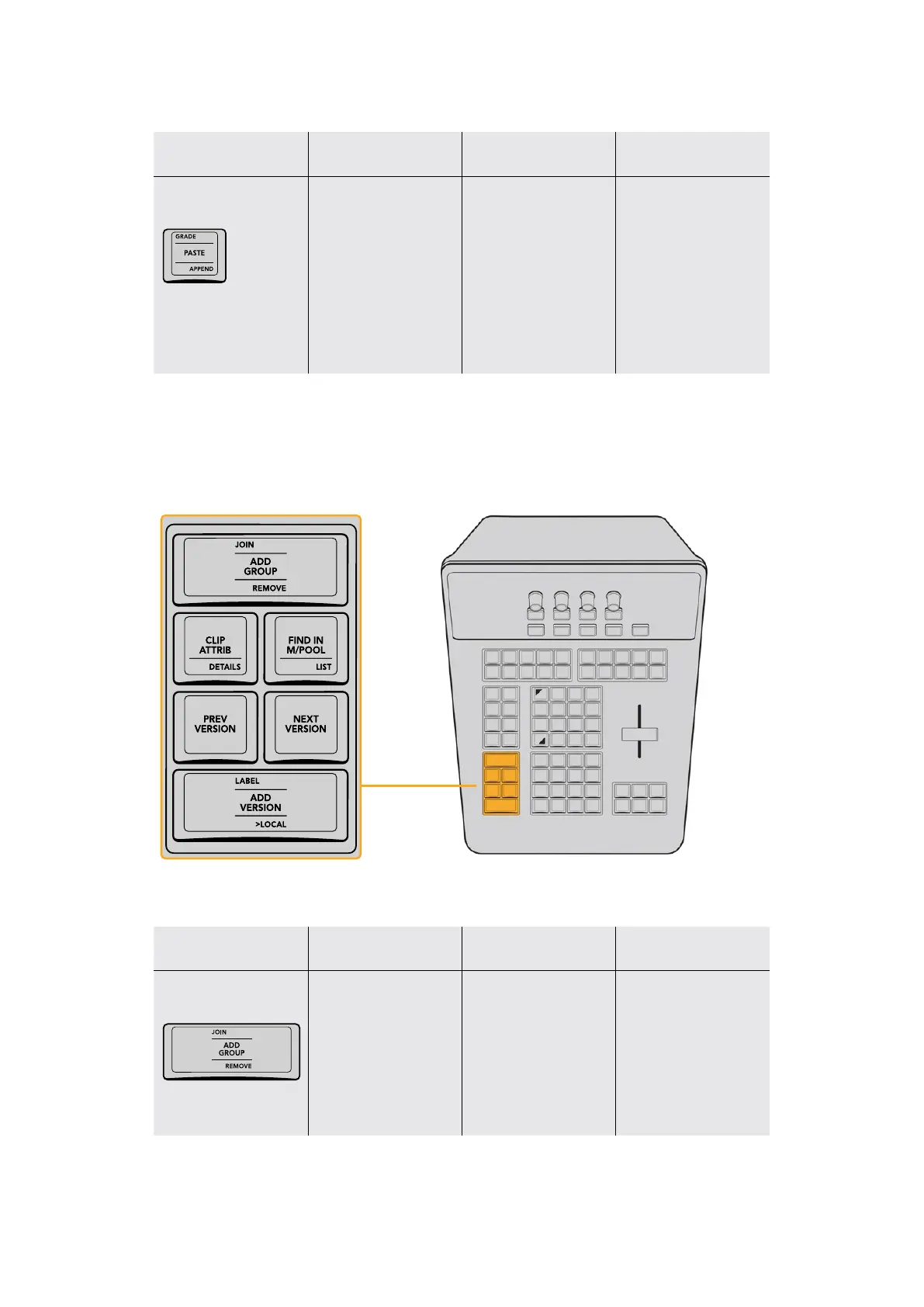
Clip and Version Group
These keys, at the bottom left of the T‑bar panel, are used to manage clips and their
grades in different ways, by creating and managing group assignments, clip attributes, and
grade versions.
The Clip and Version keys let you manage
groups and grade versions with ease.
Key Shift Up Primary Function Shift Down
JOIN/ADD GROUP/
REMOVE
(JOIN) Adds the current
clip (or currently
selected clips) to the
current group (which
is based on whichever
group the last “grouped
clip” you selected
belonged to)
(ADD GROUP) Creates
a brand new group and
opens the Group Name
dialog for you to type
into (click OK to save the
new group)
(REMOVE) Removes
the current clip (or
currently selected clips)
from whichever group it
belongs to
24The T-bar Panel



 To Next Page