EasyManua.ls Logo

DaVinci Resolve Advanced Panel - Page 23

Default Icon
62 pages
Print Icon
To Next Page IconTo Next Page
To Previous Page IconTo Previous Page
Loading...
Key Shift Up Primary Function Shift Down
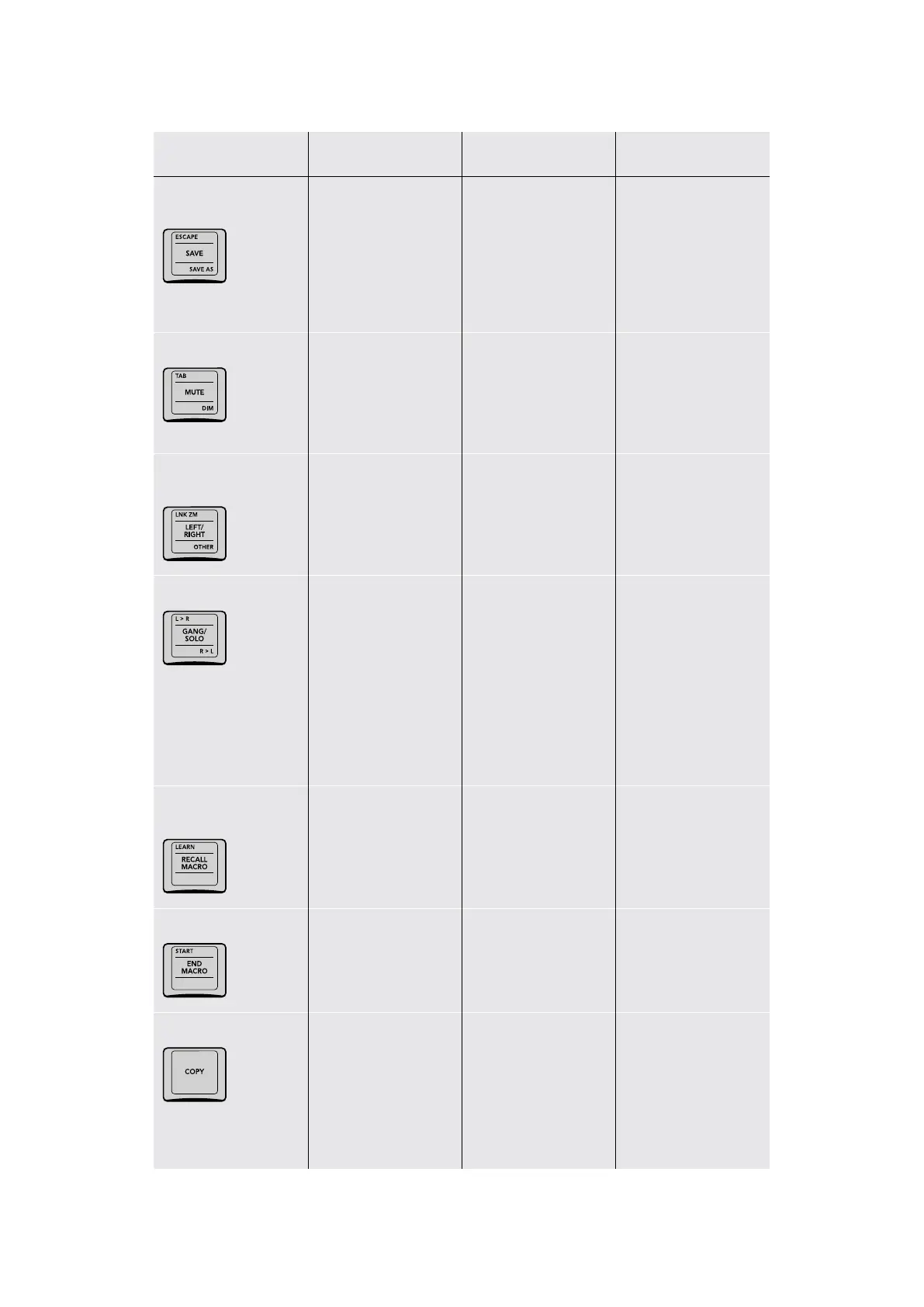
ESCAPE/SAVE/
SAVE AS
(ESCAPE) The
Escape key on a
computer keyboard
(SAVE) Issues the Save
command for the current
project; this is identical
to pressing Command‑S
(SAVE AS) Opens the
Save Current Project
As dialog, so you can
save a duplicate of the
currently open project;
change the name
and click Save when
you’re done.
TAB/MUTE/DIM
(TAB) The Tab key on a
computer keyboard
(MUTE) Mutes audio
monitoring; often useful
when grading terrible
programs
(DIM) Toggles between
reducing and boosting
the volume by 10dB;
useful when the client
wants to describe their
next vacation
LINK ZM/LEFT/RIGHT/
OTHER
(LINK ZM) For Stereo
3D timeline, toggles
Convergence
between Linked Zoom
and Opposite
(LEFT/RIGHT) For Stereo
3D timelines, toggles
between monitoring the
Left or Right eye images
(OTHER) For Stereo
3D timeline, to
“use the other eye”
L>R/GANG/SOLO/R>L
(L>R) For Stereo 3D
timelines, copies
the left‑eye grade to
the right eye
(GANG/SOLO) For
Stereo 3D timelines,
toggles between
ganging left‑ and
right‑eye grades
together so changes to
one are made to both,
or soloing the left‑ and
right‑eye grades to
make independent
adjustments to each
(R>L) For Stereo 3D
timelines, copies the
right‑eye grade to the
left eye
LEARN/RECALL
MACRO/–
(LEARN) Not yet
implemented at the time
of this writing
(RECALL MACRO) Not
yet implemented at the
time of this writing
START/END MACRO/
(START) Not yet
implemented at the time
of this writing
(END MACRO) Not yet
implemented at the time
of this writing
COPY
(COPY) Copies the
grade of the current clip
in its entirety, including
all parts of group
grades; you control
what part of the copied
grade is pasted using
different commands.
23The T-bar Panel

Table of Contents