EasyManua.ls Logo

DaVinci Resolve Advanced Panel - Next Version

Default Icon
62 pages
Print Icon
To Next Page IconTo Next Page
To Previous Page IconTo Previous Page
Loading...
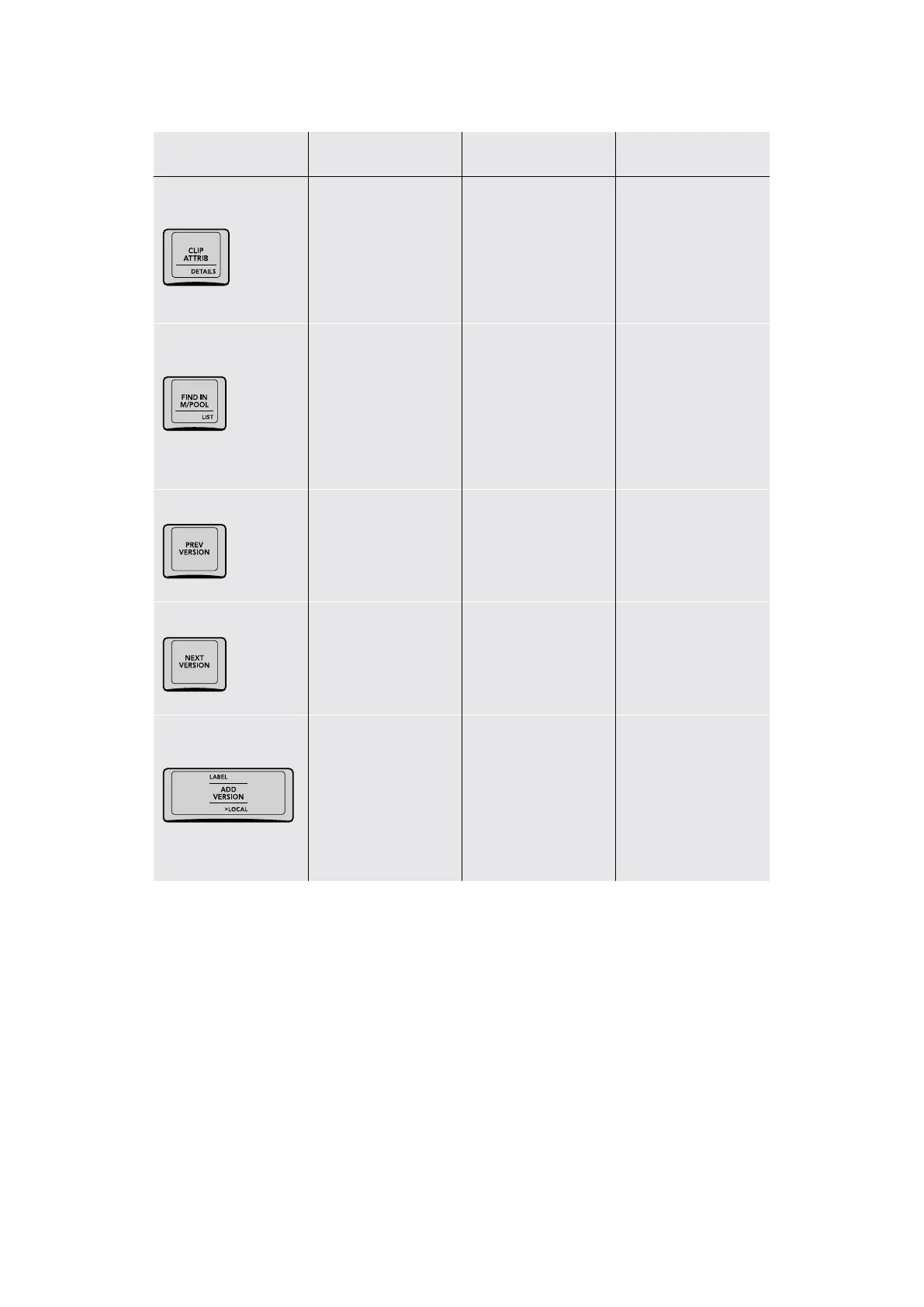
Key Shift Up Primary Function Shift Down
–/CLIP ATTRIB/
DETAILS
(CLIP ATTRIB) Opens
the Clip Attributes
window for the currently
selected clip
(DETAILS) Toggles the
floating Clip Details
window open and
closed, with which you
can see various clip
and grade properties
for reference
–/FIND IN M/POOL/
LIST
(FIND IN M/POOL)
Selects the source
clip in the Media Pool
that corresponds to
the current clip in
the Timeline; opens
the Media Pool to
show the clip
(LIST) Switches the
Media Pool to List
view; the Media Pool
does not automatically
open if closed.
PREV VERSION
(PREV VERSION) Cycles
the grade of the current
clip to the previously
numbered version
NEXT VERSION
(NEXT VERSION)
Cycles the grade of the
current clip to the next
numbered version
LABEL/ADD
VERSION/>LOCAL
(LABEL) Opens the
Version Name dialog,
so you can rename the
current version of the
current clip; click OK
when you’re done.
(ADD VERSION) Adds
an additional version of
the grade for the current
clip; you can create
multiple versions of a
grade to save variations
for future recall.
(>LOCAL) Toggles
between Use Local
Grades and Use Remote
Grades; switching
between Local and
Remote grades doesn’t
change or copy either
set of grades.
25The T-bar Panel

Table of Contents