EasyManua.ls Logo

DaVinci Resolve Advanced Panel - Page 34

Default Icon
62 pages
Print Icon
To Next Page IconTo Next Page
To Previous Page IconTo Previous Page
Loading...
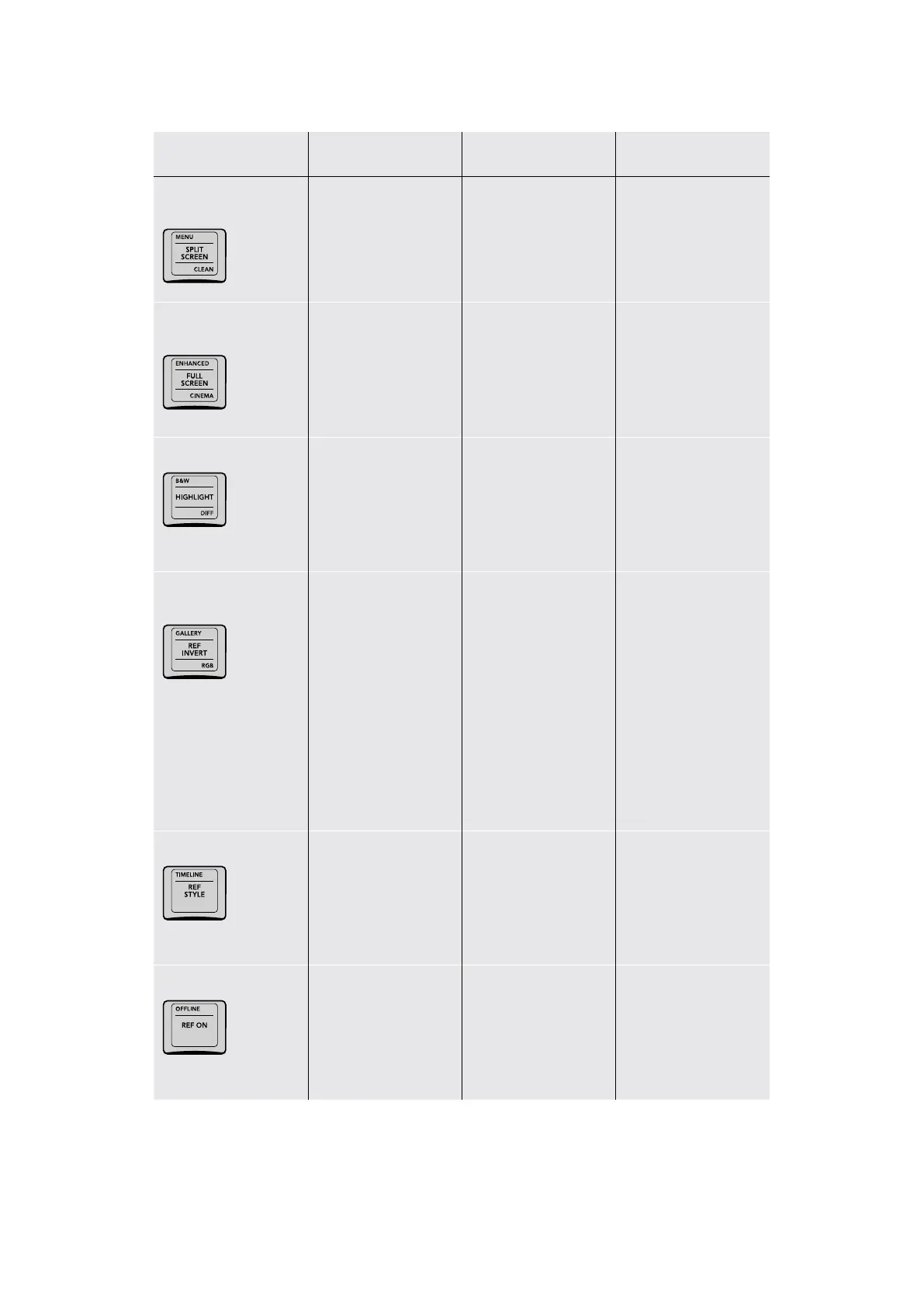
Key Shift Up Primary Function Shift Down
MENU/SPLIT SCREEN/
CLEAN
(MENU) Press to show a
row of Split Screen view
options in the Trackball
panel soft buttons,
with which to compare
multiple clips
(SPLIT SCREEN)
Toggles a split screen
comparison on and
off, with which to
compare multiple clips in
different ways
(CLEAN) Toggles
Video Clean Feed on
and off (Workspace >
Video Clean Feed)
ENHANCED/FULL
SCREEN/CINEMA
(ENHANCED)
Sets the Viewer to
Enhanced mode
(FULL SCREEN) Sets
the Viewer to Full
Screen mode
(CINEMA) Sets the
Viewer to Cinema mode
B&W/HIGHLIGHT/DIFF
(B&W) Toggles the
Highlight between high‑
contrast Black and White
mode and the regular
gray modes
(HIGHLIGHT) Toggles
the Highlight on and
off; used to see the
resulting matte when
adjusting a Qualifier or
Window isolation
(DIFF) Toggles the
Highlight between
Difference and the
regular gray modes
GALLERY/REF INVERT/
RGB
(GALLERY) Sets the
currently selected clip
in the gallery as the
reference image
(REF INVERT) Inverts
the left and right
halves of the images
being compared
(RGB) Shows an
individual red, green,
or blue channel in
the Viewer; press
SHIFT DOWN, then
REF INVERT, then
the 1 (labeled Green),
3 (labeled Blue), or
5 (labeled Red) buttons
on the Search Dial
panel. Press REF
INVERT to go back to
viewing RGB.
TIMELINE/REF STYLE/–
(TIMELINE) Lets you
compare the current
still in the Gallery to the
Timeline image
(REF STYLE) Cycles
among all the different
split‑screen wipe styles,
so you can choose how
to compare the current
and reference images
OFFLINE/REF ON
(OFFLINE) Compares
the current frame at the
playhead to the currently
assigned Offline
Reference Movie frame
at the same timecode
(REF ON) Toggles a
Gallery wipe on and off,
with which to compare
a saved still to the
current clip
34The T-bar Panel

Table of Contents