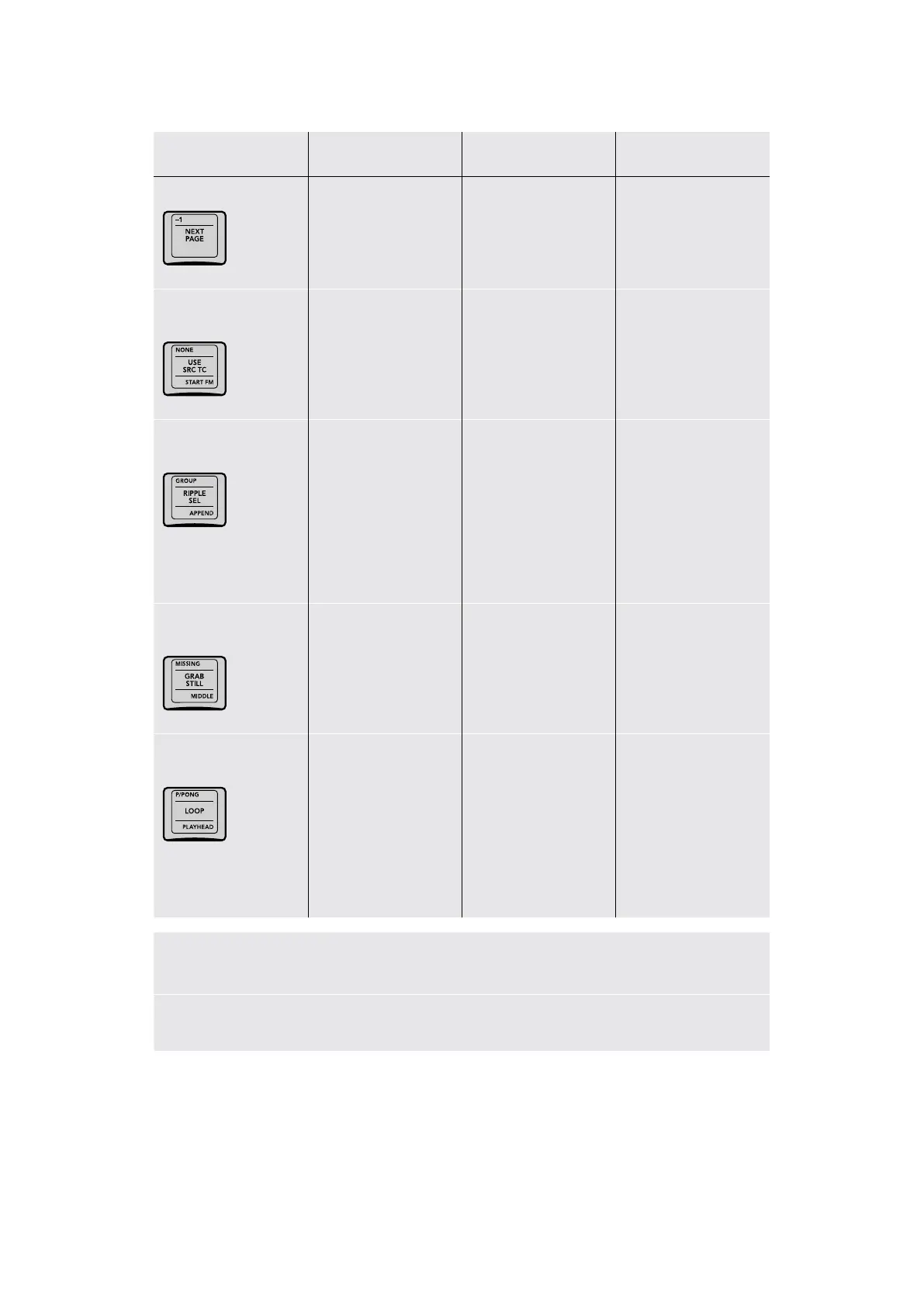
Key Shift Up Primary Function Shift Down
-1/NEXT PAGE
(–1) Copies grade from
the clip just before
the current clip to
overwrite the grade in
the current clip
(NEXT PAGE)
Selects the next
Album in the Album list
of the Gallery
–
NONE/USE SRC TC/
START FM
(NONE) Changes the
“Apply Grades Using”
option in the Gallery to
No Keyframes
(USE SRC TC)
Changes the
“Apply Grades Using”
option in the Gallery
to Keyframes Aligning
Source Timecode
(START FM) Changes the
“Apply Grades Using”
option in the Gallery
to Keyframes Aligning
Start Frames
GROUP/RIPPLE SEL/
APPEND
(GROUP) Ripple Node
Changes to Group,
when you select a clip
that’s part of a group
and make a change to
one node, that change
is rippled to the same
node of every clip in
the group
(RIPPLE SEL) Ripple
Node Changes to
Selected Clips, when
you select multiple clips
and make a change
to one node, that
change is rippled to the
same node of every
selected clip
(APPEND) Append Node
to Selected Clips, when
you select multiple clips
and make a change to
a new node, that node
is appended to the end
of the grade of every
selected clip
MISSING/GRAB STILL/
MIDDLE
(MISSING) Saves a still
for every clip in the
timeline that does not
already have a still in
the currently selected
Album of the Gallery
(GRAB STILL) Saves
the currently displayed
still in the Viewer,
and its grade, to the
currently selected
Album of the Gallery
(MIDDLE) Saves one
still for every clip in the
timeline at the middle of
each clip
P/PONG/LOOP/
PLAYHEAD
(P/PONG) Toggles
looping mode
between ping‑pong and
loop forward
(LOOP) Toggles
playback looping on
and off
(PLAYHEAD) Press to
add an Active Playhead
to the Mini Timeline
using the highlighted
the A/B/C/D keys above;
once added, pressing
PLAYHEAD and a letter
switches playback
control to that playhead
Duration: To define a duration, first select the time using the numerical keypad (the colon
separates the hours, minutes, seconds, and frames), and then select Duration.
Cue: Selecting Cue will force the transport to the preroll position.
38The Search Dial Panel



 To Next Page