dCS Bartók DAC User Manual Software Issue 1.0x
February 2019
Bartok DAC Manual v1_0x Page 25 English version
STEP 5 – Using the USB2 input
You can play compatible music files that are stored on a flash drive, formatted as FAT16, FAT32 or
un-encrypted NTFS. Drives in other formats are not compatible.
• Connect the drive to the USB2 port and select the USB2 input.
When the DAC is connected to a network, you can use the dCS Bartók App to control
playback from the flash drive. Go to the Home page and select the USB/iPod option,
then select tracks as from a NAS drive - see Step 2 for details.
Alternatively, you can select files to play from the front panel as described below.
• Hold down the Menu button for 2 seconds to open the browser. Please Wait may be displayed for
a few seconds, depending on the capacity of the drive, then the name of the drive. Press the
Menu button.
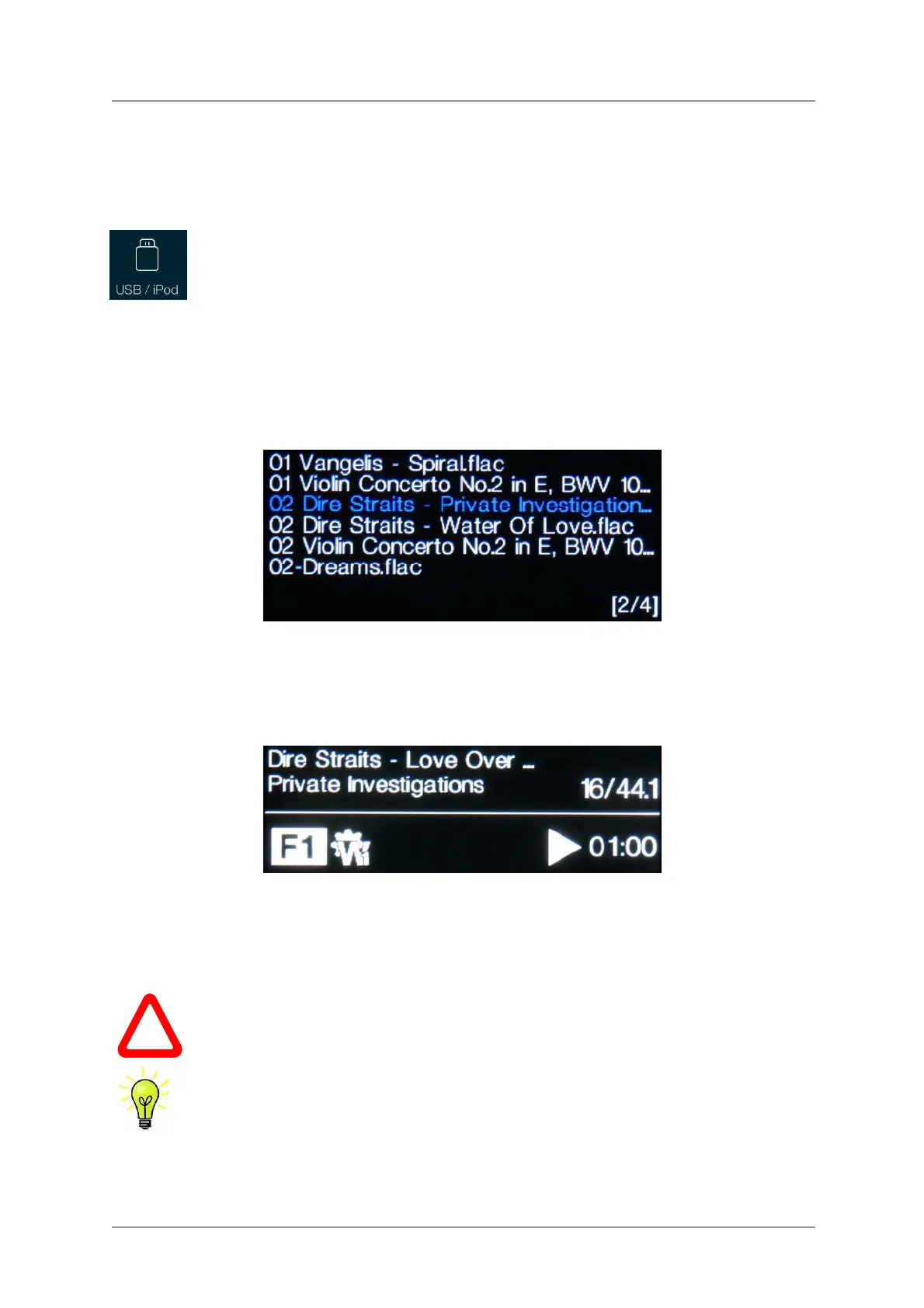
• The files and folders in the root directory will be listed on the display. Use the ► and ◄ buttons to
move the blue highlight. (The blue highlight is a cursor, it does not move when the next track starts
playing.)
• Press the Menu button to either start playing a file or to move into a sub-directory.
• If you need to navigate back up the directory structure, press the Mute button.
• Press the Power button briefly to close the browser.
The operation of the front panel controls returns to normal. The name of the track, the play icon and
the track elapsed time will be displayed.
The DAC will play all the files in that folder in the sequence they appear on the flash drive and then
stop.
• Use the remote control’s Previous Track, Next Track, Play/Pause and Stop/Eject buttons to
control playback.
• To select a different directory or re-start playback, open the browser again.
!
Do not try to play non-audio files, as this can cause the interface to malfunction.
If you do this by accident, re-boot the DAC.
You can use the USB2 interface with a low-power USB HDD if you wish, provided it is in
a compatible format. We have used drives with capacities up to 1TB successfully,
although the read time can be quite long. For larger capacities, please use a NAS drive
connected via a network instead.



 To Next Page