dCS Bartók DAC User Manual Software Issue 1.0x
February 2019
Bartok DAC Manual v1_0x Page 45 English version
DISPLAY SETTINGS Menu
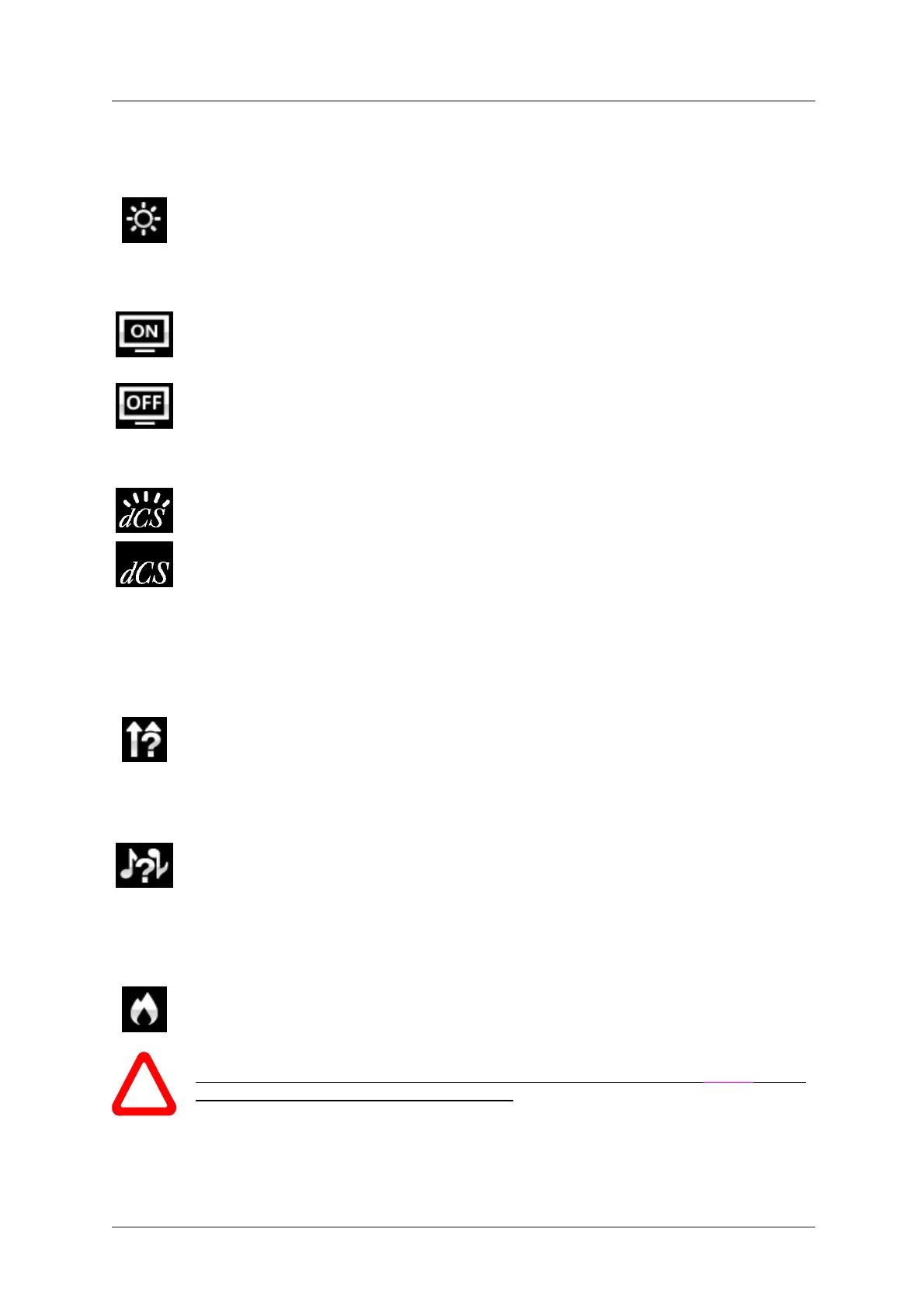
Brightness
Set the display Brightness to a comfortable level using the ◄ or ► buttons. Press the
Menu button to exit.
Display On/Off
This page is usually set to On.
When set to Off and the menu closes, the display will turn off after a few seconds. The
display will turn on briefly when a control setting is changed. The display will stay on if
the menu is open.
Logo On/Off
When set to On, the dCS logo at the left side of the display is illuminated.
When set to Off, the logo is not illuminated.
GENERATOR Menu
Channel Check
This routine tests the system for swapped channels. A tone is output on the left channel
only while the display shows Left Channel, then the right channel only while the display
shows Right Channel. If these are the wrong way around, the left and right channels are
swapped somewhere in your system.
Phase Check
This routine tests the system for phase reversals. Noise is output in phase on both
channels while the display shows In Phase. After a few seconds, the noise on the right
channel is inverted while the display shows Out Phase. The first burst should produce a
central image, the second burst should not. If these are the wrong way around, one
channel in your system is phase inverted.
Burn In
This page runs a procedure to condition your system. The unit displays Burn In
Warning – Loud!, Press any button to quit, then outputs modulated pink noise that
ramps up and down slowly in level. Press any button to stop the procedure.
!
Please ensure that the volume level is reasonable, as careless use of the Burn In feature
can damage your amplifiers and loudspeakers. dCS will not be liable for such damage.



 To Next Page