dCS Bartók DAC User Manual Software Issue 1.0x
February 2019
Bartok DAC Manual v1_0x Page 41 English version
AUDIO SETTINGS Menu
Phase
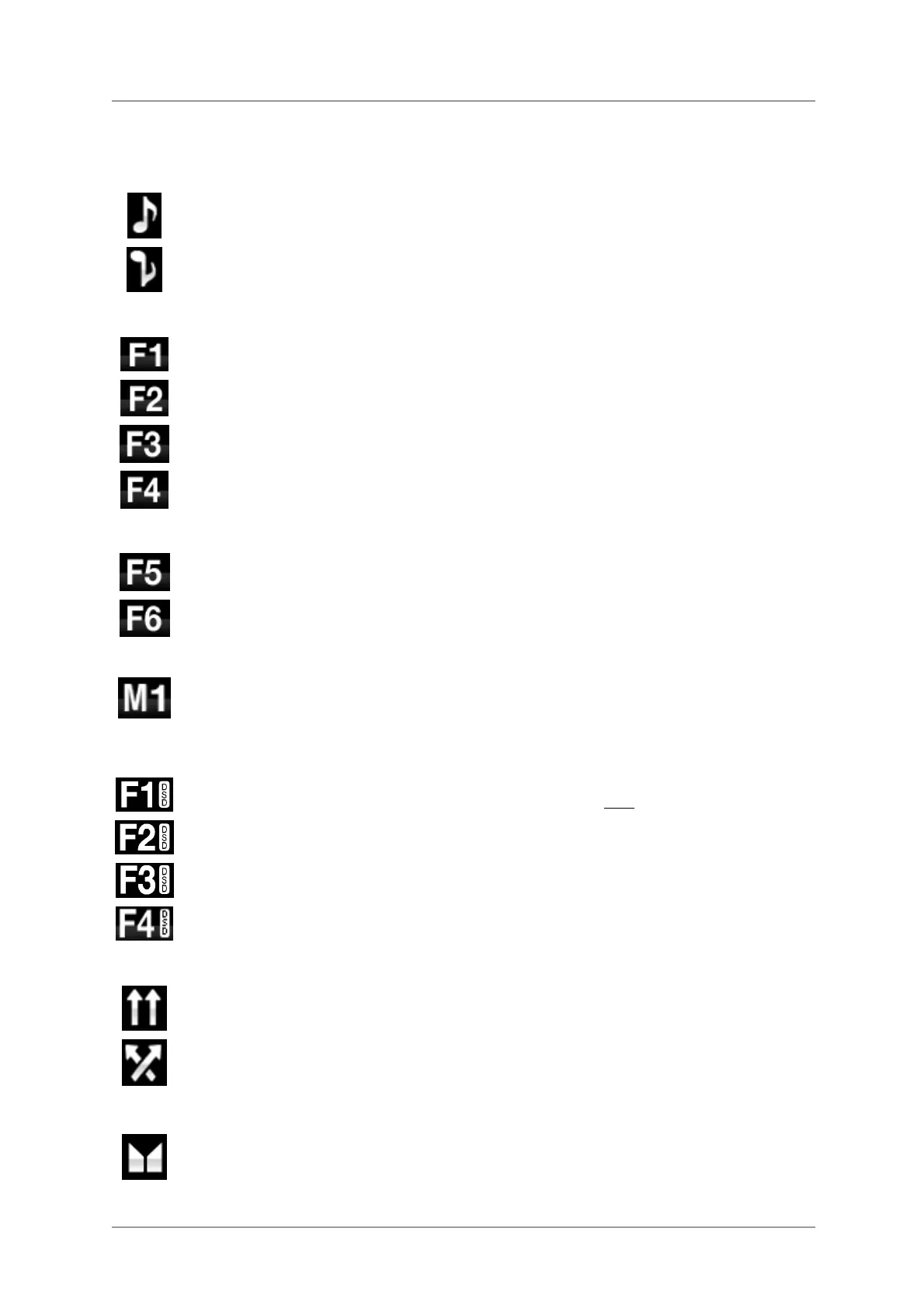
Use this page to change the phase of all the analogue outputs from normal phase…
…to inverted phase, to correct for absolute phase errors on recorded music. This icon is
displayed when the outputs are inverted. Phase is reset to normal to power up.
Filter
The Bartòk DAC features two sets of digital filters: one set for PCM and one set for DSD.
The PCM Filter is applied when the unit is receiving PCM data. Filters are a personal
choice.
The DAC remembers the last filter set for every sample rate.
The first 4 PCM filters give different trade-offs between the Nyquist image rejection and
the phase response. Filter 1 has the best rejection of (unwanted) Nyquist images and
the sharpest roll-off, resulting in the poorest transient response of the four. Filters 2, 3
and 4 have progressively more relaxed image rejection and progressively better
transient response. Filter 2 is often preferred for orchestral music, while Filter 3 and
Filter 4 are often used for rock music.
If the source data rate is 176.4, 192, 352.8 or 384kS/s, two extra filters are available.
Filter 5 has a Gaussian response (which has no overshoot on transients, with a relaxed
roll-off) and Filter 6 is an asymmetrical type (which features almost no pre-ringing).
There are 2 extra filters for 44.1kS/s operation also. Filter 5 is an asymmetrical design
with non-linear phase and no pre-ringing. Filter 6 is a new sharp filter which has linear
phase and pre-ringing. Try them and decide for yourself which you prefer.
While receiving and decoding MQA format data, Filter M1 may be selected in addition to
6 other filters. This is the recommended filter for MQA. The MQA filter setting is stored
separately as if it were an extra sample rate.
DSD Filter
The DSD Filter is applied when the unit is receiving DSD data or when the DSD
Upsampling feature is active. While upsampling PCM data, both filters are active.
DSD mode has 4 filters, but these progressively reduce the out-of-band noise level
(which is inherent in the 1-bit nature of DSD). Filter 1 is the usual setting – it gives the
widest bandwidth (90kHz for DSD/64) and the highest level of out-of-band noise. If your
system sounds harsh, try Filter 2 or Filter 3. These progressively reduce the out-of-
band noise level at the cost of some bandwidth. Filter 4 is primarily intended for
troubleshooting, not listening, as it cuts off sharply (above 25kHz for DSD/64) to
minimise the out-of-band noise.
Ch Swap
This feature swaps the channels from normal…
…to swapped to correct a connection error. Correct the error and change back to
normal. Ch Swap does not affect the Channel Check feature, it is reset to normal at
power up.
Balance
The operation of the rotary control changes to adjust the balance. Each channel can be
varied from 0dB to –6dB in 0.1dB steps, then mute (
-∞) below that. Press the Menu
button to end Balance adjustment. Most owners use the app to adjust the balance.



 To Next Page